Digital product is not available for download

Hello Community,

I started to test a digital product marketplace using hivetask theme. I followed the all steps specified in the hivepress blog (Create a Digital Products Marketplace with WordPress) but it seems that after the purchase of the digital product is made, the file is not available for download in account - inside the order.

What I did wrong?


Thank you!

Hi,

Please disable third-party plugins and customizations (if there are any) and check if this issue persists. If you use a caching plugin, make sure that caching is disabled for logged-in users.

If this issue persists, please send more details that may help to detect or reproduce this issue (e.g. a link to your site, screenshots, a list of installed plugins, or the error message you get).

Hello,

Thank you for the answer! I disabled all plugins (except the hivepress plugins: Marketplace, Tags, Messages, Requests, Favorites, Reviews and WooCommerce) and it is the same issue. The digital product is not available for download.
I have the follwing third-party plugins installed: Code Snippets, Complianz | GDPR/CCPA Cookie Consent, Converter for Media, Facturare WooCommerce, WooCommerce, Forminator, NETOPIA Payments Payment Gateway, Rank Math SEO, Site Kit by Google, Wordfence Security, YaySMTP - Simple WP SMTP Mail)

Website: uptask.ro

Thank you!

Hi,

I appreciate if you can reproduce/check the issue and to help me with a solution. I am thinking to buy ExpertHive theme in order to create a digital product marketplace but I want first to be sure that everything work fine and that potential customers can download their products after purchase. For this reason I started testing the download of digital products using the theme (TaskHive) which is actually intended for my freelance marketplace.

Thank you!

Hi,

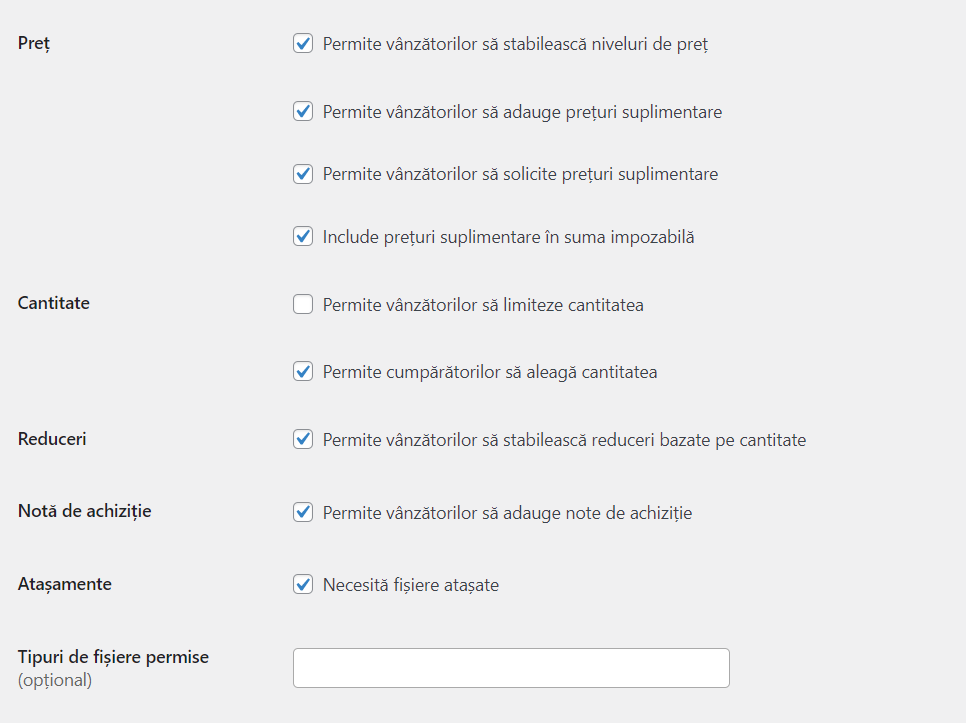
Please ensure the attachments are enabled in HivePress > Settings > Listings > Selling and that the attachment was in the listing before the purchase.
Also, you may view the order page as a vendor, not a buyer. Therefore, the products are not available for download.
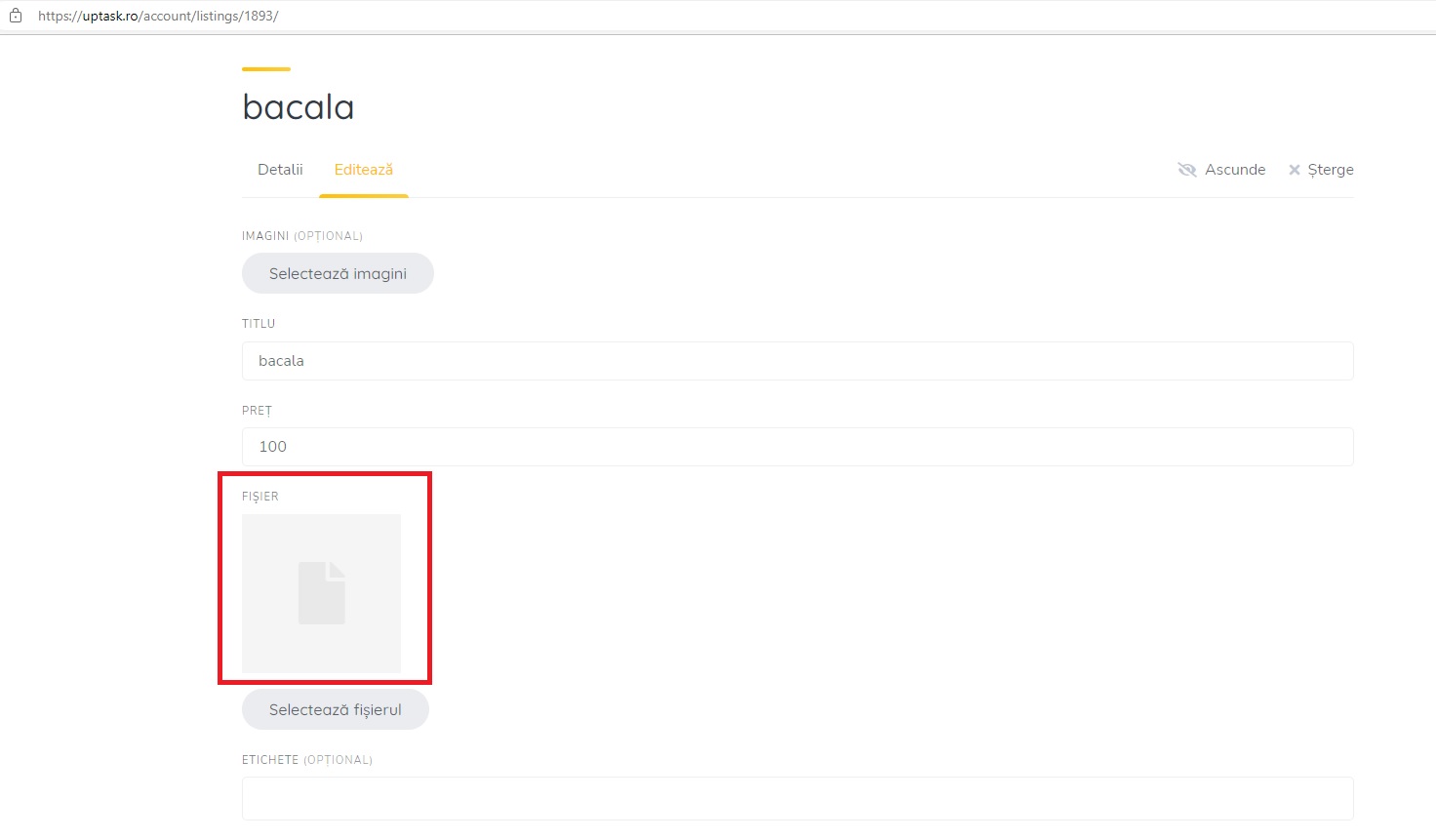
Hi,

  1. The attachments are enebled. If attachment are not anabled then the file attachment function does not appear in the listing form.
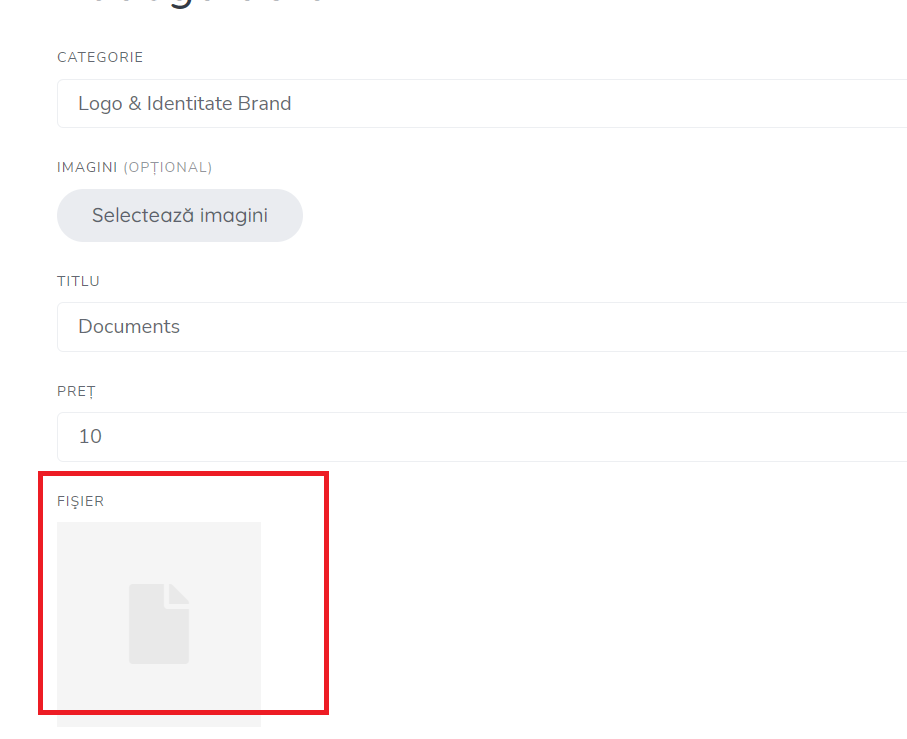
  2. I created a new listing. Below is the print screen from the time of listing. You can see that I have attached a file (.zip)
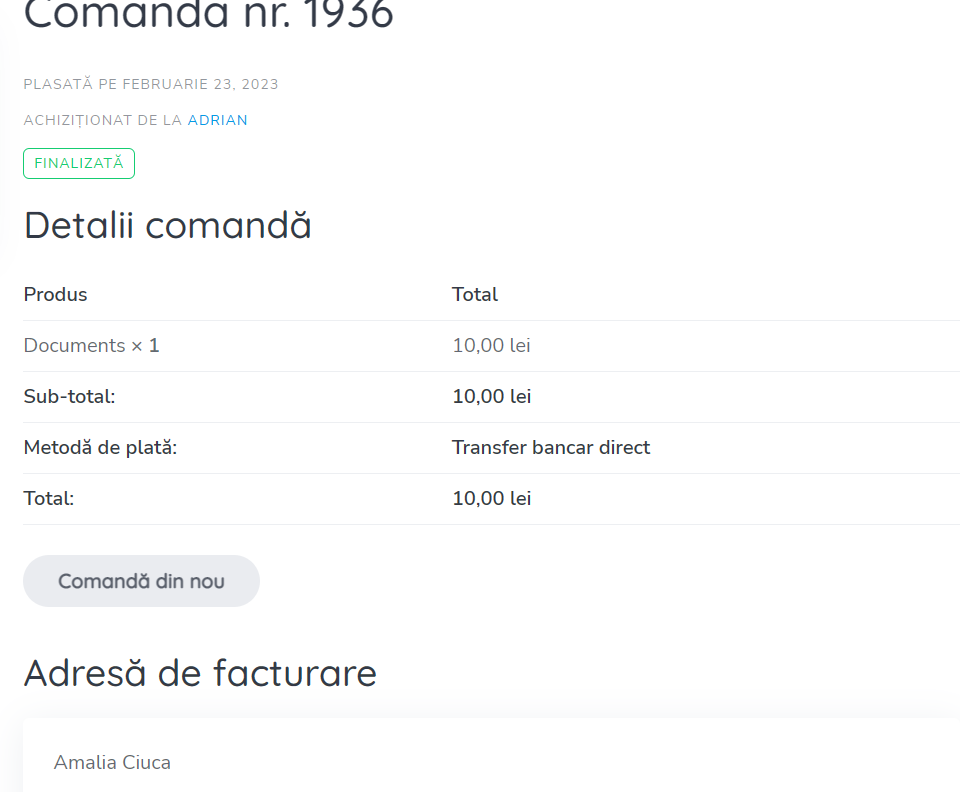
  3. After I posted the listing, I logged in as a buyer and purchased the product. Below is proof that the buyer cannot download the file.
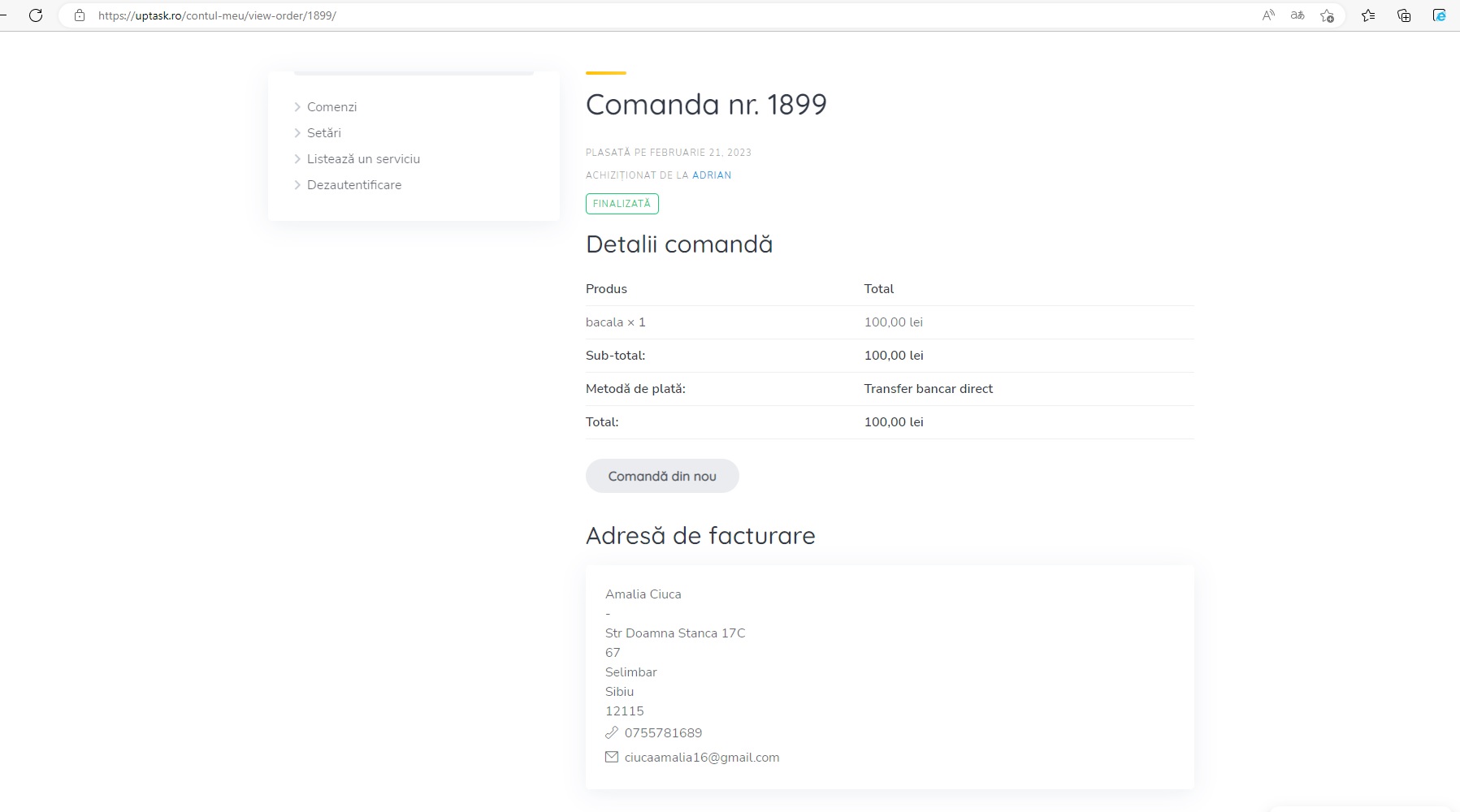
  4. I logged in as a vendor and I went in on the order. Please see below the print screen.

What I did wrong?

Thank you again for your support!

Please send temporary WP access to support@hivepress.io with details for reproducing this issue and we’ll check it. You can create a temporary access link using this plugin Temporary Login Without Password – WordPress plugin | WordPress.org

Hi,

I found out what the problem is. woocommerce-settings-products-approved download directories. There were not enabled the uptask directories where the files are stored. Maybe it will help others in the future. As I saw, UpTask creat a subdirectores for each month of the year. I am not sure if I have to activate each directory manually when a new one is created.

1 Like

This topic was automatically closed 30 days after the last reply. New replies are no longer allowed.

I have just bought the TaskHive, and am setting it up to sell digital downloads, and have two issues:

  1. No downlink in check out page
    I set HivePress setting: a) Require file attachment b) do not require manual completation, but after one user posted a service (actually a download for sale) with price 0, and another user bought it, there is no download link in the check out page, instead the order is shown as being processed.
  2. When a user post a service,his is hard to find where to put the title and price. There should be some fill out rectangle areas with visible borders.


It looks I have the same issue as this Digital product is not available for download

Any progress?

Hi,

Please check the solution in this topic. Also, please note that we respond within 24 hours, excluding weekends Support Policy | HivePress