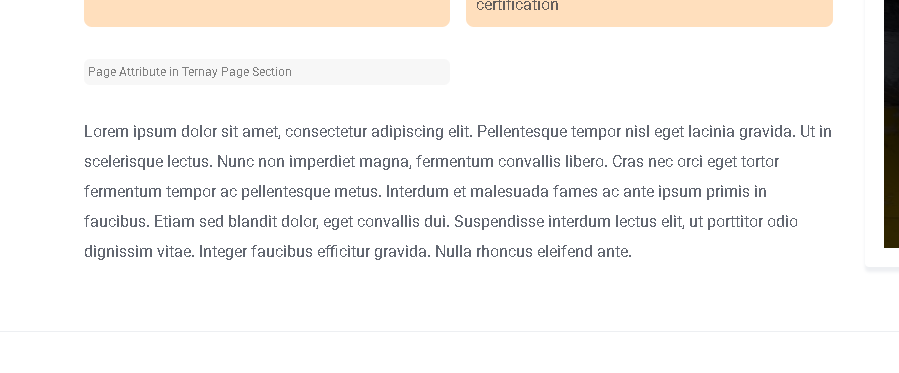
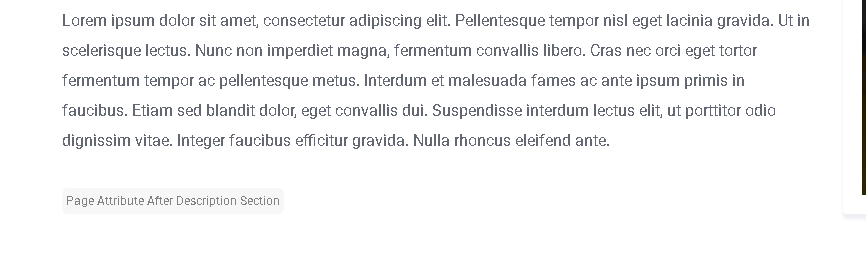
As the title suggests, I am trying to display a listing attribute below the listing description. I looking to see if anyone has pointers or suggestions.
I’m trying to customize the single listing layout on my site (using the ExpertHive theme) to display a custom attribute (an ID) immediately after the description block on the listing detail page.
I created a custom attribute (cny_id) that will correctly display if I select a position in the listing attributes UI. However, I want to relocate this specific attribute so it appears right after the description, not within the standard listing attributes block
Ive tried a few different attempts at template overrides but I think Im not doing it correctly. Any help or direction is much appreciated.
Thank you for the suggestion. Where do I specify the attribute that I want to alter the display order to? I only want one attribute to display after the description, but all others remain as is
The code snippet I shared above reorders the entire attribute section. You can use the ‘Order’ setting in the sidebar of the attribute you’re editing to change which order the attributes are display in, but what you’re describing of only moving a single attribute below the description will require custom implementation which I’m unable to provide. Sorry!
Depending on the developers schedule, you may occasionally find an official Customisation service offered by HivePress themselves, but sadly, it’s currently unavailable at the moment.