.hp-listing–view-block .hp-listing__attributes–primary .hp-listing__attribute { font-weight: bold; color: orange; }
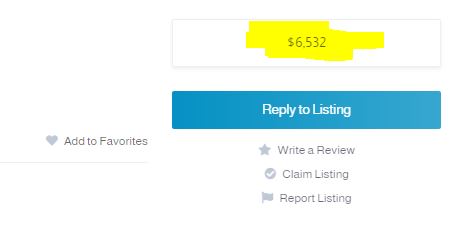
I used this css snippet to change the weight and the color of the attributes (1st image)… How to edit this ccs snippet to make the same changes in this area (second page)
try switching “block” with “page” assuming the first snippet worked, .hp-listing–view-page .hp-listing__attributes–primary .hp-listing__attribute { font-weight: bold; color: orange; }
Thank you
This topic was automatically closed 30 days after the last reply. New replies are no longer allowed.