Save changes while adding new listings

Hello there,

I received a few queries about ability to save the new listing form and continue later. Whilst investigation options, I came accross this:

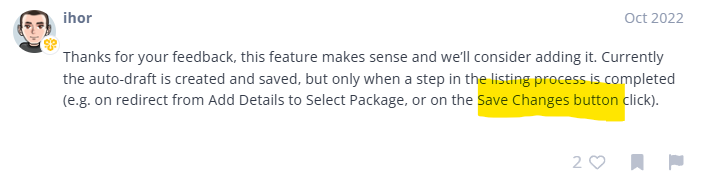
There is no Save Changes button on my new listing form, how can I enable it?

Kind regards,

Jovica

Hi @jovica,

By ‘Save Changes’ button, I think Ihor was meaning the regular Submit button at the bottom of the page.

If the listing form contains something preventing it from proceeding (e.g. missing some input on required fields), I believe the Submit button acts like a Save button and stores the progress as a draft.

I hope that makes sense!

Cheers,
Chris :victory_hand:

1 Like

Hi,

The Save Changes button appears when you’re editing an existing listing. This means the button will show up after you’ve initially submitted a listing and are making changes to it.

Hope this helps

Hi Chris,

Thaks for this. I tested partial progress with submit button but saving did not happen.

It would have been nice, though.

Kind regards,

Jovica

Thanks Kseniia,

I was afraid that this might be the case but was hoping that I have missed something somewhere during set-up.

I get a lot of feedback in regards to creating listing in one go.

Kind regards,

Jovica

Sorry for the confusion.
Currently, there’s no option to save a listing draft during submission. The Save Changes button only works after the listing is added, but some details [like images and category] remain when you return to the Add Listing form.
This topic was automatically closed 30 days after the last reply. New replies are no longer allowed.