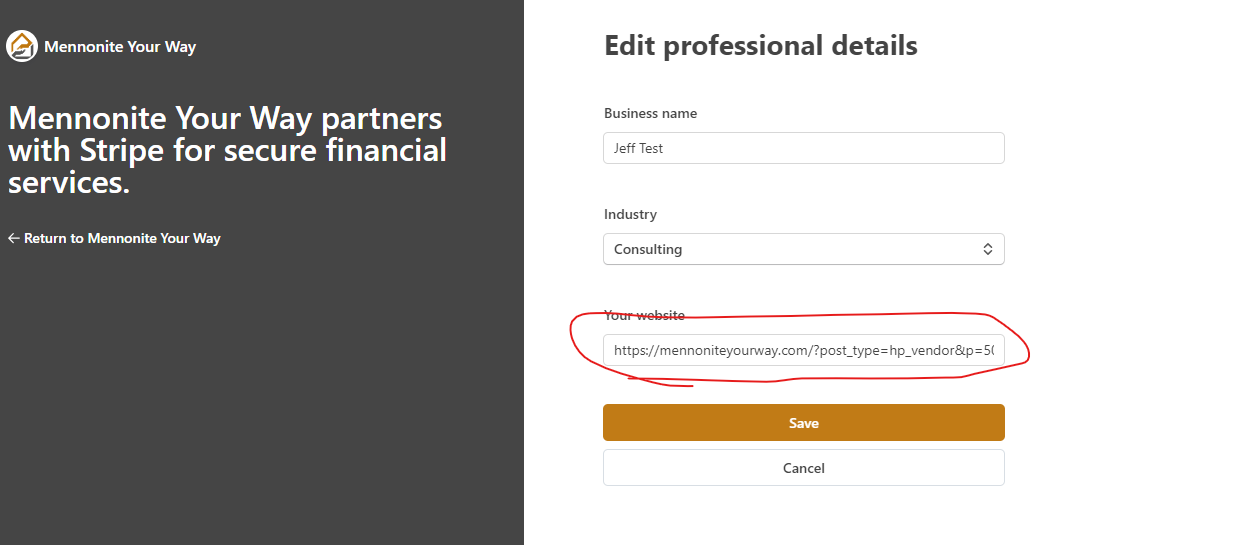
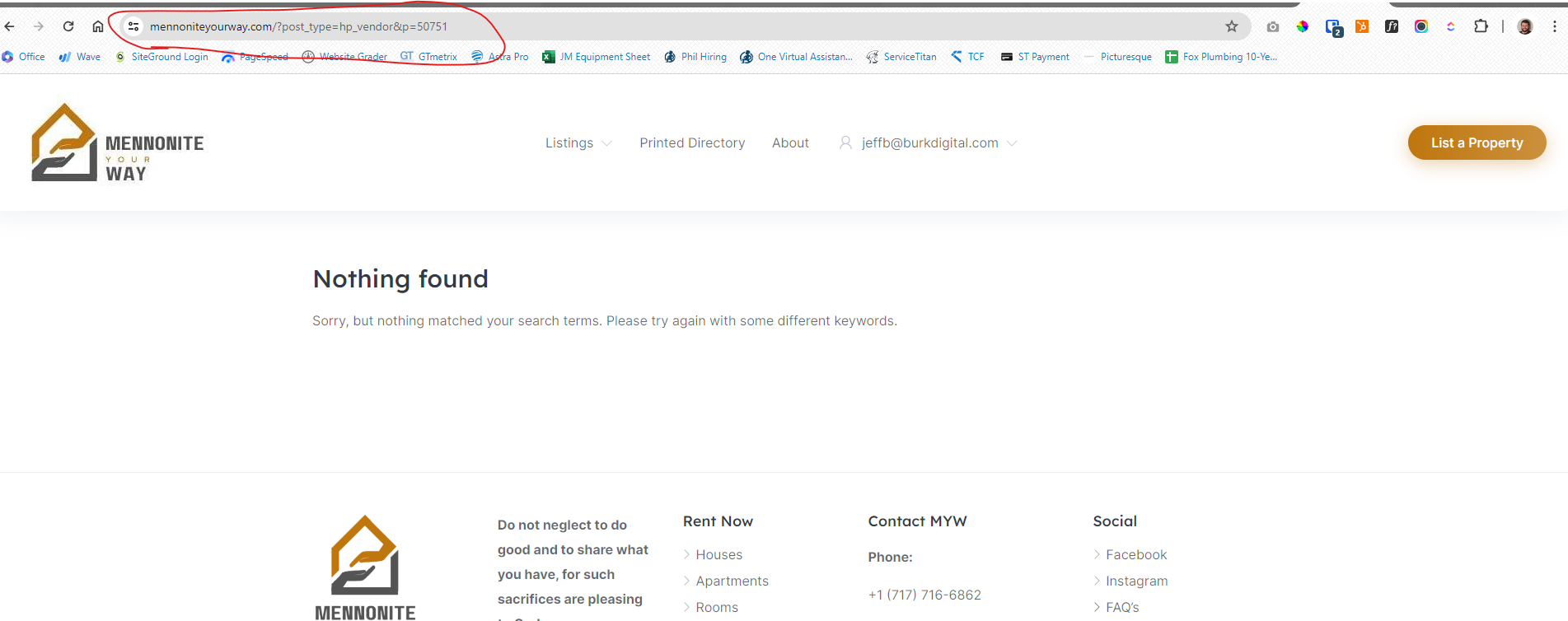
My customers are having an issue verifying their accounts because the website link results in a 404 error.

How can I edit this link that is fed to Stripe?
Hi,
Please disable third-party plugins and customizations (if there are any) and check if this issue persists. If you use a caching plugin, make sure that caching is disabled for logged-in users. Also, please refresh permalinks: How to refresh WordPress permalinks - HivePress Help Center
I switched my permalink structure to “Plain” and that seemed to fix the issue. Thank you. You can close this thread.
So switching to plain took care of that issue, but broke some other links. Is there no way to edit the backlink that is fed to Stripe?
Hi,
Please try to set permalinks based on %postname%. The link that is passed should be of the type /vendor/vendor_name_here, not the one you have in the screenshot. Also, maybe the vendor tried to pass onboarding when there were still plain permalinks. After you have set permalinks, please try to re-register with the new vendor (new user).
For our part, we use this core function get_permalink() – Function | Developer.WordPress.org to get the vendor profile url, so it should 100% match the structure selected for the redirect period in the settings.