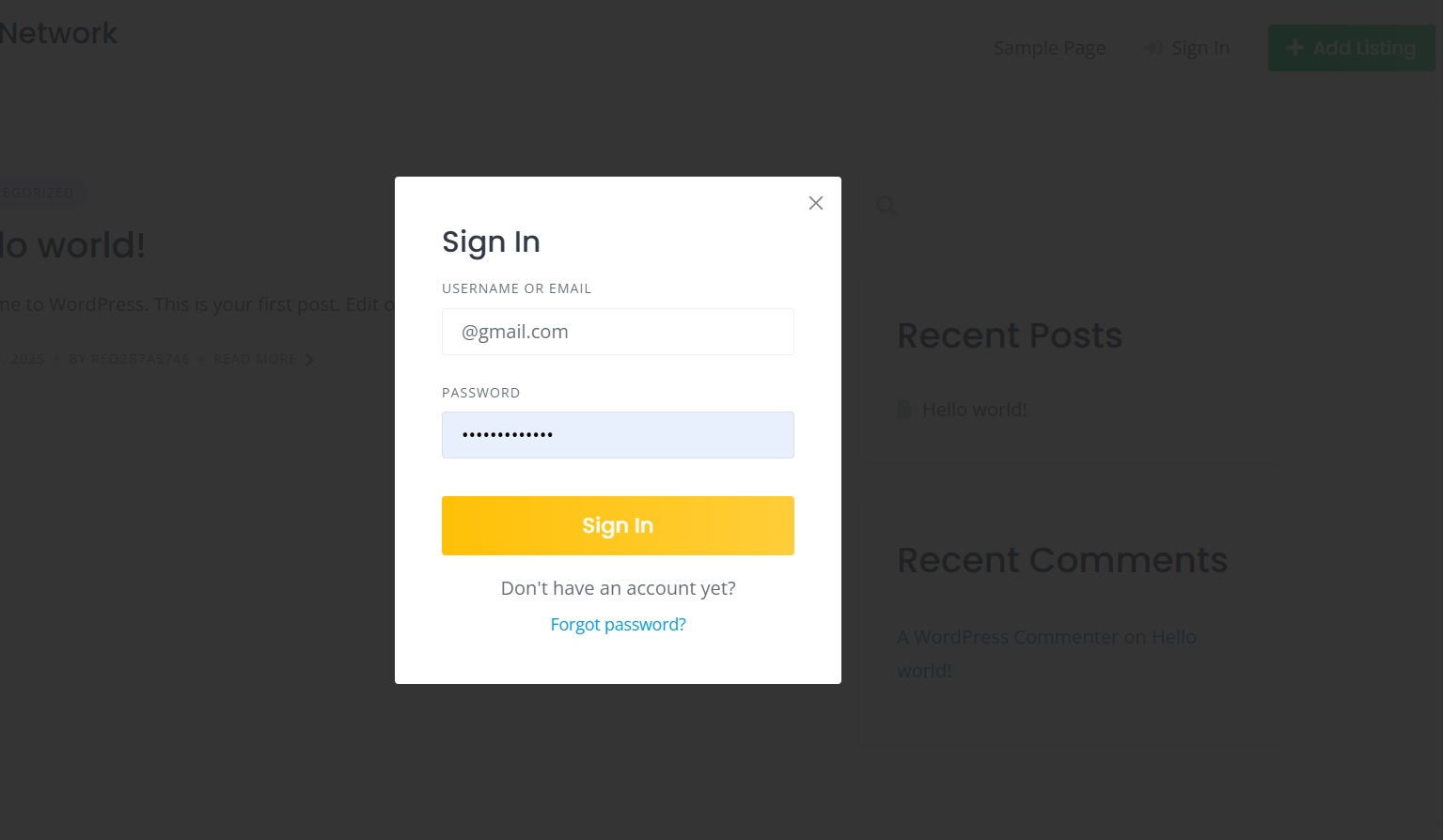
why does Disabling the “Allow user registration” checkbox, also remove the Sign In option on the website home page? (Location - Hivepress > Settings > Users > Allow user registration). I am using the ListingHive theme.
Registration and Sign In’s are two different functions and should be independent of each other. I want to close all new registrations and manually create accounts for users.
(My requirement - I want to manually create each and every user login after they pay me. Hence, I don’t want a “Register” option visible/ available under the Sign In box. Optionally, it will be ok if the “Register” link opens another webpage on the same Website where I can explain the process to the Customer.)
Step 1. Turn ON “Allow User Registration”**
* Go to HivePress > Settings > Users
* Check “Allow user registration” (this ensures the Sign In form stays visible)
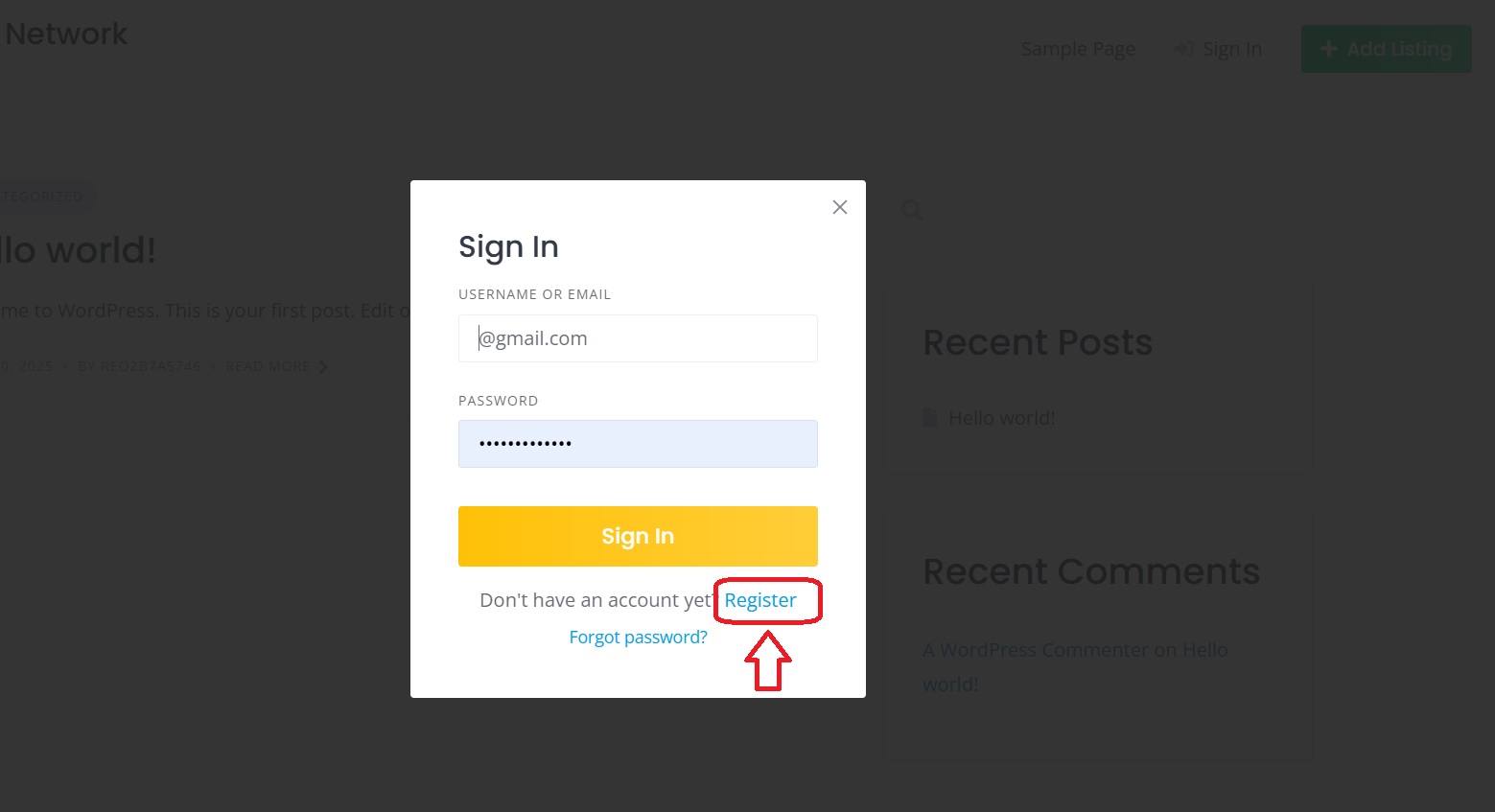
Step 2. Hide the Register Link (Simplest) - I saw that the Register link has the following HTML code :
< a href=“#user_register_modal”>Register
We can directly target it using an attribute selector in CSS like this “Find any <a> (link) that has href="#user_register_modal" and hide it.”"
Yes, this is the expected behavior, as this feature means that the site does not allow front-end user profiles, and the site is only changed by admins and editors, and leaving the login form would be confusing and possible security issues. However, thank you for your feedback, we will consider splitting this feature into two parts.
As a workaround, please try using this CSS snippet .hp-form--user-login .hp-form__action--user-register {display:none!important} (it hides the Register button). Also, if you want this solution to be more secure, we recommend adding a PHP snippet, but note that this will require advanced customization.
Thanks Andrii, the CSS code snippet hid the “Register” option.
If I want the user to be re-directed to another page on the same website (customized Registration page) by clicking on the “Register” option, how can I insert a link in the code?
 Check “Allow user registration” (this ensures the Sign In form stays visible)