Hi, how do users edit the published Requests? I found that there are “Edit” operations on the listing details page and My Account’s Listings list. However, the corresponding Request, on the Detail page and the Listing page, has no editable entry. Only Delete----what if the user wants to modify it?
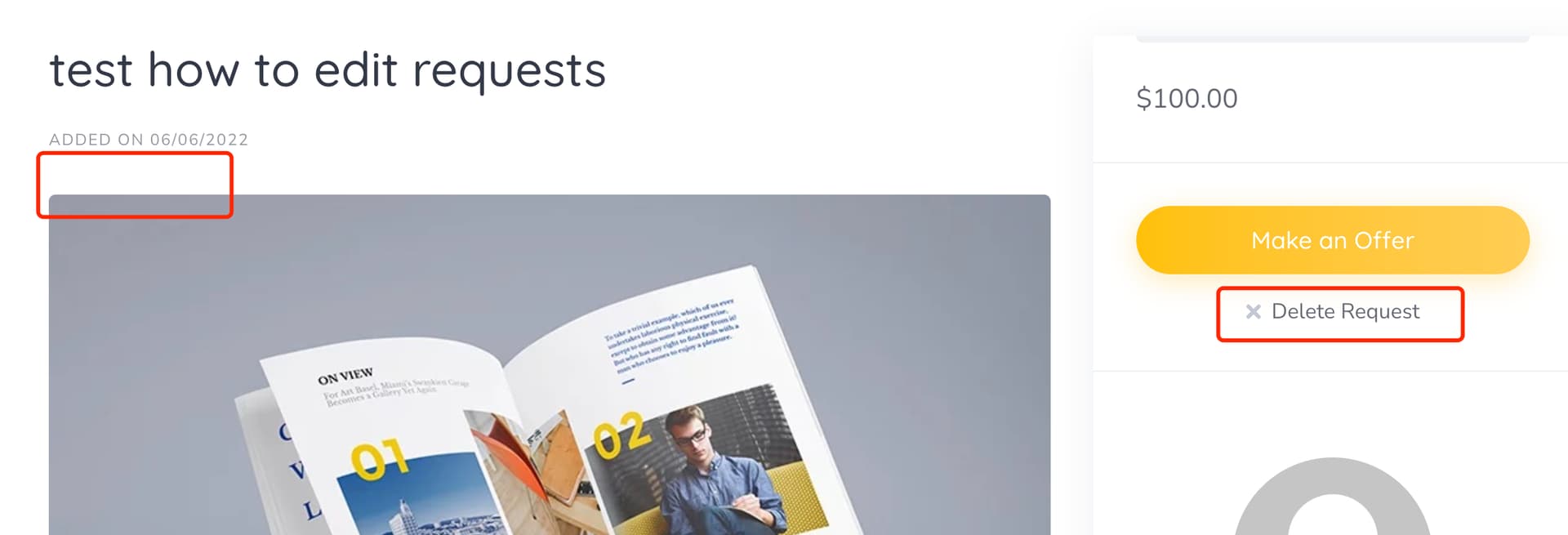
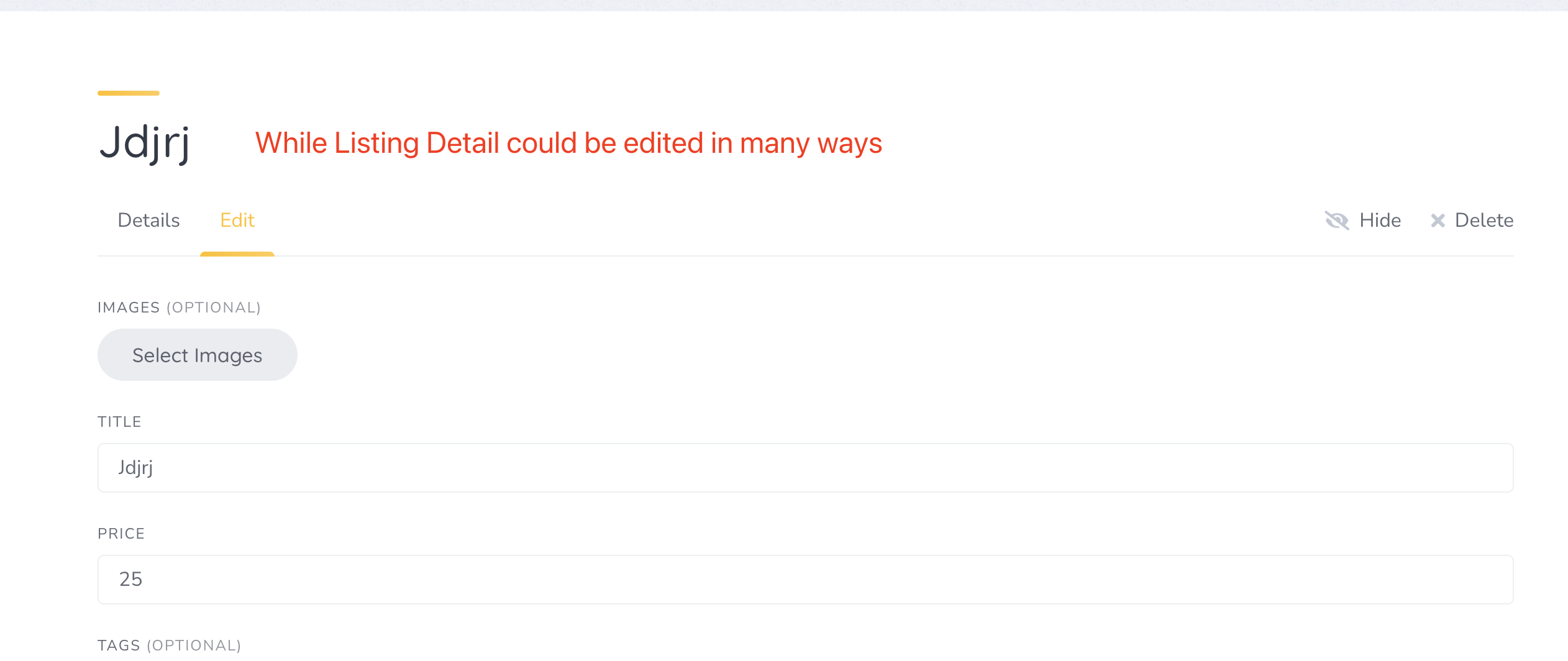
Sorry, there’s no such option at the moment, but users can delete and add another request if required. Currently it works this way to prevent changing the request requirements after the order is made or the offer is accepted, but we’ll try to find a solution to this.
Hi, I see this is an old topic but there’s still not changes applied. I understand that it can create problems if the user/vendor edits the request after the request already got some offers. Maybe two solutions (alternative) to this could be:
-
Allow users to duplicate a request, so they can create a new one with different conditions and accept other offers (duplicating would save them time, especially if the request has a lot of attributes to fill out)
-
Letting them edit the request but warning them that all the offers received will be lost / reset to 0. This might be a trickier solution so probably the first one would be easier, I guess.
The good thing about 1) is that it can also be applied to listings! Users (and developers) would love it!
I hope you can take this into account, thanks for your hard work!
Hi,
Thanks for the details.
We’ve added this to our backlog. We were actually discussing allowing edits until the first offer is made, or at least highlighting edits for vendors so they’re more visible.
1 Like
That would be awesome, thank you! I think highlighting would not be very user friendly. For example I’m using requests as resumes, so it would not be nice to see what the person wrote previously in their resume. Probably this applies to other cases, so I think just let them be able to edit it until the first offer is made is a great idea! Thanks for your hard work.
1 Like
Thanks for helping us grow and making HivePress products even better. 
1 Like