I’m experiencing a strange issue on a ListingHive subdomain that started recently, and I’m not sure what’s causing it.
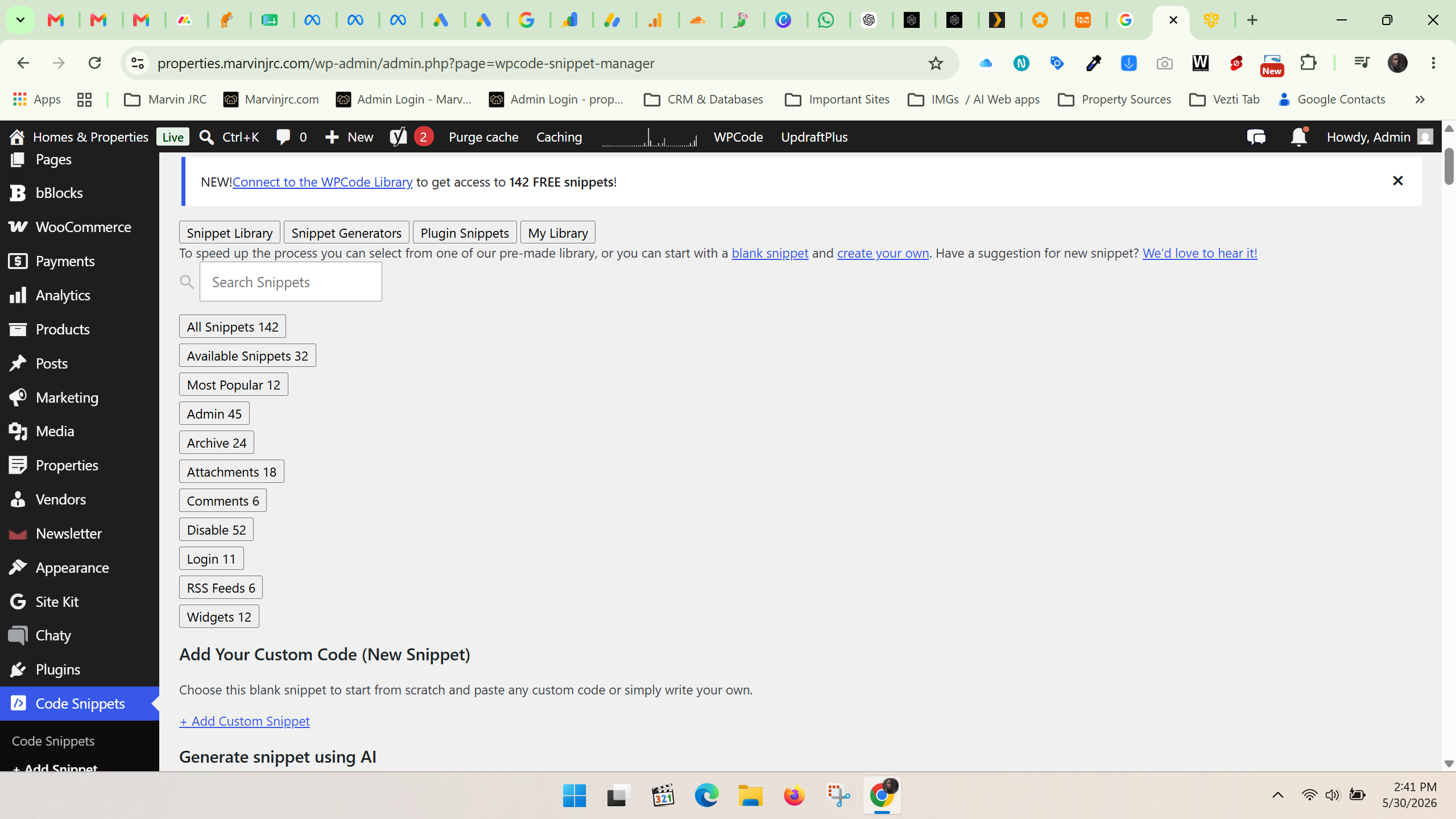
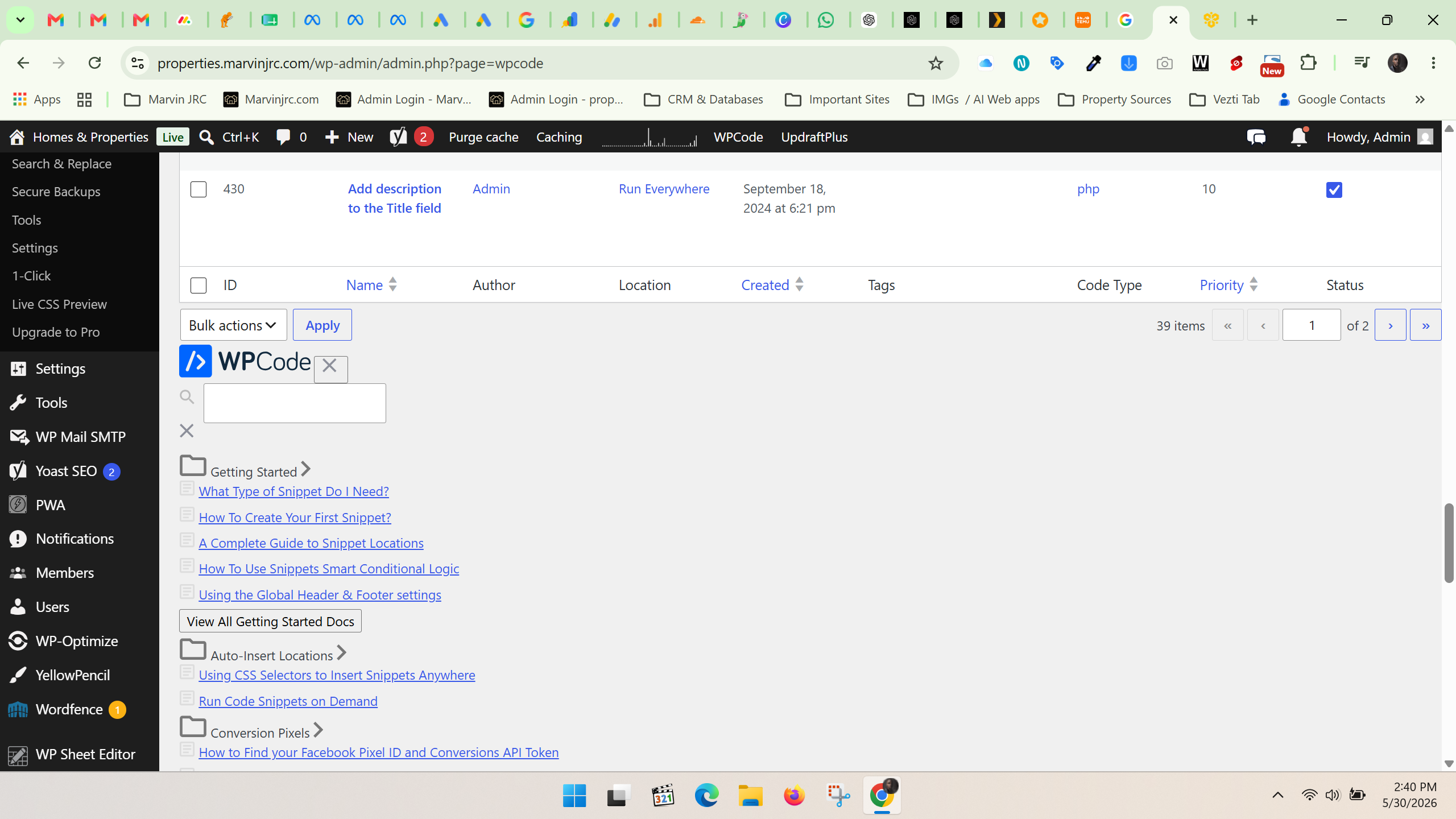
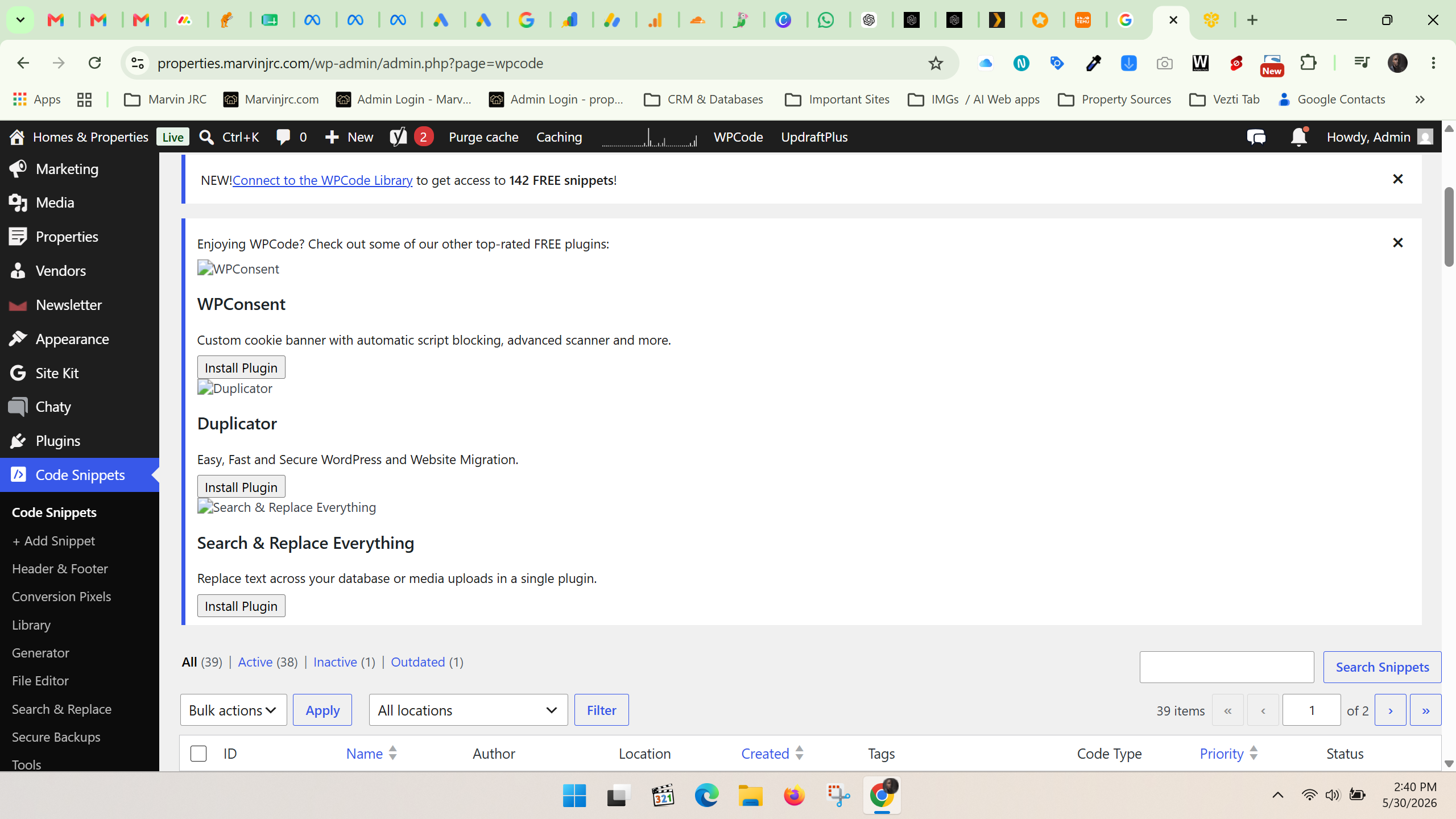
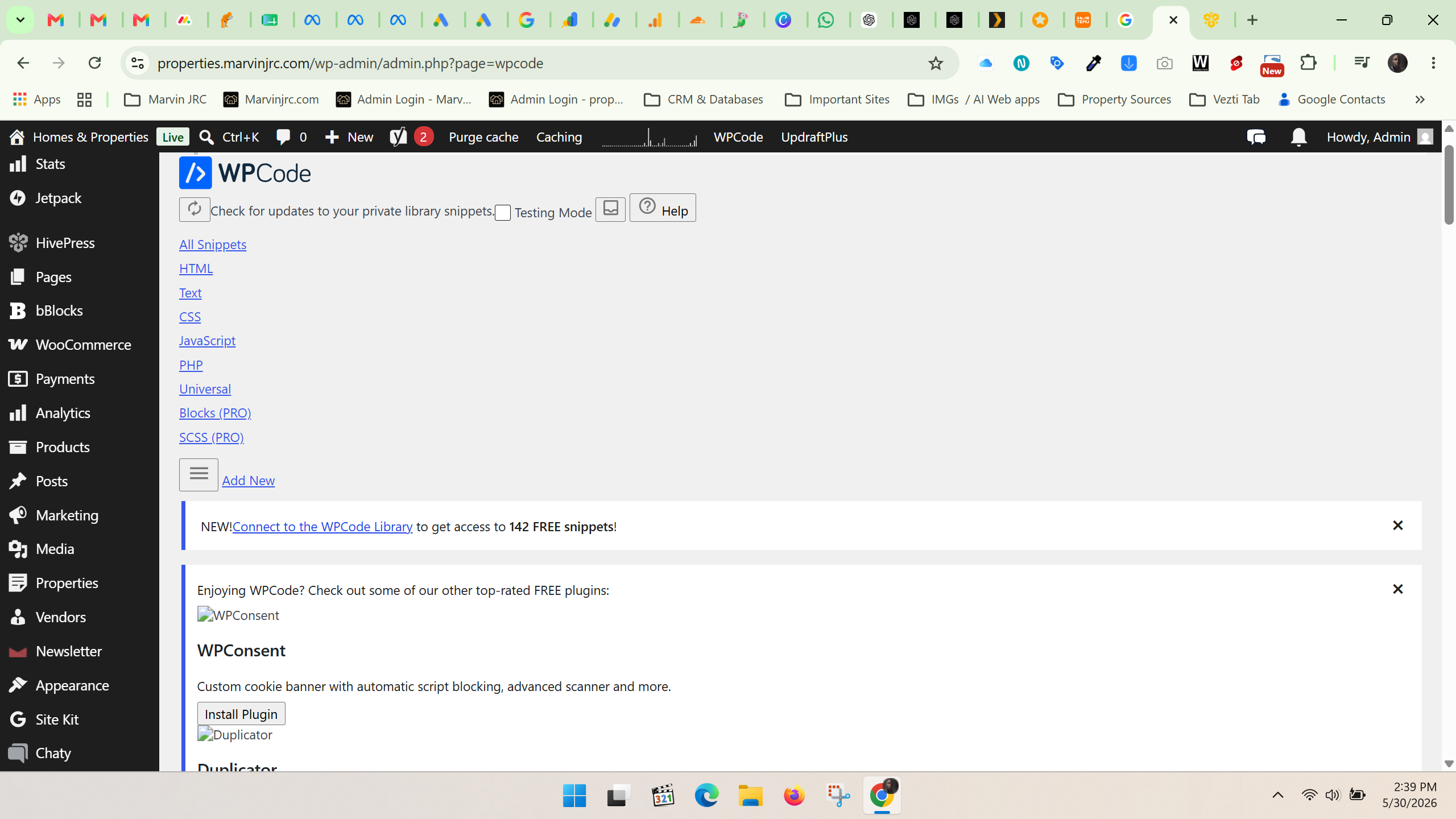
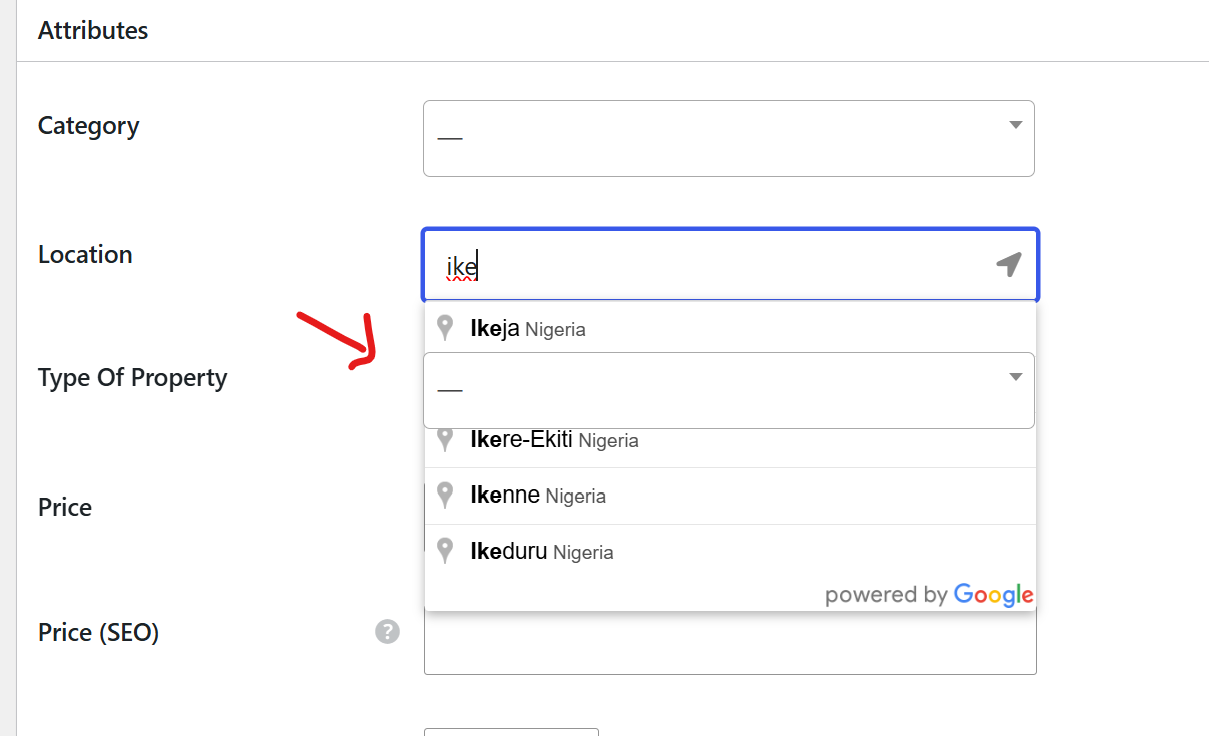
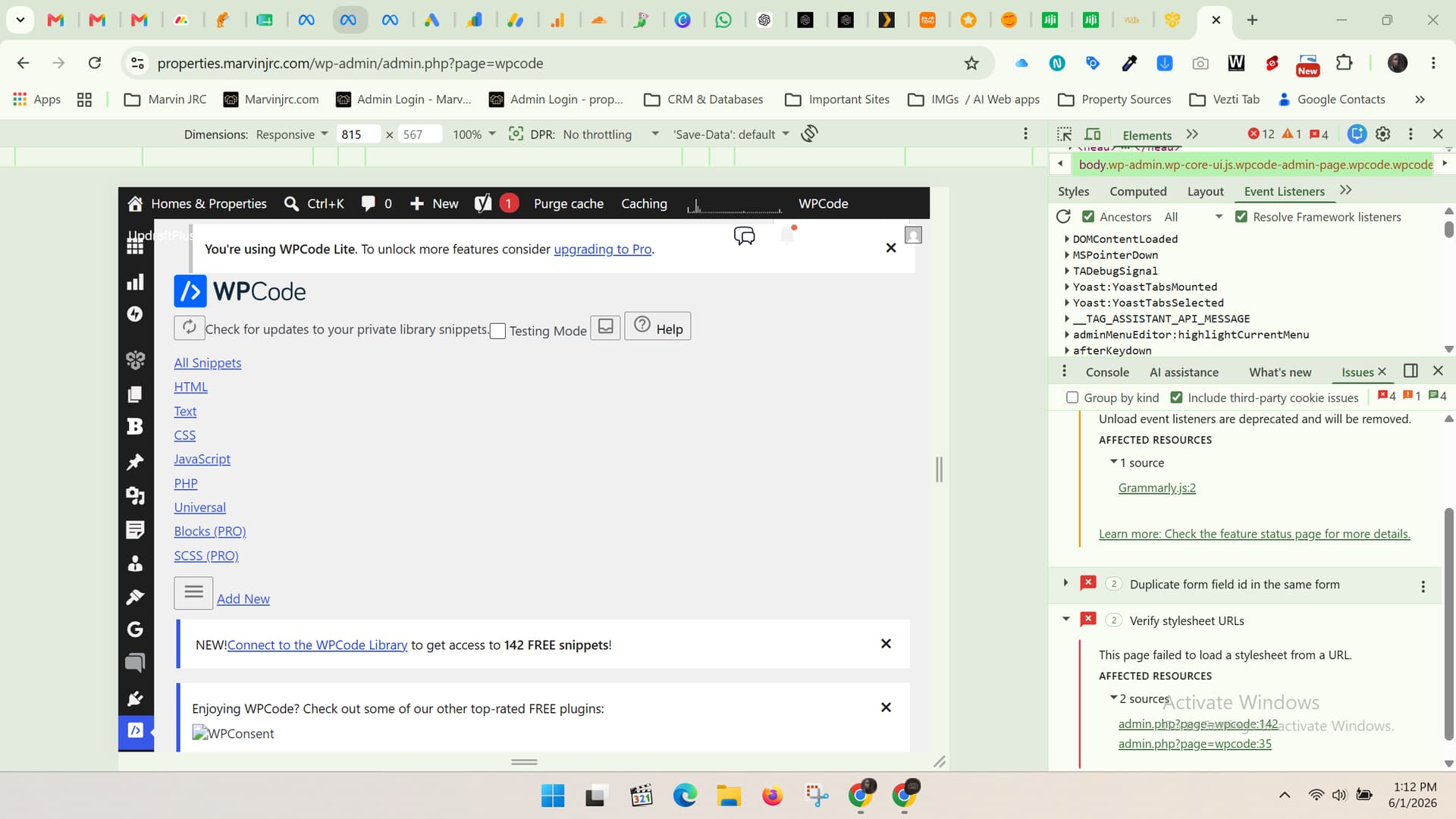
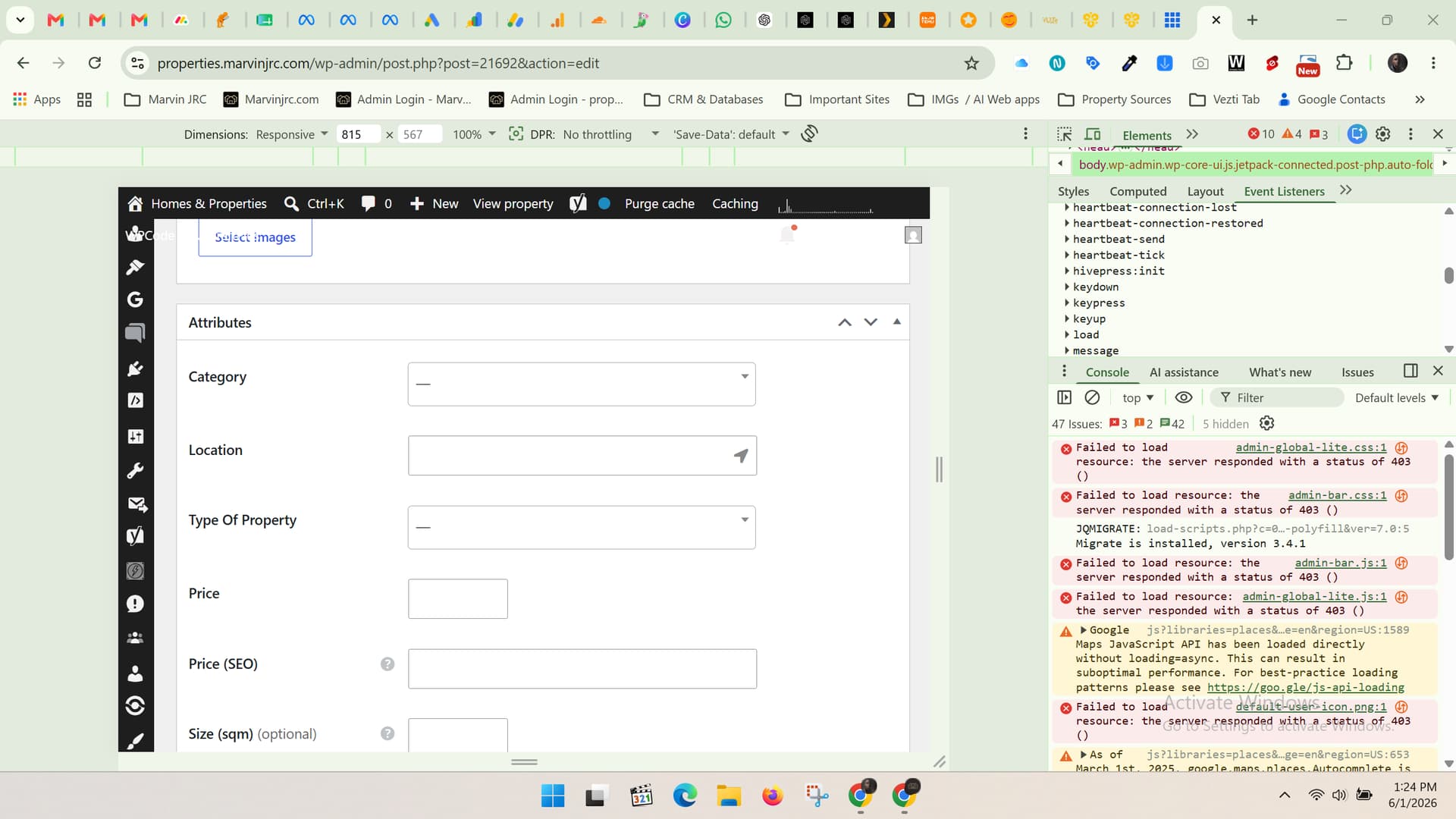
The appearance/layout of WPCode Snippets seems to be broken on subdomain with listinghive theme but works perfectly fine on my main website, and at the same time I’ve noticed that the Google Location field in the backend is underlapping and appearing underneath the next attribute field instead of displaying properly when searching for locations.
I haven’t intentionally changed anything major, so I’m wondering if this could be related to a recent update, a plugin conflict, a CSS/JavaScript issue, or something specific to ListingHive/HivePress.
Don’t know if anyone is experiencing a similar issue recently or has any suggestions on what might be causing it?
Urgent help would be appreciated. Thanks!
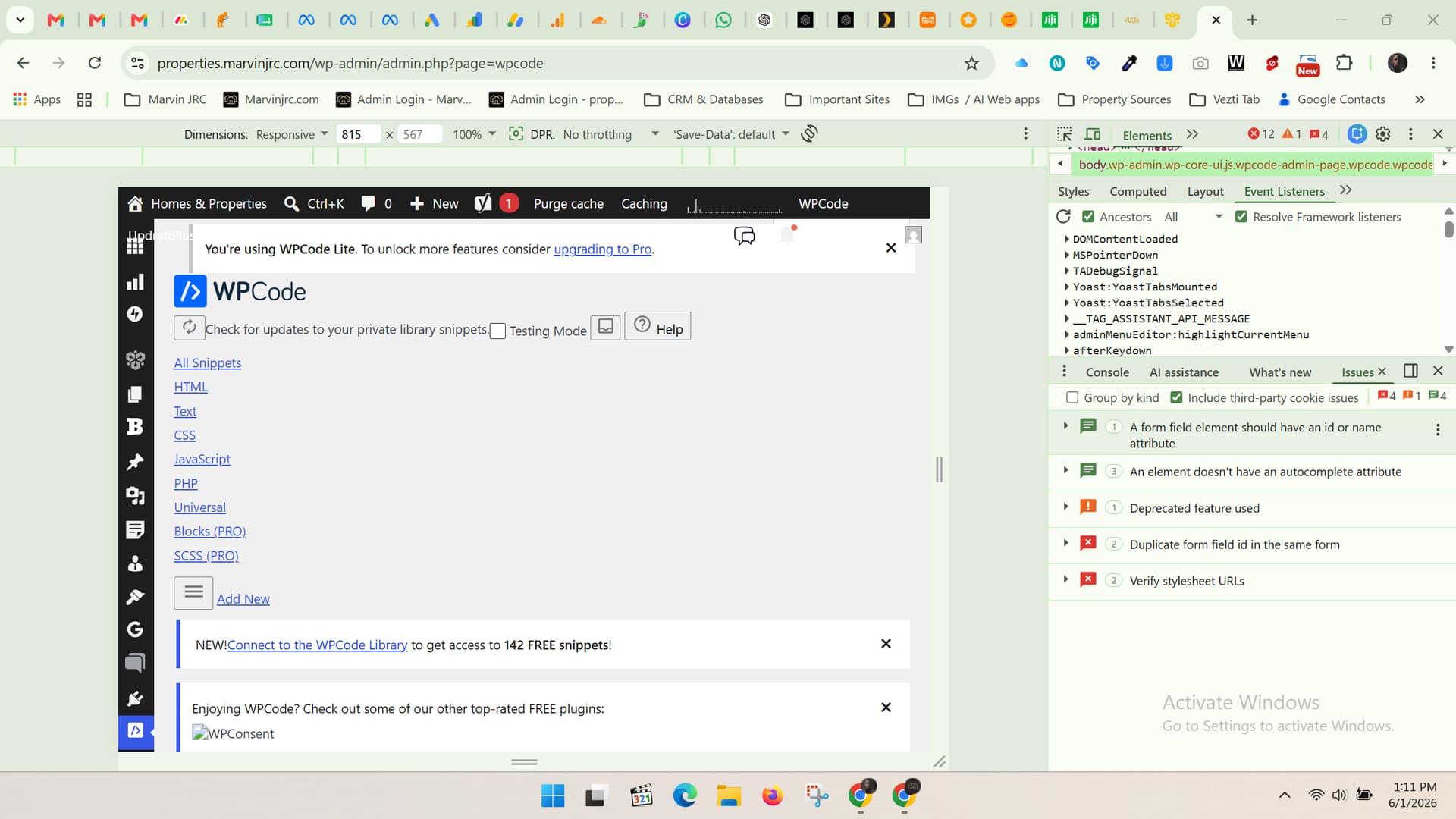
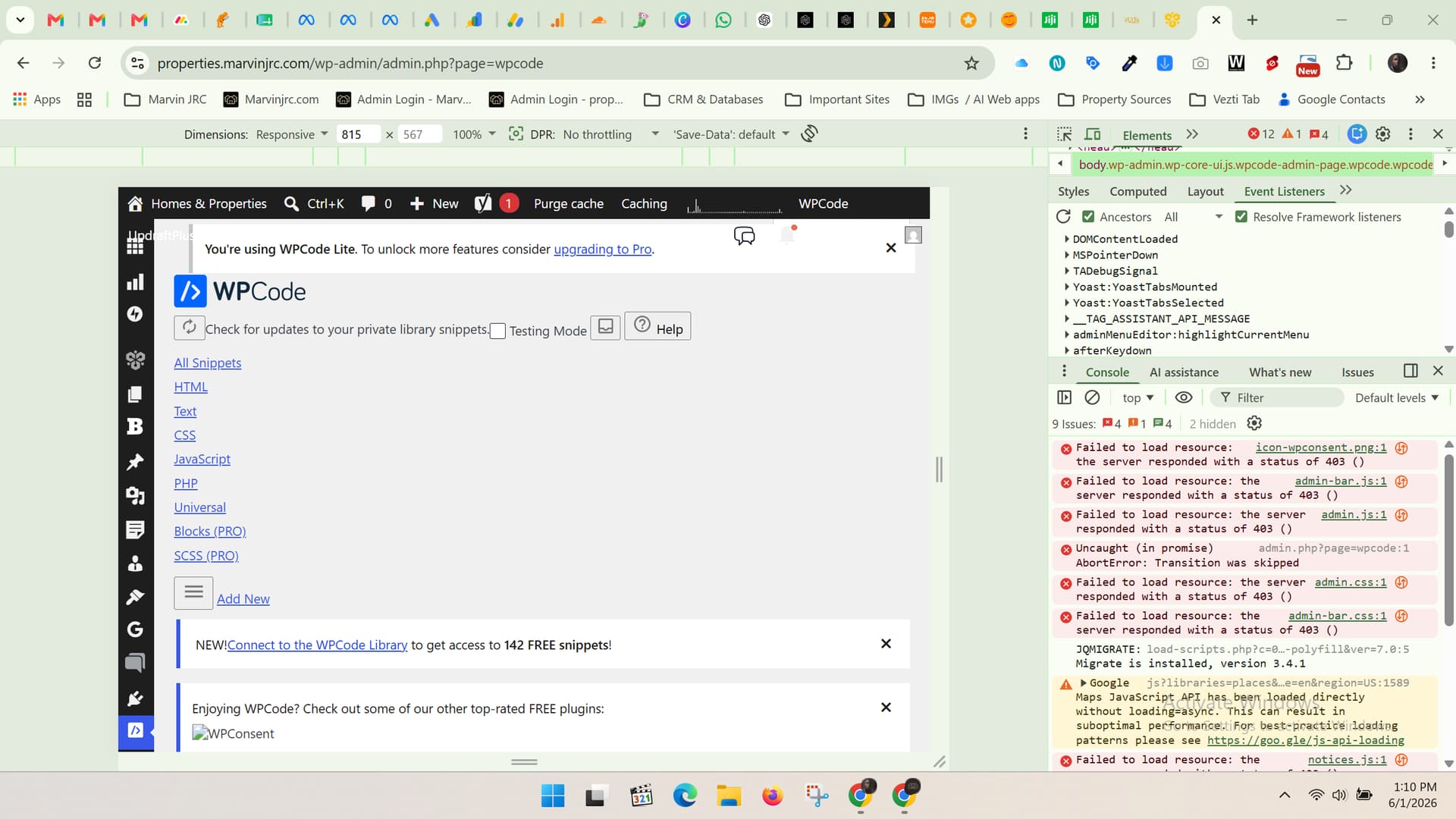
Screenshots of the broken WPCode plugin’s broken layout below
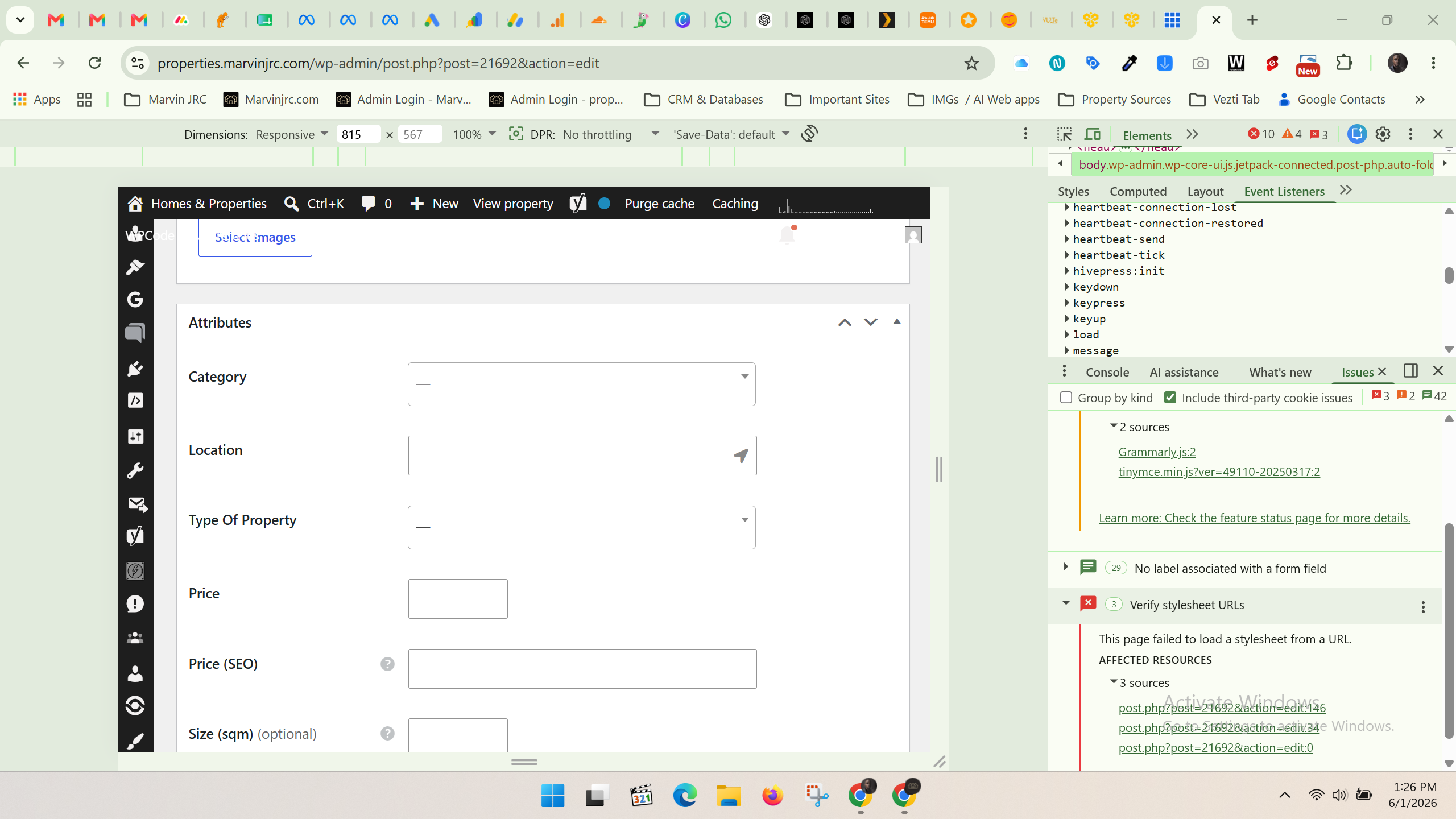
Screenshot of location underlapping layout break below
P.S Found out that a plugin called PWA for WP might cause this, as it’s normal when I deactivate it; however still can’t find why it’s happening to the WPcode snippets plugin.. Is there a workaround for these 2 issues?
Could you please let us know if this issue appeared after a WordPress update or any other update on the site?
There have been no recent HivePress updates, so this should not be related to the plugin or theme itself. Also, could you please let us know if WordPress was updated manually or via the built-in update option in the dashboard?
I’ve tried to reproduce the issue locally by installing the WPCode plugin and testing the location dropdown, but everything works as expected on my end.
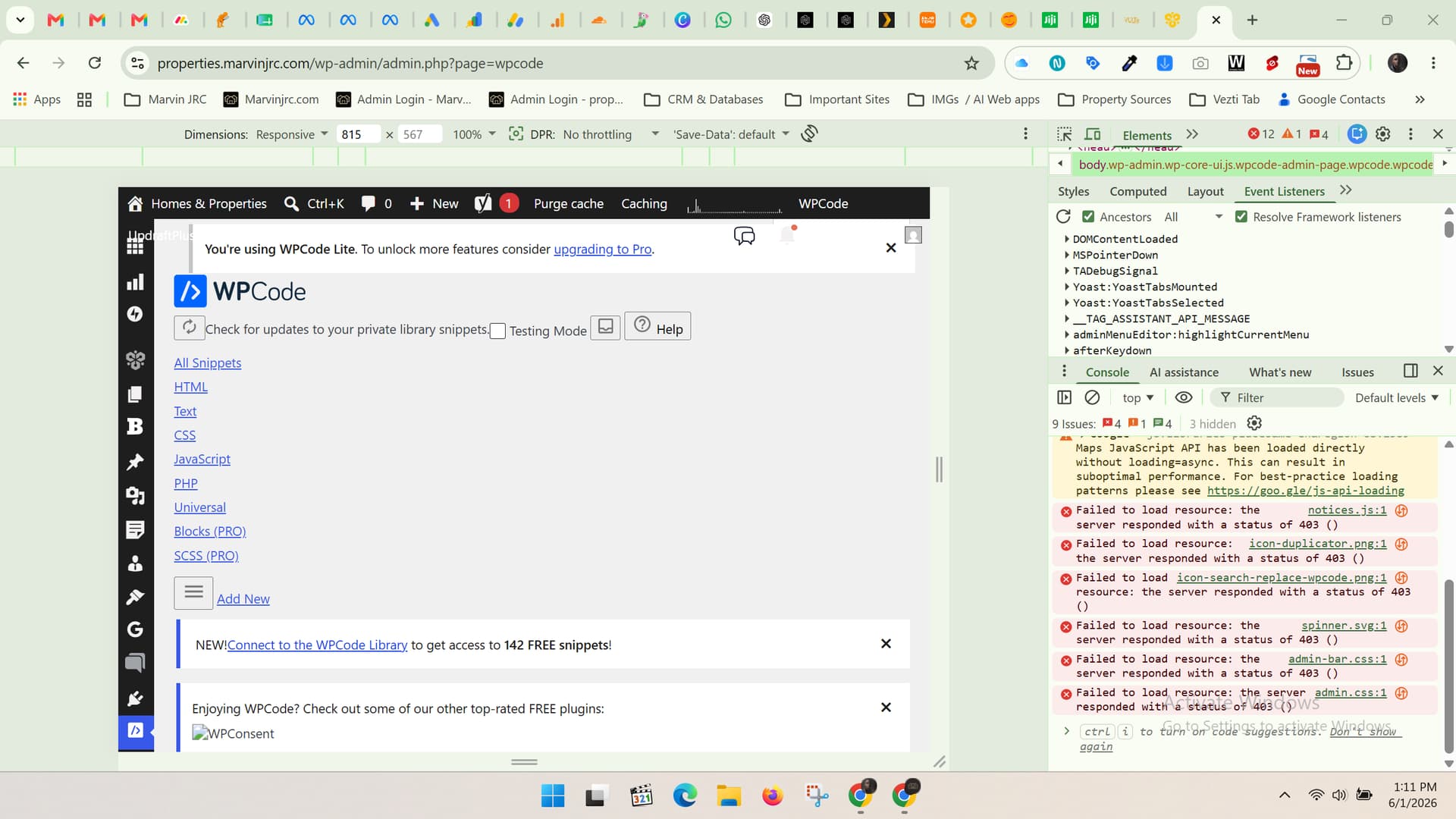
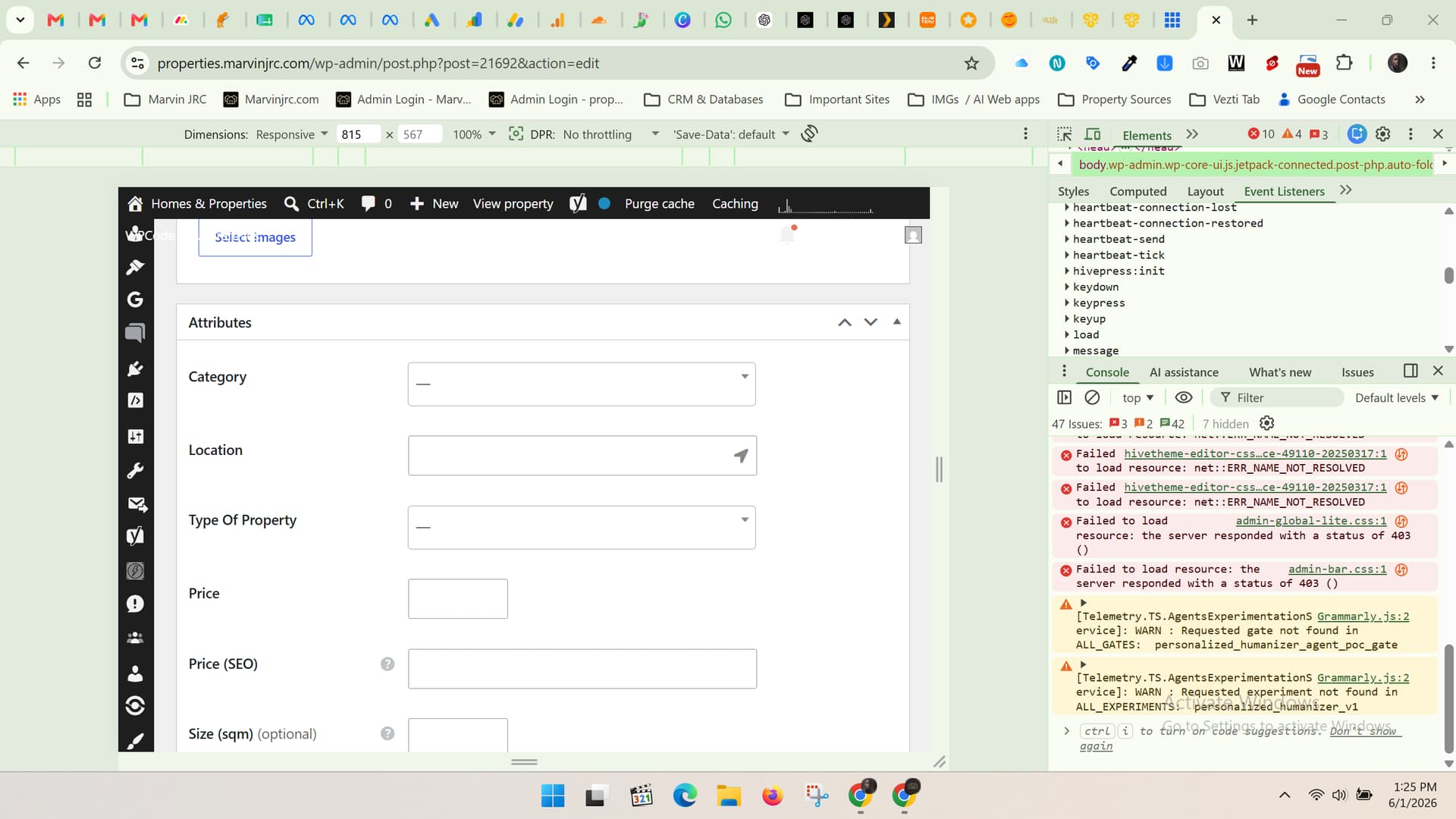
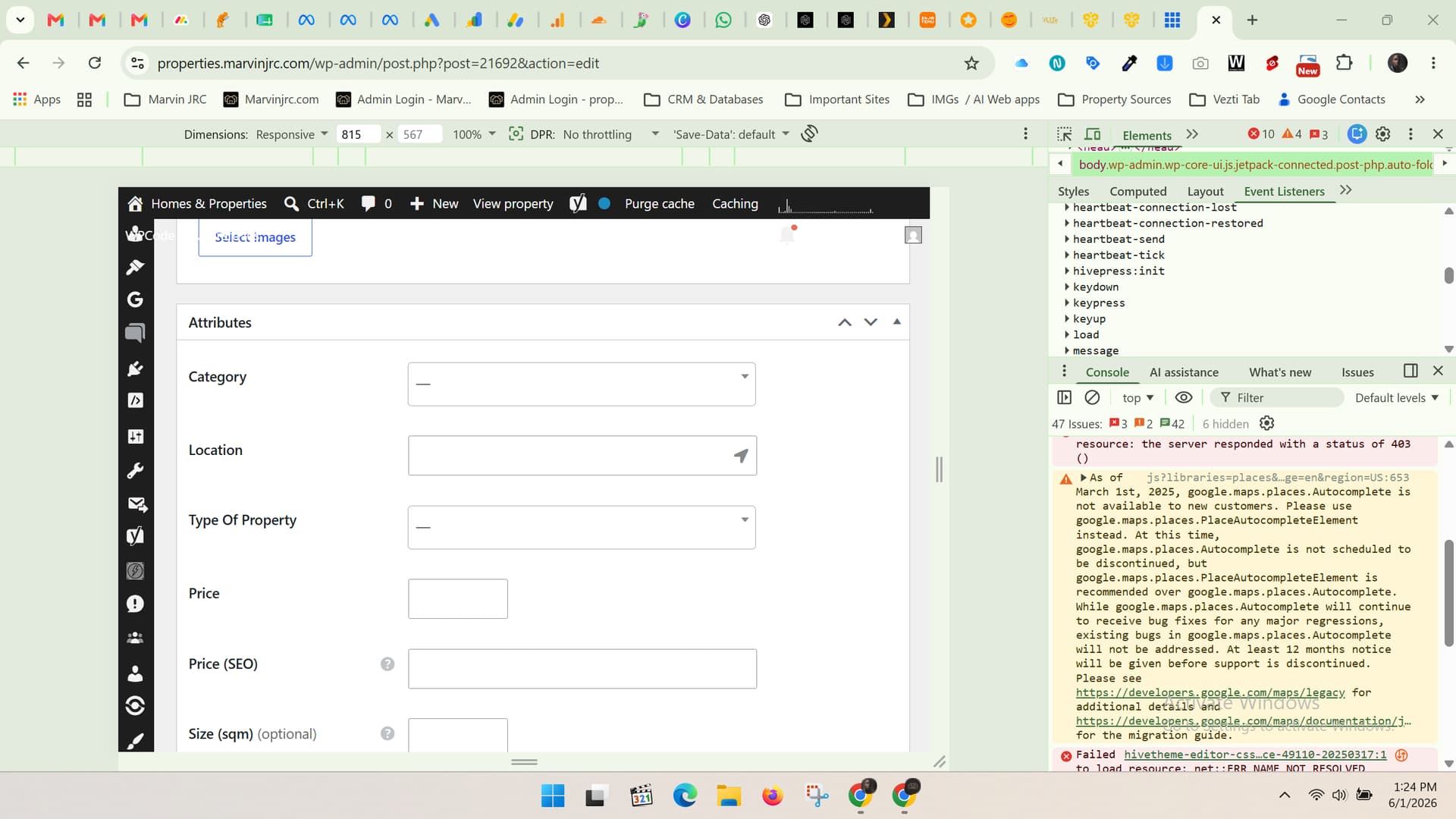
Could you also share a screenshot from the browser console? You can open it by right-clicking the page, selecting Inspect, and then opening the Console tab. This will help us check if any JavaScript errors are occurring.
We haven’t received any other reports about this issue so far, but if there is a problem on our side, we’d definitely like to identify it and get it fixed.
WordPress was probably updated automatically, as it usually does. I am not sure when, as I didn’t keep track of updates for a while now; however, WPCode Snippet previously didn’t act like this. I figured that the Google location is caused by a PWA plugin, but I can’t figure out why the WPCode snippet plugin is broken
Based on the console output, it looks like there may be server-side security restrictions in place. The CSS files are not loading due to a 403 error, which typically means the server is denying access to the resource.
This usually indicates that a security plugin, firewall, or hosting-level protection is blocking access to static assets like CSS and JS files. As a result, the frontend styles are not being loaded correctly, which leads to broken layout and styling issues.
Please make sure to check the following: any active security plugins (they may be causing a false positive block), hosting-level security rules or firewall restrictions, server configuration that could prevent access to static files.
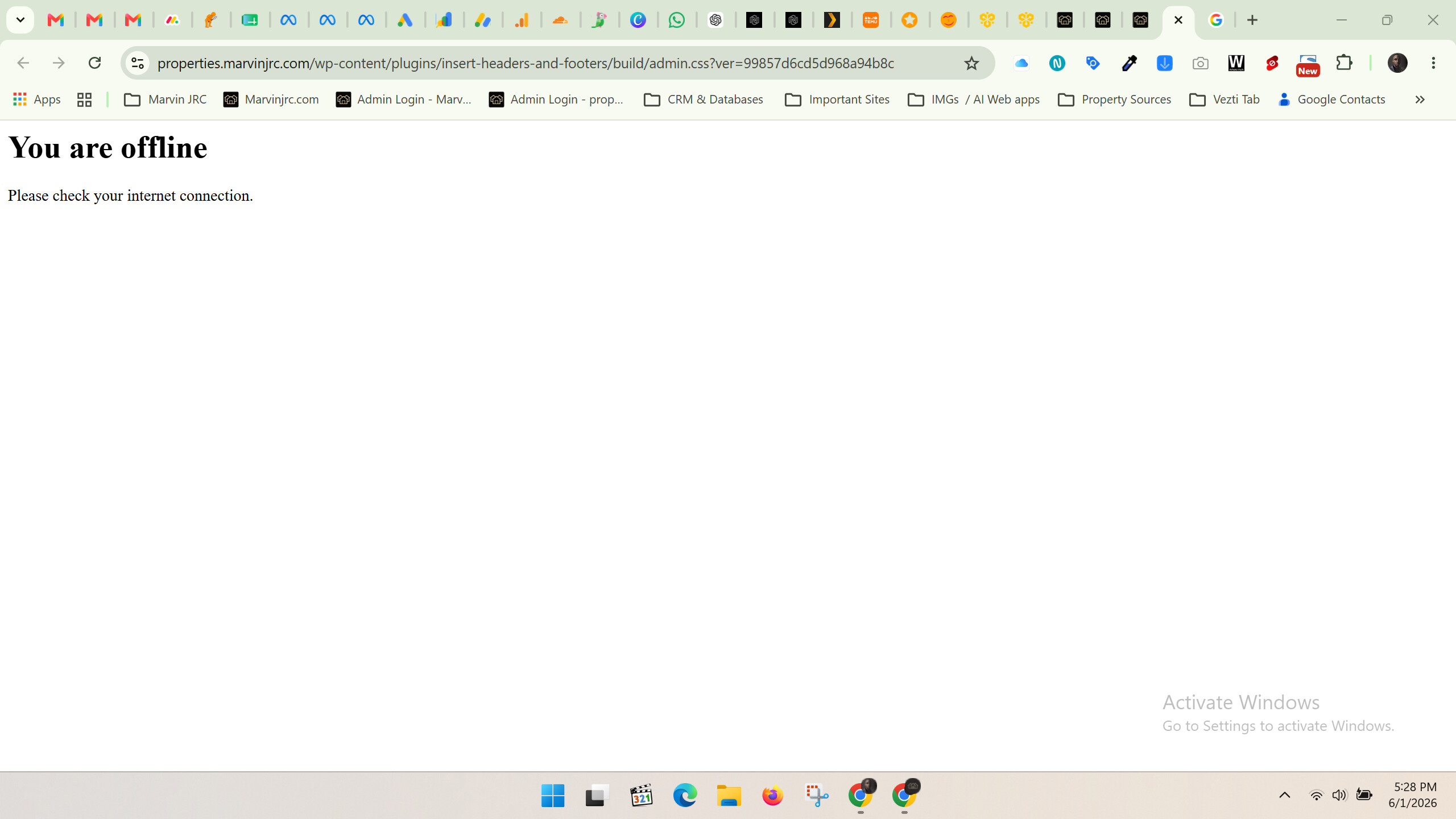
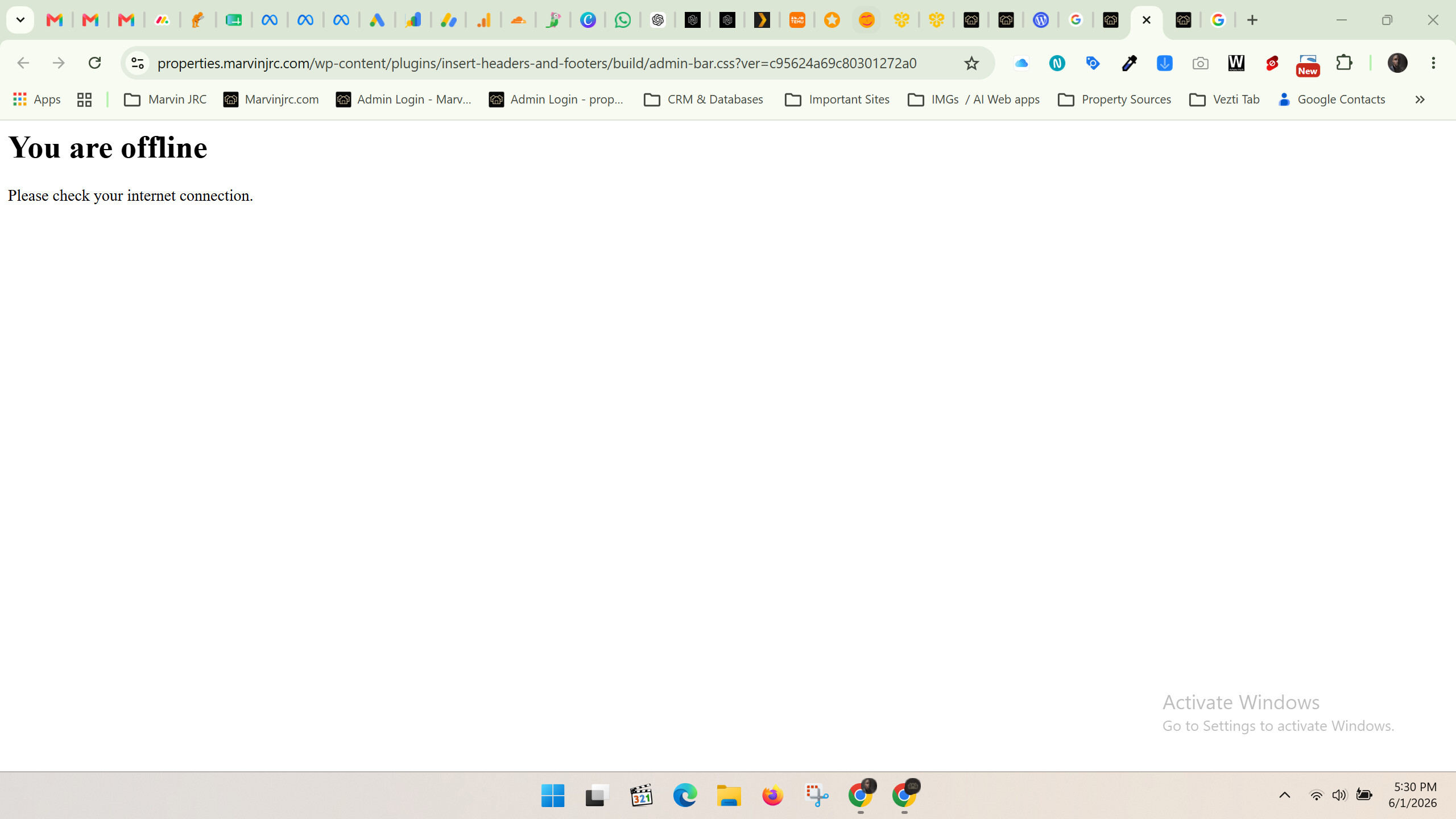
As a quick test, you can try opening one of the failing files directly in a new tab (for example admin-bar.css). If it also returns a 403 error, this confirms that the issue is server-side. In that case, you can share this URL with your hosting provider and ask them why access to the CSS file is being blocked even though the file exists.
Yes, if the file that the URL points to definitely exists on your site (you can verify this via FTP or your hosting provider’s file manager), then I would recommend reaching out to your hosting provider.
If the CSS file exists, accessing its direct URL should normally work without any issues. Since it is returning an error, it appears that something on the server level is blocking access to the file.
Your hosting provider should be able to check the server logs and identify what is causing the restriction: a security rule, firewall, permissions issue, or another server-side configuration.
If you have a minute, please consider rating HivePress on the WordPress repository or Trustpilot. Your feedback means a lot to us and makes a real difference in helping us grow.