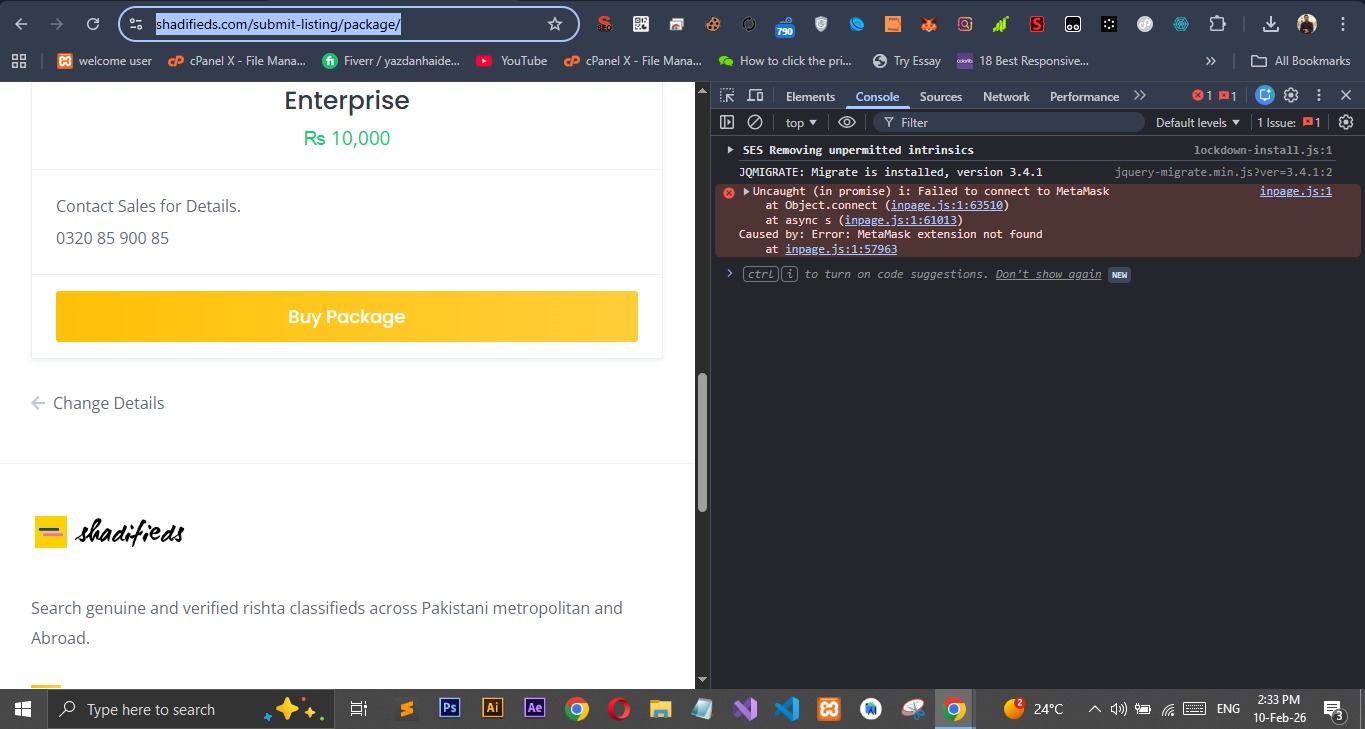
I’ve installed Hivepress, paid listing, favorites, loco translate, Google site kit, woo commerce, go smtp, cookieAdmin & Antispam bee plugins.
Listinghive theme.
Steps to reproduce
Created woo commerce products
Attached with packages
Actual result
After filling the add details form it directs to select package where we find change Details link but it’s not working and reload the same page of packages
I also tried after disabling all third party plugins.
The JavaScript error shown in the screenshot does not appear to be related to HivePress. Please make sure it’s not caused by a browser extension or a third-party plugin. For example, references to MetaMask or an inpage.js file are not part of the HivePress plugin or its extensions.
Also, could you please record a short screencast (you can use Loom or any other similar tool) showing what happens when the “Change Details” link is clicked? This will help us better understand and investigate the issue.
Please send temporary WP access to support@hivepress.io with the link to this topic, and we’ll check it (please send only the link, without login and password). You can create a temporary access link using this plugin.
We’ve found the issue. It was related to the combo of Title format and the Paid Listings extension. We fixed the bug on your website and will release an official fix later.