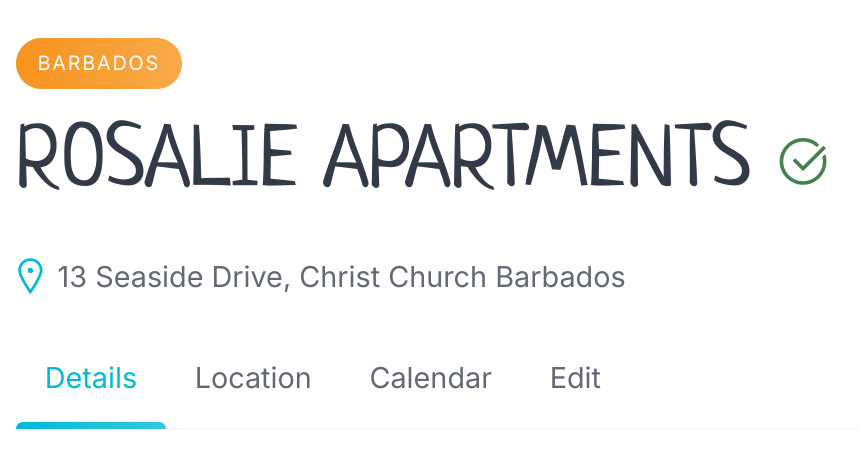
I’ve noticed that I can get website maps to display the exact location if I use the One Plus Code of the business address from Google Maps in the Location field.
So, I want to use the One Plus Code in the Location field and a manual text address to display as the address at the top of the listings pages.
Unfortunately, there are no simple guidelines for this, as you need to review the documentation of your service with which you need to integrate, but this is unfortunately beyond the scope of our support. If customizations are required for your site, please try customizing it using the collection of code snippets Search · user:hivepress · GitHub and other developer resources, or consider hiring someone for custom work Experts | HivePress
But I don’t need guidance on the integration. I only need to know which file displays the address line. If I can find that file, I will easily be able to do what I need to do to make this work. Can you point me in the right direction?