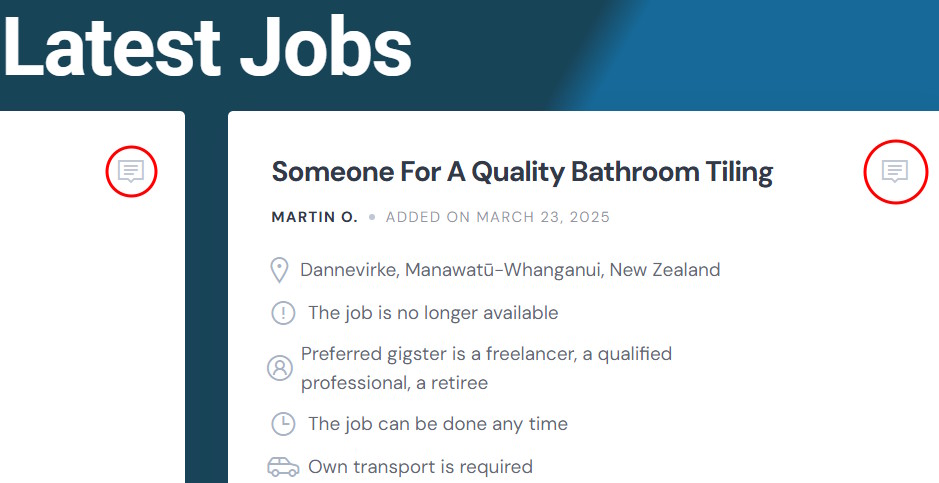
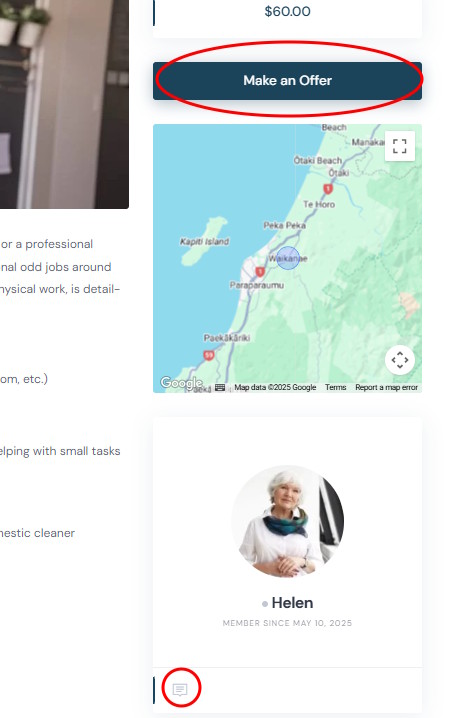
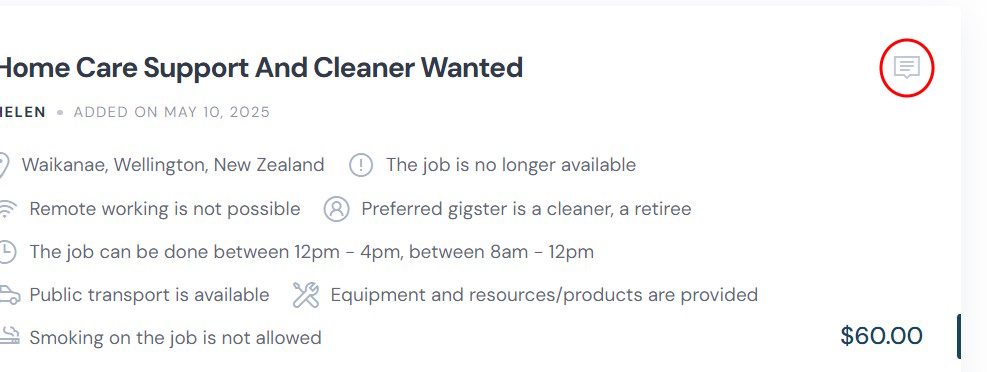
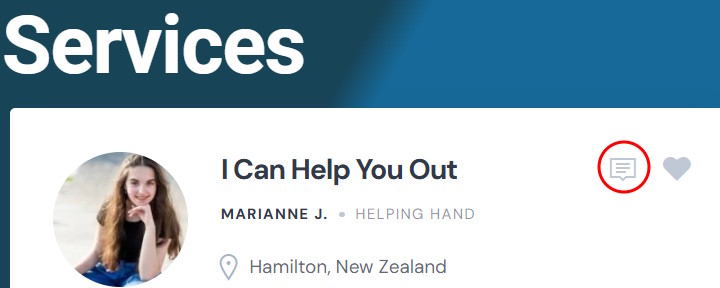
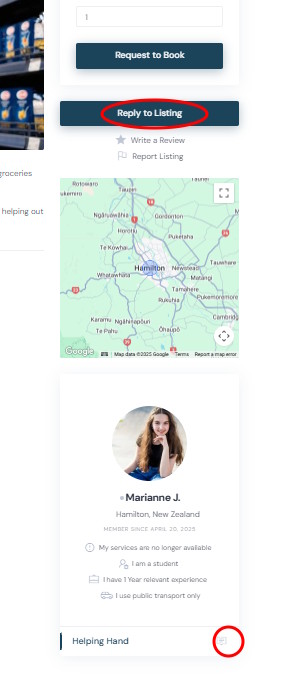
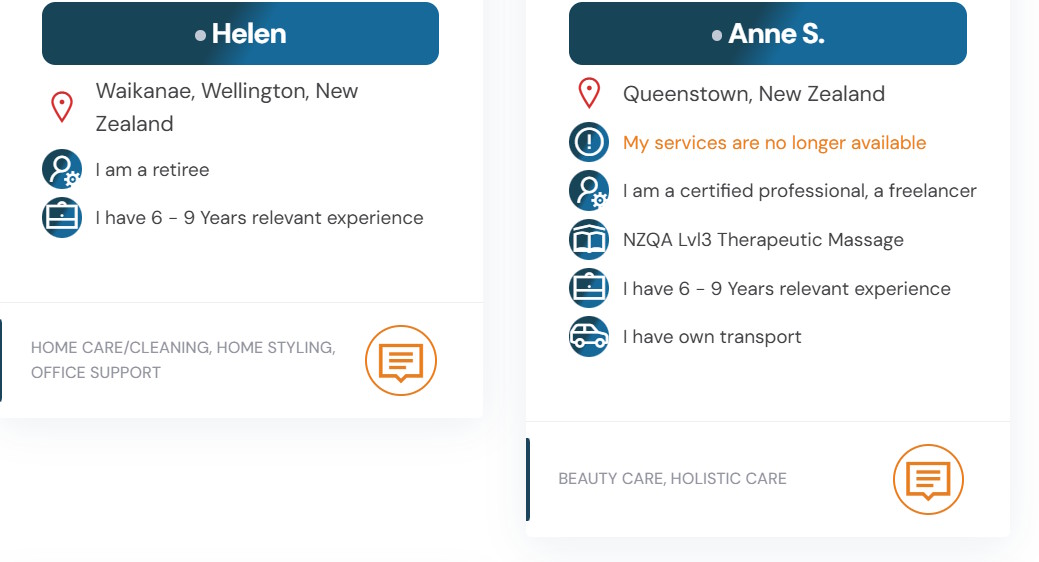
the ExpertHive theme has a mix of submit text buttons, and submit icons with Alt text, where the same icon is used for different purposes (‘Send Message’, ‘Make and Offer’ and ‘Reply to Listing’. Screen prints attached:
Examples:
1: requests block on home page - ‘Make an Offer’ icon
2: request detail page - ‘Make and Offer’ text button and ‘Send Message’ icon
3: requests page - ‘Make an Offer’ icon
4: listings block on homepage (same as on listings page) - ‘Reply to Listing’ icon
6: listing detail page - ‘Reply to Listing’ text button and ‘Send Message’ icon
7: experts page - ‘Send Message’ icon
For UX/consistency purpose, would it be possible to provide scripts to replace the icons with text buttons and place these in the request/listing blocks at the bottom?
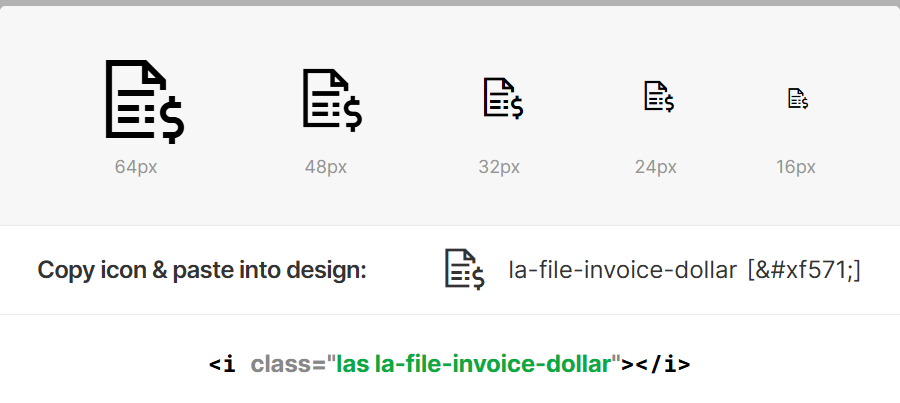
In order to replace with buttons, it would require a custom implementation, as it can break styles if they don’t fit. From our side, we can provide general guidance if you are familiar with coding or have a developer. Alternatively, as another solution, you can replace all offer-related icons with any of the icons in this list Line Awesome — Free Beautiful Icon Font to distinguish them from message icons. Let me know if it works for you.
Sorry for the confusion. If you are using the ExpertHive theme, please select an icon from this library Line Awesome — Free Beautiful Icon Font, and we will provide a snippet to replace the current offer icon for the message.
A a separate question, can these Line Awesome icons also be used as icons for the attributes icons? If so, how can I apply these instead of the current selection?
It should replace the Make an Offer icon in the request block.
If you already have ExpertHive theme installed, then it uses Line Awesome icon set instead of the default Font Awesome one, so no changes are required.