I am not a big fan of gutemberg blocks, but here I have to put up with them, otherwise, I would have to change theme, and other problems may arise just as well (as seen before in this forum).
Could you please tell me how to change the image featured in the screenshot hereafter :
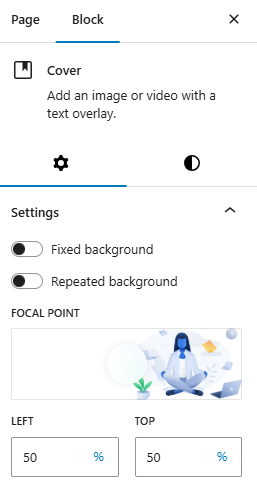
I can’t find the option for it.
I am talking about this image :

But it’s embedded within a cover block, and I can’t lay my hands on the options to change it.

Thanks.