If possible, could you please record a screencast with the exact steps to reproduce the issue, or send temporary access credentials to support@hivepress.io so we can test it directly in your environment? You can create a temporary access link using this plugin.
Is this information sufficient?

I didn't grant access to the website because I don't know how to do it from WordPress Local.

As for a video, that's possible, but I don't see how to upload it.

Let's proceed step by step to achieve our goal.

Best regards
Thanks for the details and for helping us improve HivePress.
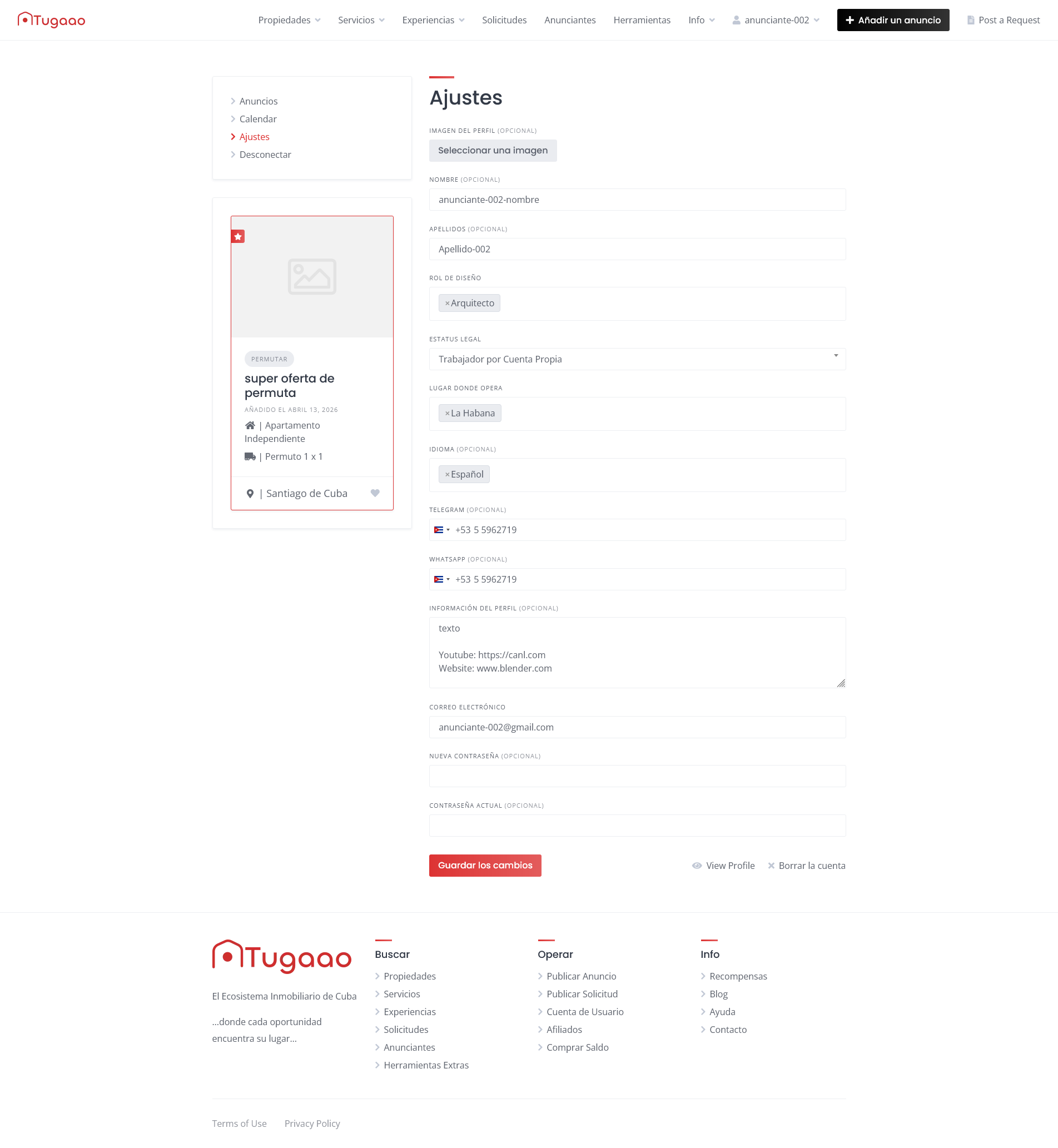
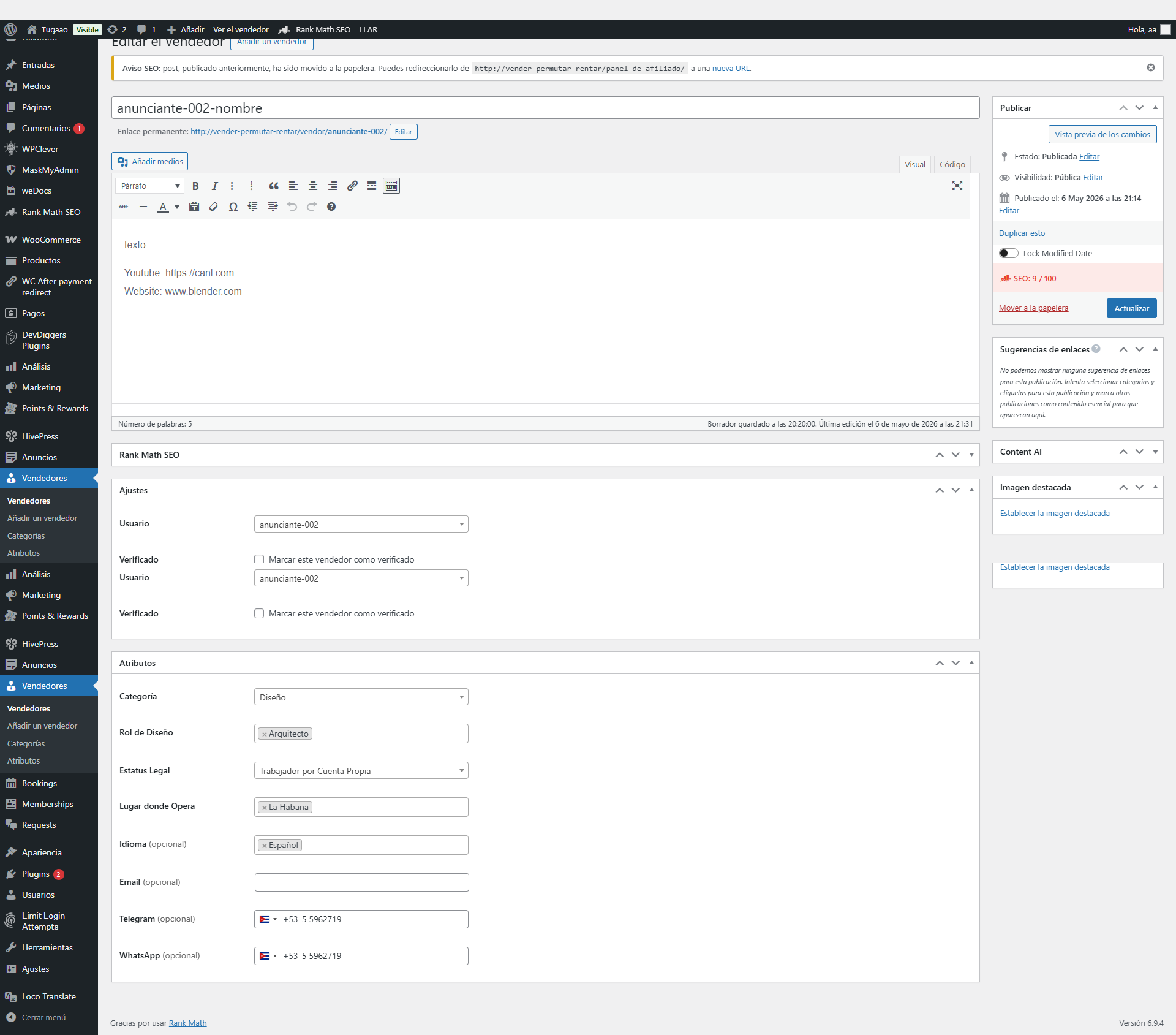
It appears that there is currently a UI inconsistency. The email field from the Social Links extension is available only on the backend, while the email field visible on the frontend is the built-in field from the core HivePress plugin that is used during registration.
So at the moment, adding an email as a social link can only be done by the admin from the backend.
Our developer will provide a temporary fix soon before we release an official update with a permanent solution.
Also, add this CSS snippet to Appearance/Customize/Additional CSS:
.hp-social-links .hp-social-links__item--contact-email {
  background: url(/wp-content/plugins/hivepress-social-links/assets/images/icons/email.svg)
    center center no-repeat;
  background-color: #aaa;
  background-size: 20px;
}
.hp-social-links .hp-social-links__item--contact-email img {
  display: none;
}
This adds a new Contact Email field that doesn’t conflict with the built-in account Email field so you can use it instead of the current Email social link that causes issues. Please note that after adding the above snippets, you must also select the new Contact Email option in HivePress/Settings/Vendors/Social Links.
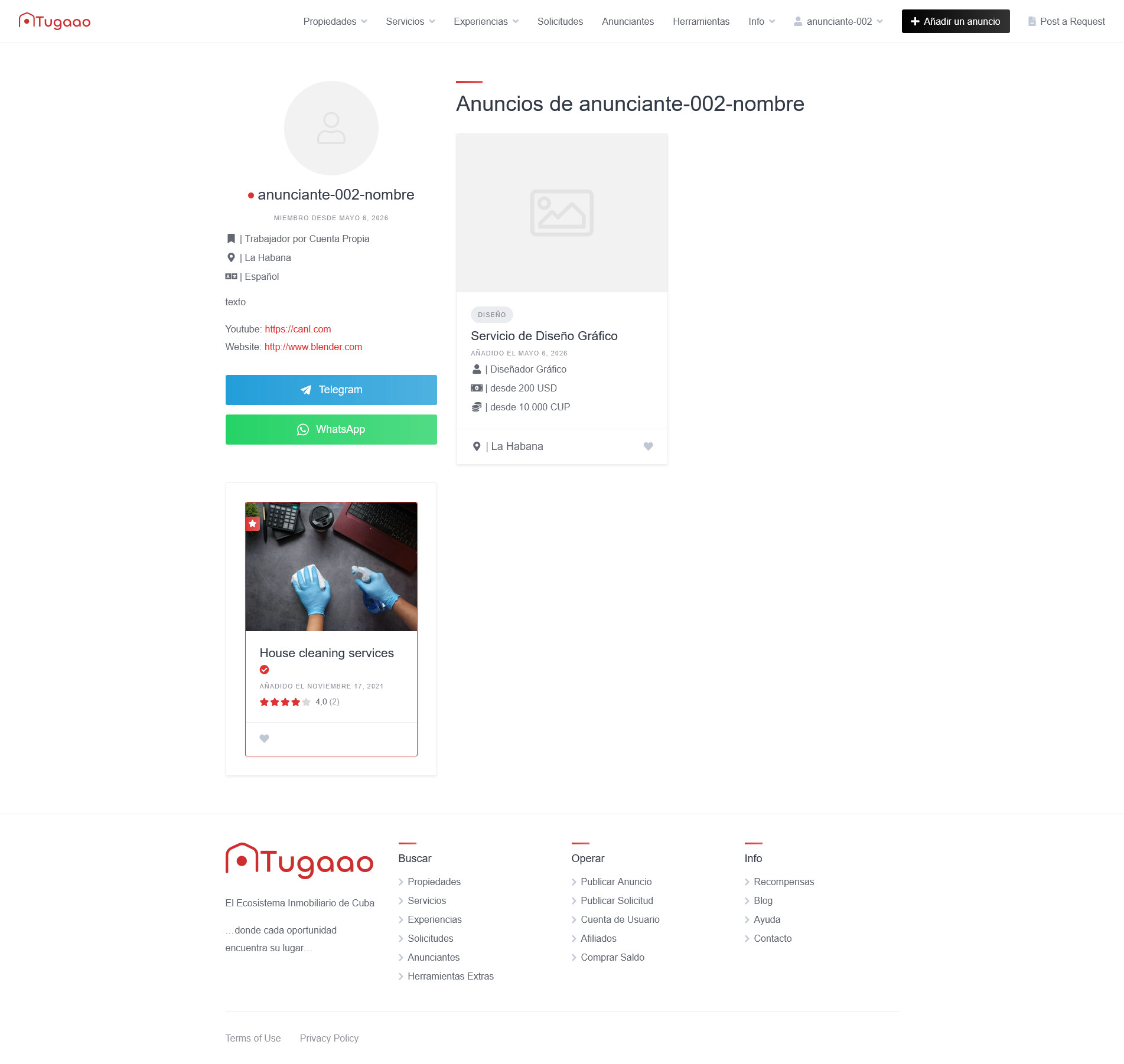
Could you please describe the exact steps to reproduce the issue? I tested it locally by adding WhatsApp to the vendor profile, and it was displayed correctly on the vendor page.
If there is a bug, we’d definitely like to reproduce it on our side so we can investigate and fix it properly.
This will be fixed in the next update of the Social Links extension. Unfortunately, we cannot provide an exact ETA at the moment.
In the meantime, please use the suggested workaround. We will likely rename the field to contact_email, so this change should not break your current solution after the update, you will simply be able to remove the temporary fix at that point: How to add custom code snippets - HivePress Help Center.