Hello,
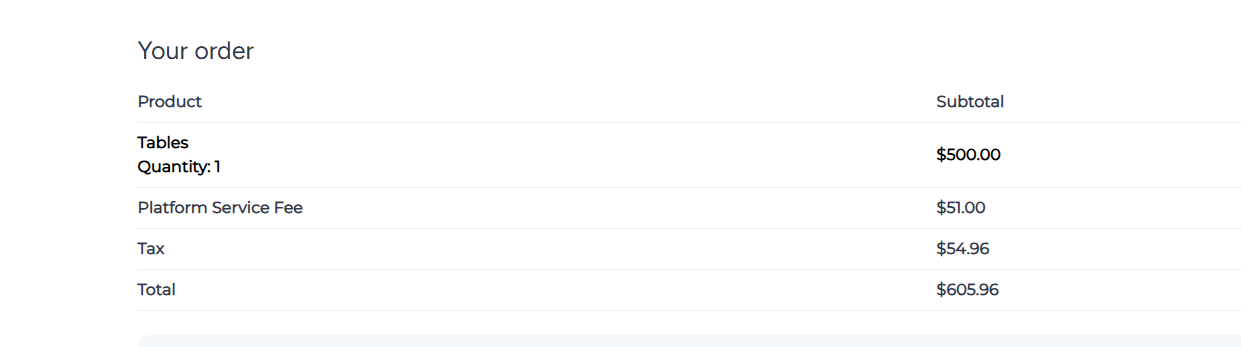
Is there a way to show the extras in the cart?
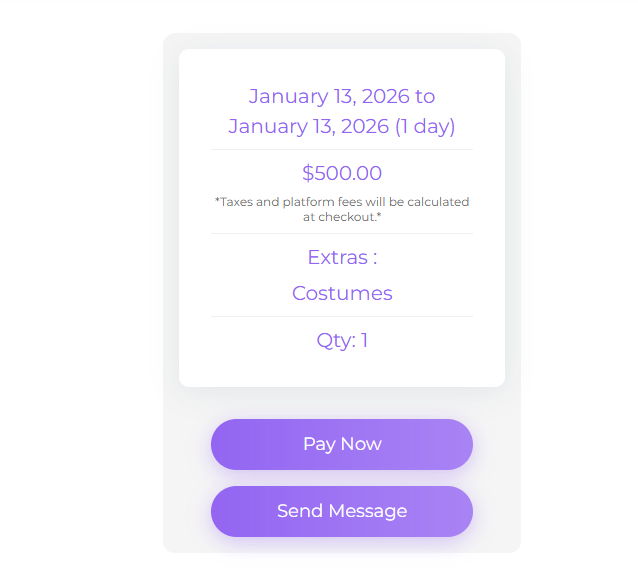
it should show Extras : Costumes : 100$ or the price it should be.
Hello,
Is there a way to show the extras in the cart?
it should show Extras : Costumes : 100$ or the price it should be.
Hi,
Could you please clarify how those extras are added? I believe you use something different from the built-in price extras because, by default, when price extras are added, the user can select them and the price will update. On your website, it seems like informational info.
Thanks for the details.
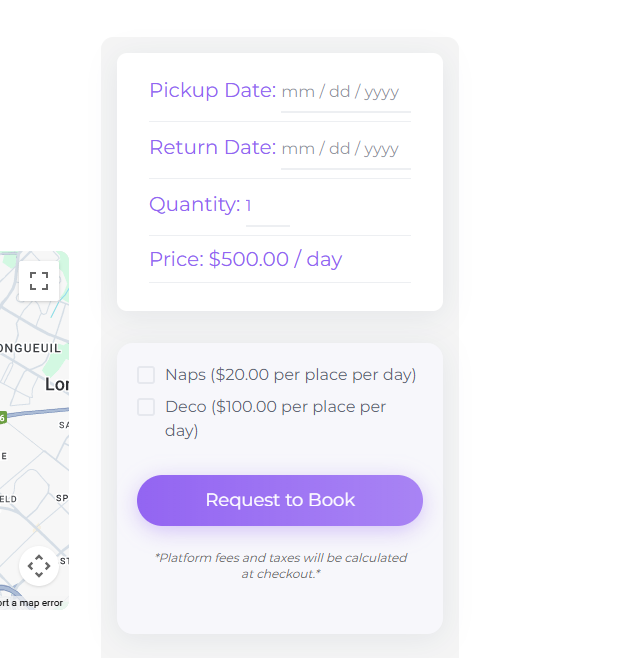
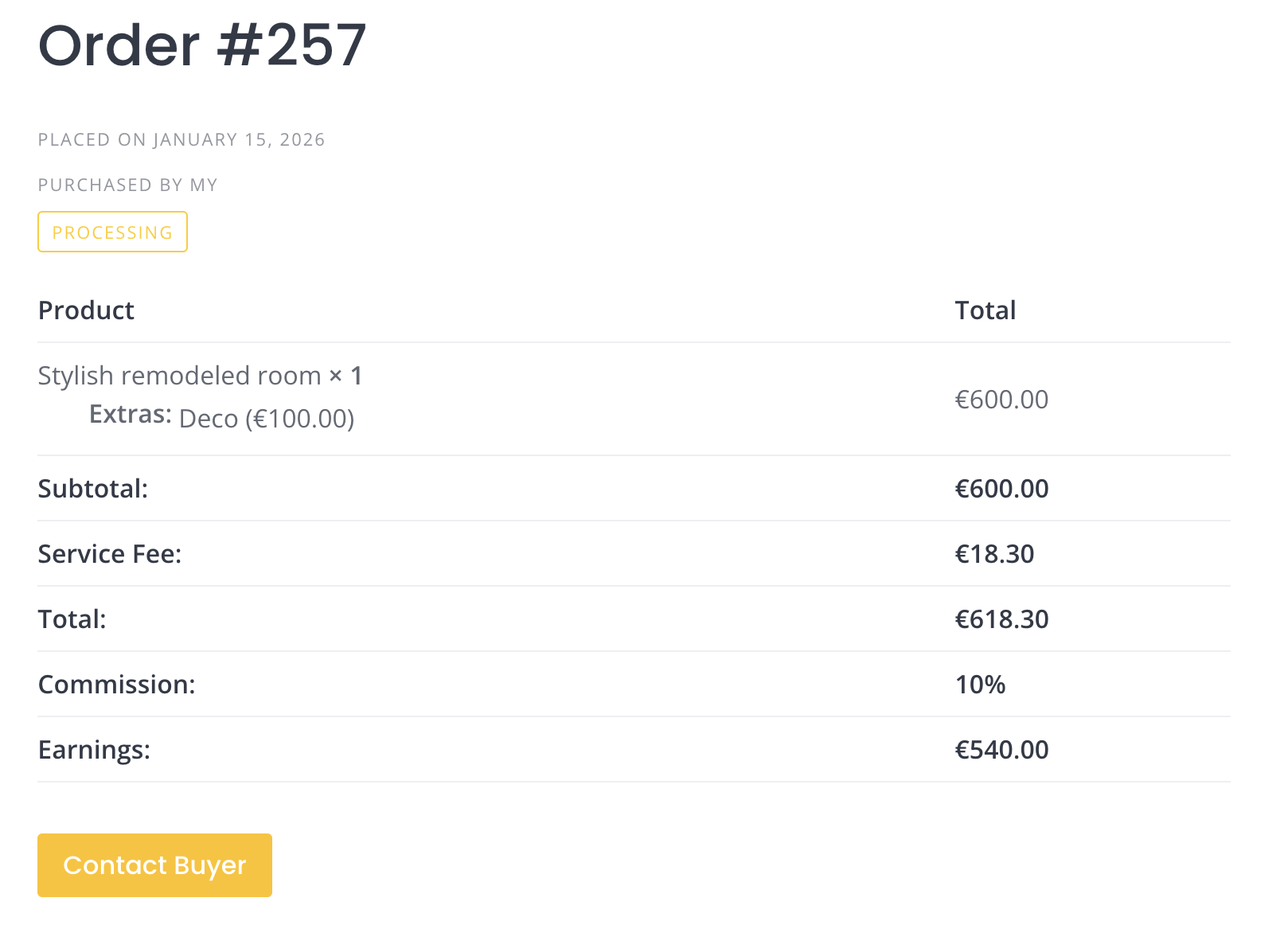
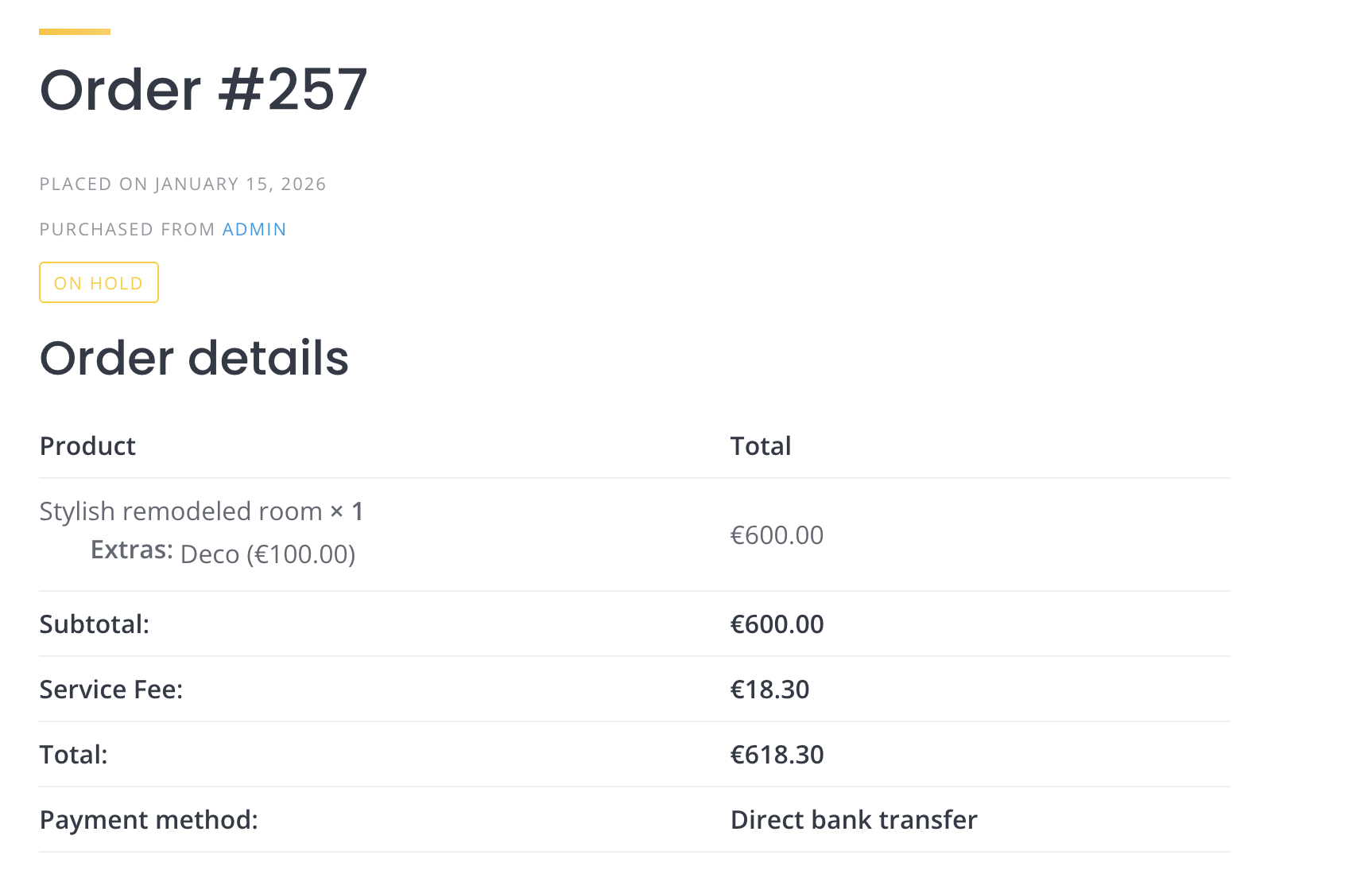
Looking at your first screenshot, the costumes aren’t being created as extras because there’s no checkbox available to select them. In your last screenshot, the price extras are shown, and once they’re selected, both users and vendors should be able to see them in the order. Please take a look at these screenshots for reference:
If the extras aren’t appearing in the order even after being checked, could you please try disabling any customizations and third-party plugins temporarily to see if that resolves the issue.
It would also be helpful if you could record a screencast (using the free version of Loom or another tool) showing the detailed steps of the booking process. This way, we can make sure we’re not missing anything when testing locally. Once we’re able to reproduce the issue on our end, we’ll be able to provide a proper solution.
i have a dev that did some changes, do you know where i can locate this page code so i can repair it?
As mentioned in my other reply to your topic, could you please verify that your checkout page is using the proper shortcode? At the moment, only shortcode-based checkout pages are fully supported. There have been cases where fees disappeared right before payment on the checkout page when the setup wasn’t quite right.
Regarding the customization, they can be created as separate snippets and be used in plugins like Code Snippets or in your child theme.
This topic was automatically closed 30 days after the last reply. New replies are no longer allowed.