I’m not HivePress staff, but I wasn’t able to reproduce this. It’s perhaps caused by a caching issue for logged-in users. You may find this snippet fixes this for you:
Please disable third-party plugins and customizations (if there are any) and check if this issue persists. If you use a caching plugin, make sure that caching is disabled for logged-in users.
Please provide all the steps so we can reproduce the issue, for example, how you add a listing, where you upload images (backend or frontend), who deletes the image, and which image is affected (first image or any image). Screencast can be helpful in this case.
If we can reproduce the issue, we’ll be able to fix it.
Thank you for the details, but we couldn’t reproduce the issue.
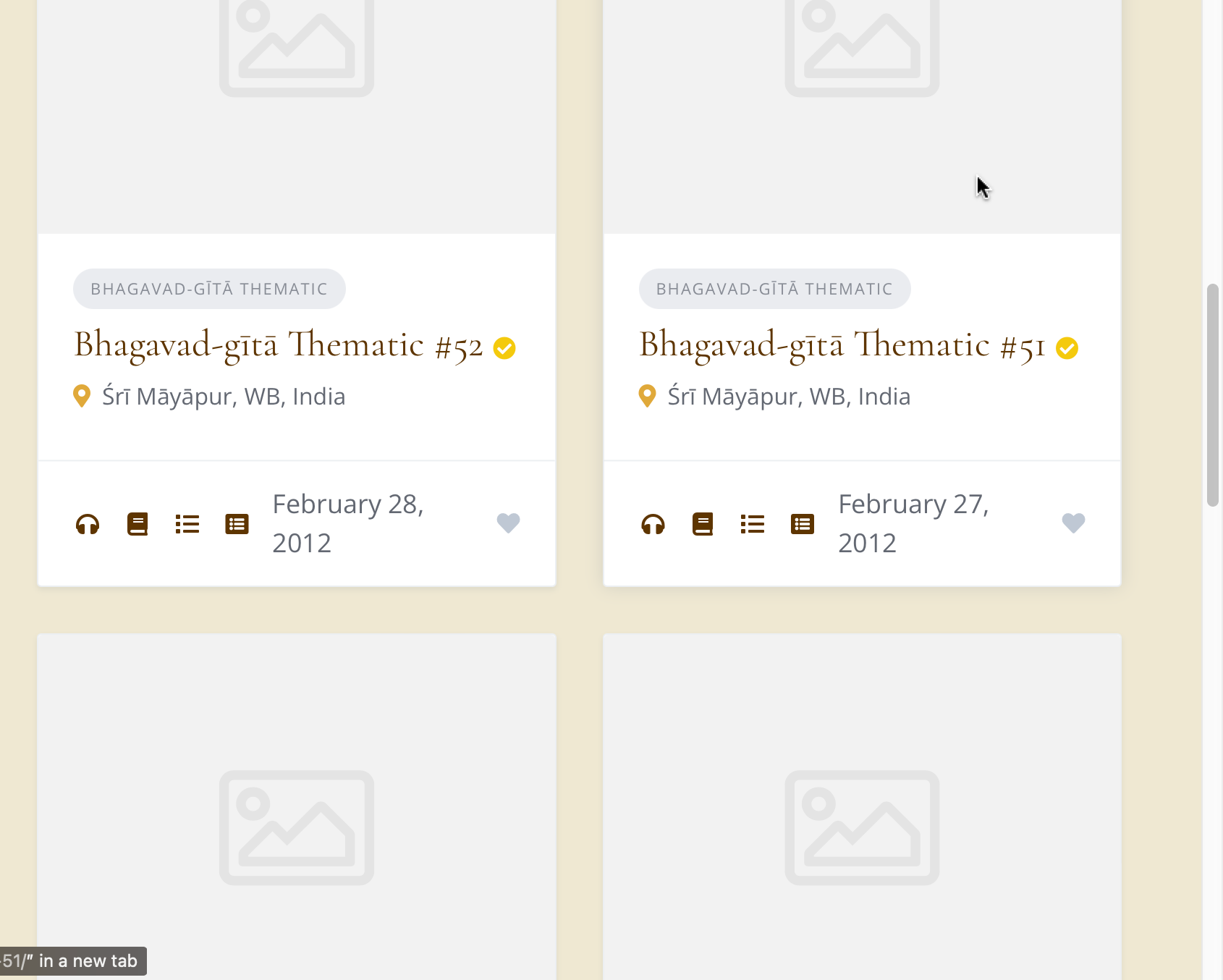
However, we do have a related bug tracker issue for video: if you delete the first image, then the next item (a video) shows a broken image in the listing block.
When we fix that, we will also test one more time the use case you described.
In the meantime, please temporarily try to avoid this specific use case. If you must remove that image, please move it so it is not the first item, and then delete it.
I have a related issue. Yesterday, as I was working on my site, the featured images of over 60 of my listings suddenly disappeared. I did not add any new plugins or updates recently, I was just working on adding new listings. The Wordpress update to 6.9 was pending, hence I thought that this could have caused the issue, so I went through with the update, but it did not resolve. When I checked the listings, their image slots were suddenly empty - I had added these listings over last month and had not opened them recently. At the same time, about 100 other listings of my site still display the images normally, just as before. This issue persists whether I am logged in as an admin, or access the site from other browsers.
More info: I use the listings for lectures on an educational site. Since groups of my listings have the same images, being part of the same lecture course and have other attributes in common, I clone them with Yoast Duplicate Post plugin. This duplicates the listing images and attributes, then I edit finer details. I only upload a new image for a new lecture course/series.
I would, of course, add back the images manually if all else fails. But since I have thousands of more lecture listings to add, I would prefer this issue not to repeat in the future.
Thank you for reporting this. We tested on our end but were unable to reproduce this issue.
It’s important to note that images cannot delete themselves automatically, only WordPress can delete them, and this only happens when the parent content is deleted (for example, when a listing is deleted, all associated attachments are removed with it).
To help us understand what’s happening, could you clarify a few things: did the images disappear only from the media uploader in the backend, while remaining in the listing slider on the frontend or did they disappear from both the backend and the listing page?
If the images disappeared from both places, please make sure to test with all third-party plugins disabled and any customizations turned off. This will help us determine if there’s a plugin conflict or custom code causing this behavior.