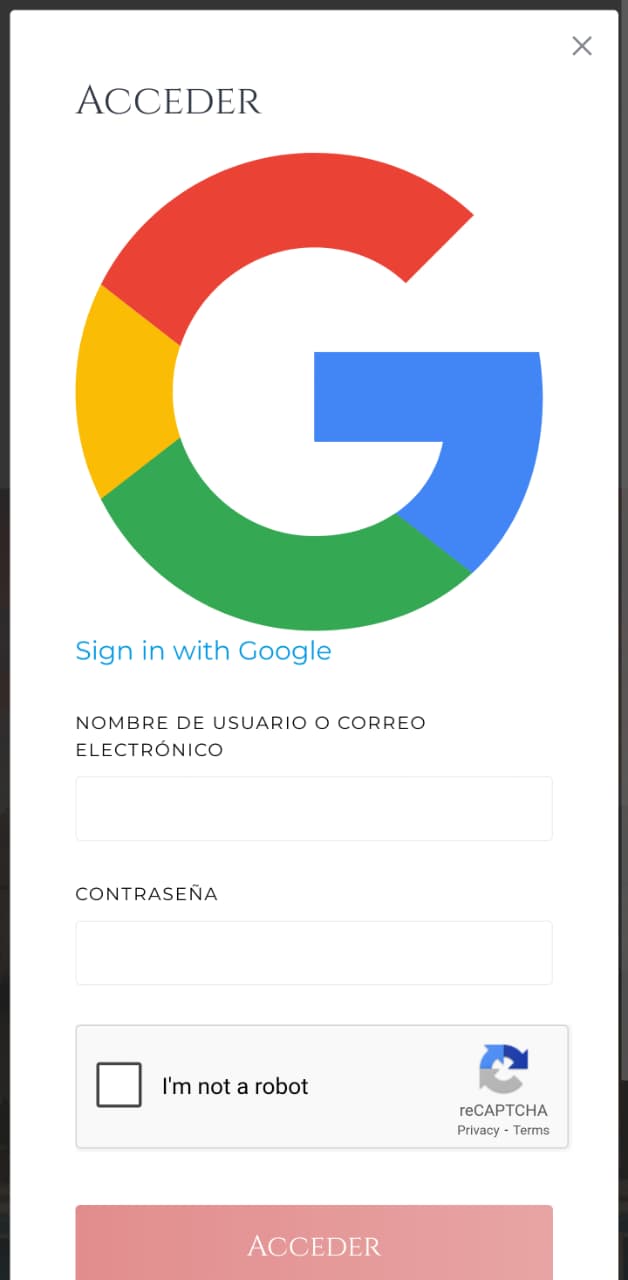
Hi,
I did manage to configure Google Cloud to get the gmail login but have few minor problems.
1 - I had double buttons on the login screen, here I found that it is because of the Authentication plugin so I deleted it… but for what is this plugin in that case?
2 - when I had 2 buttons, one was small and looked good, and the other one (that I’m having now) is huge and looks bizzare. How can I get the small one?
3 - as I’m using Hivepress theme, from the very beginning I got two ways to register/login. A) a popup window that’s opening when I choose Acceder (Spanish) from the main Menu (it was there by default), B) by clicking on a Anadir un Anuncio (add listing) button (also was by default as part of Menu and this one is not a popup window).
So the problem is that in case of B option, there’s no Sign in with Google button, so the only way to log in is the classic one.
The Authentication plugin is a deprecated extension and is not displayed anywhere unless you search for it directly on WordPress.org. Please make sure it has been deleted, as it uses an outdated API.
It looks like the CSS styles haven’t loaded. Please send a link to your website, and we’ll check it. You can send it privately to support@hivepress.io
No matter where the Register and Login forms are displayed, the Social Login works exactly the same way. In other words, the social login button checks if an account is linked to the social profile — if it exists, it logs in the user; if not, it creates a new account. In other words, the button functions as both “Login or Register.” The login form can appear either in a modal or on a dedicated page [for example, during a redirect or in the “Add Listing” step], but it works consistently in both cases.