Hi. On attribute pages when you use filters, it doesn’t narrow down the results. For example an attribute page has 20 listings and I use a filter to narrow this down, I should have less than 20 listings, but instead I end up with 80 listings. What happens is that the results shown are ALL the website listings narrowed down by the filter (and not the original 20 on the attributes page). I noticed that if I set these attributes to appear in the filter form, the problem goes away, but I can’t do that (there are about 50 attributes which would really clutter the filter form).
Hi,
Could you please clarify what you mean by attribute pages? Did you make a select-type attribute public, and on this page the filters are being reset? Please provide more details so we can reproduce the issue. Once we’re able to reproduce it, we’ll help you fix it.
Hi Kseniia
My website is about activities in London and I have an attribute called activity type (with options such as museums/ parks/ events/ kids activities, etc.). I created a page for each attribute option. When I go to one of these pages on the front end, e.g. example.com/listing-activity-type/museums and filter the listings - for example by ticking ‘free activities only’ checkbox - instead of showing museums + free results it shows all listings + free results.
Please note that I don’t want to include activity type attribute into the filter form on the front end
We tested the issue you described and found that the problem occurs because the attribute is not set as filterable. When you’re redirected to the attribute page, there’s no pre-saved value, so when you click the filter button, it behaves as if no value is selected.
Please consider keeping the attributes filterable. In this case, everything will work correctly: when you visit the attribute page, the filter options are pre-defined, and filtering will return listings that match the selected requirements.
Thanks for your reply. Yes, I know that this problem doesn’t occur when the attribute is set as filterable but as I mentioned I can’t set it that way because on my site some attributes are not designed to be user-friendly and will confuse site visitors (they only exist for organising listings on the site). It there a way around it? For example could I set the attribute as filterable but use a CSS snippet to hide it from users in the filter form?
As a workaround, this can do the trick. Please share the attribute’s field name, and we’ll provide you with a CSS snippet.
Thank you! The field name is: london
Please try this one, it should hide the filterable attribute in the form:
add_filter(
	'hivepress/v1/forms/listing_filter',
	function( $form ) {
		if ( isset( $form['fields']['london'] ) ) {
			$form['fields']['london']['display_type'] = 'hidden';
		}

		return $form;
	}, 1000
);
Hi! Unfortunately it didn’t work. The field is still visible in the filter form even after I’ve added the CSS snippet. I’ve attached some screenshots
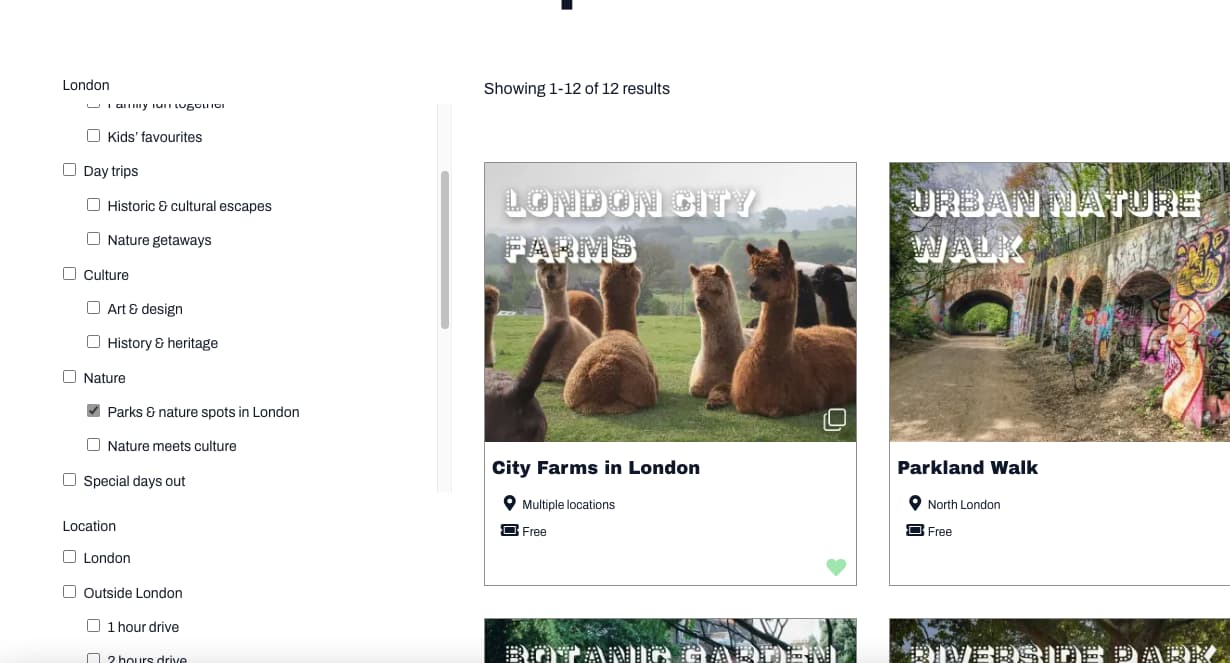
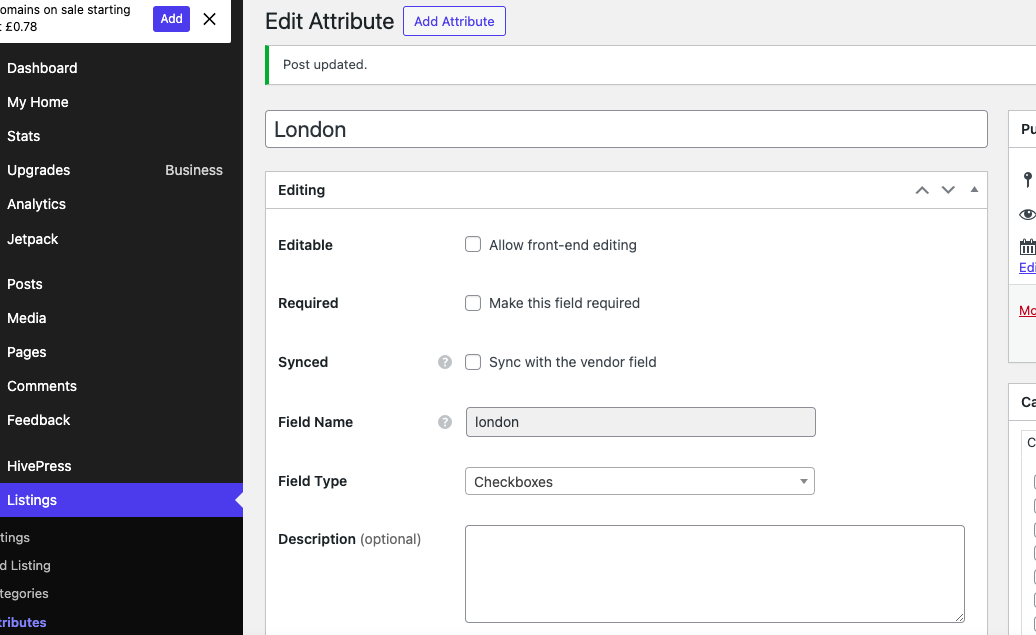
I added a lower priority for the snippet above, please copy it again and let me know if it works, now it should run after the HivePress functions so the field should be available at the time the snippet runs.
1 Like
Unfortunately still not working - the london attribute is still not hidden in the filter form. I took the screenshot after refreshing the page…
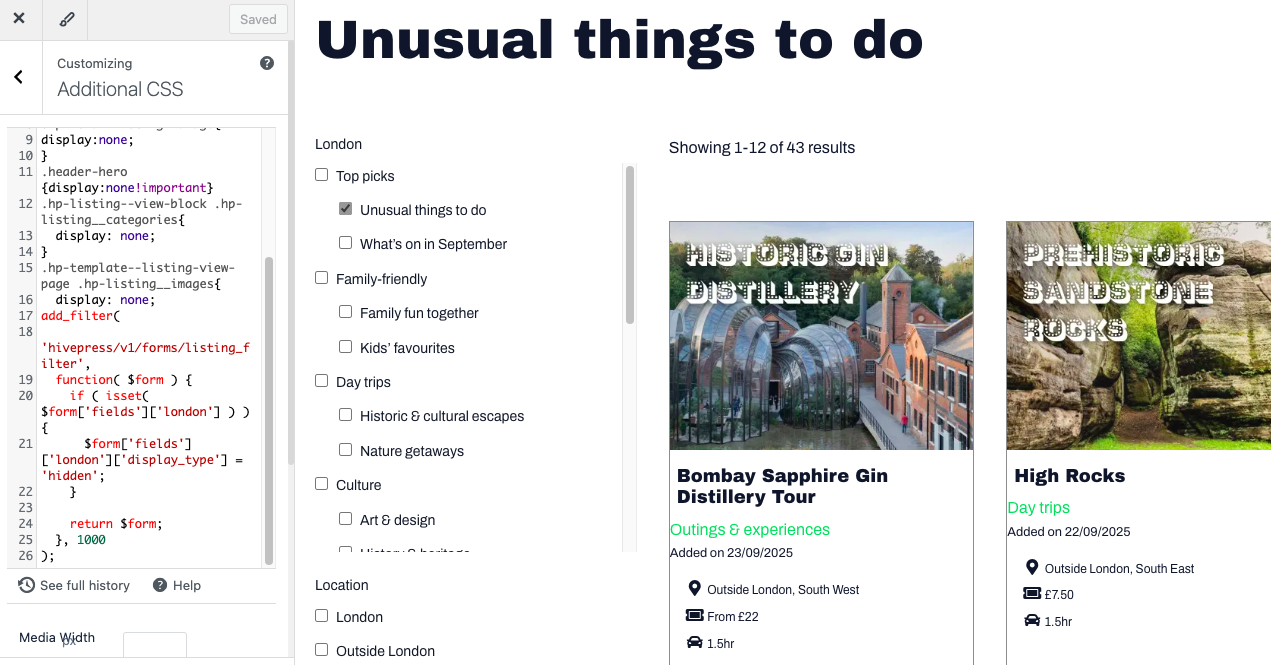
This is a PHP snippet that requires a different implementation approach. Please follow this guide on How to add custom code snippets - HivePress Help Center.
Hope this helps
1 Like
This topic was automatically closed 30 days after the last reply. New replies are no longer allowed.