This is expected behavior, the Listings page has no header image section, please check an example here Listings – ListingHive It only has the header navigation section along with the search form. At the same time, category pages show header images, and you can customize it on the category or global (in Appearance/Customize) level Real Estate – ListingHive
A regular page (like the Home page) shows a header image only if it contains the Read More separator, this is a way to separate content between the header and the rest of the page. If you set another page as a Home page, please add the Read More separator and some content above it, the header image will appear How to add a header image to pages - HivePress Help Center
Yeah, I can see the header image on category pages, but what if I have no different categories and want to have the header image on the Listing page? Is there any solution for this case?
On the other hand, the header image is shown too high and occupies a big part of the page vertically! How can we make it shorter?
Please note that I add the header image in “Appearance->Customize->Header Image” section and so a relatively narrow image is shown on every regular page I have in my site (this header image is vertically shorter than what we see in the category pages).
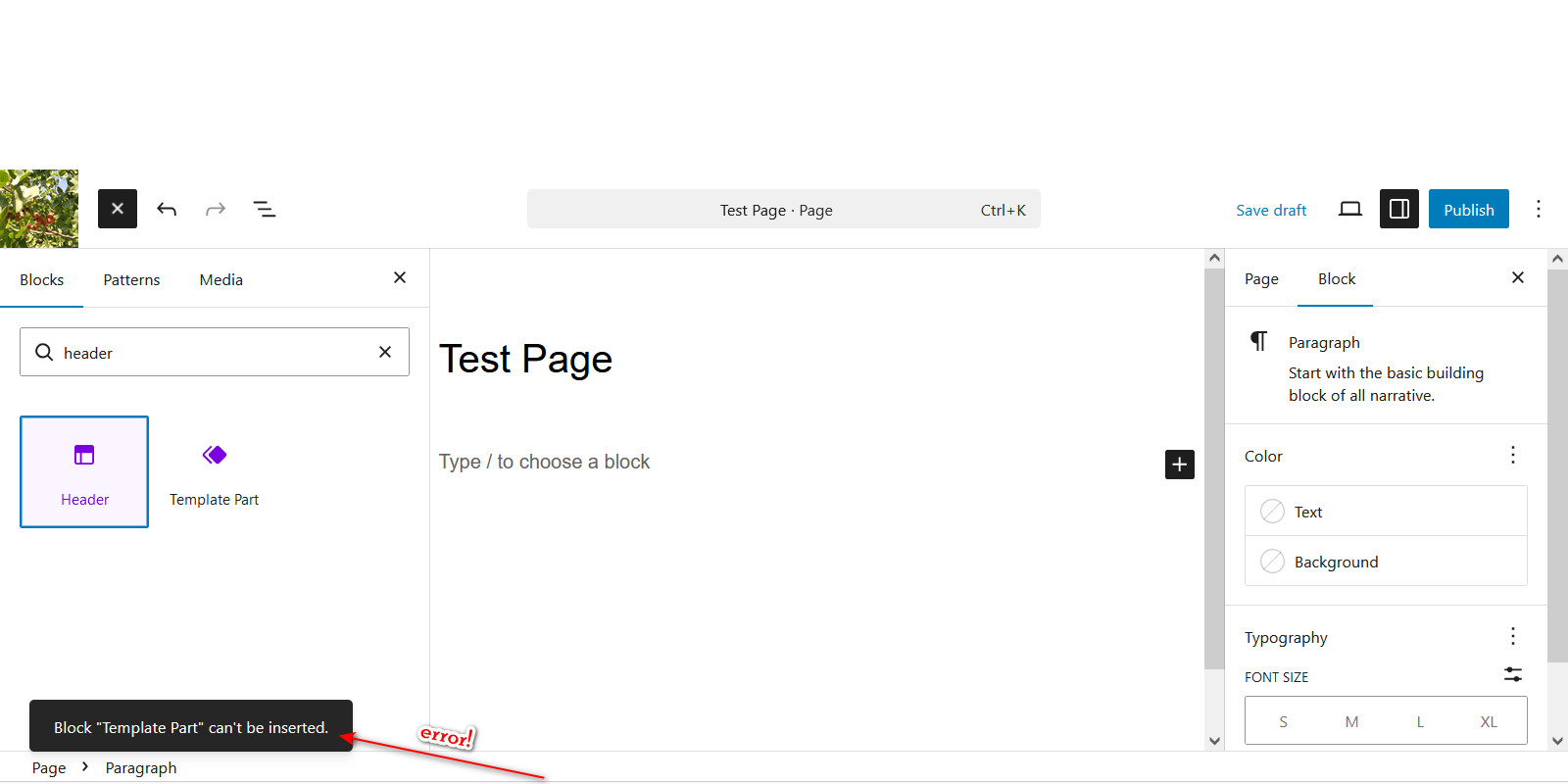
Finally, I can’t add and manage the header image using Wordpress block editor and trying to add the “header block”, shows me this error: ‘Block template part can’t be inserted’, as you can see in the attached photo!
Please try following this screencast step by step – instead of the Header block, you need to add the Read More separator and any content (e.g. heading/text) above it, then the header image area will appear on this page (any content above the separator will be inside the header image area) How to add a header image to pages - HivePress Help Center
Unfortunately there’s no header image area on the default Listings page, it has no such area since there’s no content (heading/description) like on the home page and category pages Listings – ListingHive You can still create a custom landing page in WordPress/Pages, add a header to it (via the Read More separator), add the Listings block to show a few listings with a custom link/button (e.g. “View All”) linked to the default listings page without header.
If you’ve had a good experience, we’d be grateful if you had a moment to share a review on the WordPress repository or Trustpilot. Your feedback really does mean a lot to us and helps other users discover HivePress.