Tried Loco but not working.

Hi,
You can change this label in the Loco Translate > Plugins > HivePress, as shown in this doc: How to translate HivePress - HivePress Help Center. Also, please check this doc: How to change any static text - HivePress Help Center
I hope it helps
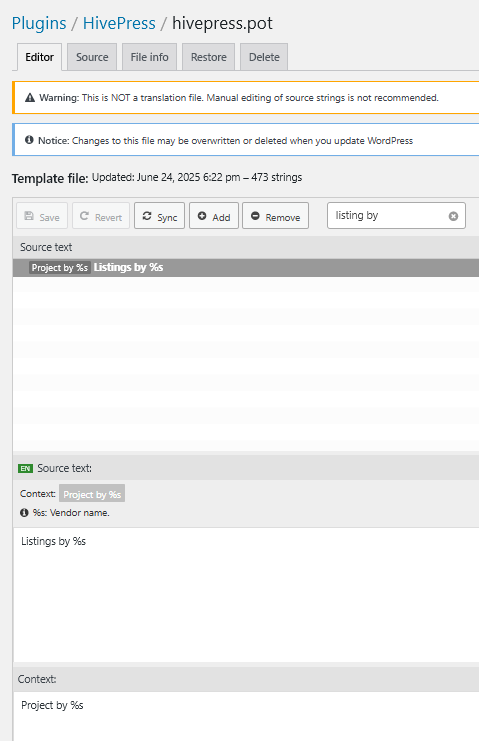
@sayak12001 - Look at the messages shown on screen. They’re there for a reason.
You’re editing the main translation file. Re-watch the video Andrii linked above, and follow it step-by-step.
I hope this helps!
Cheers,
Chris 
1 Like
Maybe something similar to the following snippet is helpful:
/*listings*/
Add_filter( ‘gettext’, function( $translated_text ) {
    If ( ‘Complete Order’ === $translated_text ) {
        $translated_text = ‘Mark Order Completed’;
    }
    Return $translated_text;
} );
This topic was automatically closed 30 days after the last reply. New replies are no longer allowed.