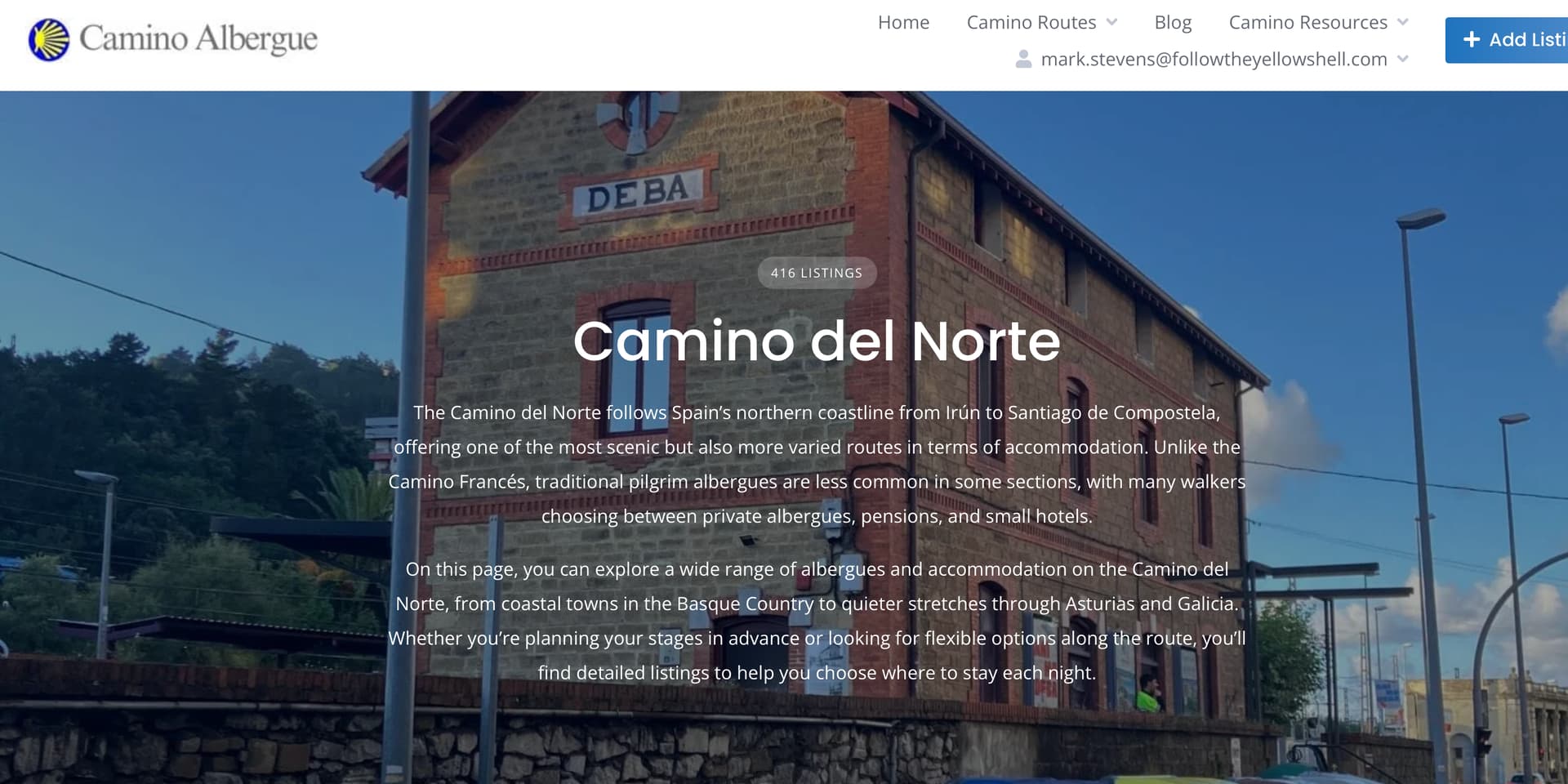
How can I get a body text block on the listing category pages before the listing cards to help google understand what the page is about. ie help with seo for each category.
If you mean moving this text further down the page, it is possible, but it would require some code customization (using a template hook hivepress/v1/templates/listings_view_page or hivepress/v1/templates/listings_view_page/blocks and a snippet to remove the description from its current position).
If the text is human-readable and not intended for search bots, it’s generally better to keep it in the header. It appears right after the H1 tag, which is typically more beneficial from an SEO perspective compared to placing it lower on the page.
Hi. I was going to ask something very similar. On category pages the description appears at the top of the page above the listings. This is very bad for a few reasons. I have no idea why it’s not set up like all the other pages with the description at the bottom, or at least have the ability to choose. All other pages on my site have listings at the top and the description at the bottom. Having it different on the category pages disturbs the natural flow of the website and confuses visitors. When visitors see text they leave the page. This is especially true on mobile devices, which many people now use. I have a lot of text for SEO purposes, so on a mobile all you see is text. Users need to scroll down to see listings, but many just click back. Traffic stats are poor for my category pages, due to less time on the page.
I don’t see much purpose for the hero theme on category pages for me, so I edited out the ‘Render hero content’ add_filter line in componenets/class-theme. It removes the hero theme, but also removes the description and title. I don’t mind editing core files. Is there a way to edit core files to remove the hero theme, and keep the title at the top and description at the bottom like the rest of the site? Maybe editing out the line I mentioned above, and using a template hook to place the description at the bottom. I don’t think hiding the text with a snippet is a good idea for efficiency and SEO. I know from the past that search engines take a dim view of hiding text. Hiding text, which still appears in the source code, but showing it somewhere else isn’t ideal.
Any help is appreciated, and I’m sure it can help others.
I agree. my hero image now has all the text in it and takes up a full screen on mobile. I have yoast telling there isn’t enough description on each category page especially for SEO
@Instigator, if your descriptions are quite long, they can indeed take up a noticeable amount of space on mobile screens. We’ll consider making this behavior optional in the future.
@Caminoalbergue, in the meantime, please take a look at the following topics: one includes a CSS snippet to hide the current description, and the other provides a PHP snippet to display it below instead:
Thanks Ksenia… I tried the code to display the description at the bottom, but it doesn’t work for me. In Hivepress settings I DON’T have the box checked for ‘Display categories instead of listings’. Not sure if that is even relevant. I’ve cleared cache and I don’t have any other plugins outside of Hivepress other than Yoast. I added the code to the child theme. Strange.
Thanks very much for doing that, Ksenia. I have added the code correctly. But, I noticed in the AI Assistant it says the ‘Term Description’ must be used. I have done a test on another install and found that using Term Description in the Listings template I created does indeed work. But, my main website I need this for has been running for a long time with listings and a lot of text descriptions on many different pages. I use a Listings temple with the blocks, Page Title, Listings, Page Description, and Pagination. Am I safe to delete the Page Description block and add Term Description block instead? Will descriptions I already added be lost on pages? Why do both exist?
I appreciate your help. Maybe others will experience the same problem without knowing to use Term Description.
It seems we might be referring to different pages, or there may be a small misunderstanding.
Could you please share your site URL and the specific page where you’d like to move the description? Screenshots would also be very helpful. If you prefer not to share this publicly, you can send the details to support@hivepress.io.
At the moment, there isn’t an option to override a dedicated Category Listings template, only the general Listings template can be customized. Also, there isn’t a HivePress block called “Term Description.”
Please also keep in mind that while AI tools can be helpful, they may sometimes provide suggestions that don’t fully match how things work in practice.
Thanks Ksenia. I managed to get everything working by changing the Listings template. I removed the block ‘Page Description’ and added ‘Term description’ instead. I’m running Hivepress 1.7.11, but have just tried on a new install running the up to date version and I see ‘Term description’ is still there, so it’s not down to my older version. If using ‘Page Description’ as well as ‘Term description’, then on other pages you end up with two descriptions at the bottom. So, only ‘Term description’ can be used. Instead of using a css snippet to remove the description at the top, I edited the core file themes/listinghive/hivepress/listing-category/view/page/listing-category-header. I only mention for other users, though i know most people shouldn’t edit core files. I just think it’s more efficient and better for SEO.
Thanks for sharing! Yes, if you override the listing-category-header.php template part via a child theme (this is the recommended way because changes will be safe from updates) and remove the description, then the CSS snippet is not needed.