How can I move the search bar and the category sidebar to the top of the blog page in mobile view?
Hi,
This can be done with some CSS tweaks. We can provide general guidance on how to achieve that, but this falls under dev guidance, which is available with premium support. If the support period for your purchase has expired, please consider renewing it for further assistance: Renew Support | HivePress.
I have now purchased premium support. Could you please help me with this?
Thank you for renewing your support, it helps fuel HivePress development.
Could you please clarify if you are using the search widget and categories in the blog sidebar, or something else?
If possible, please provide the URL of the page. Once we have that, we can provide a CSS snippet to make the sidebar appear first on mobile.
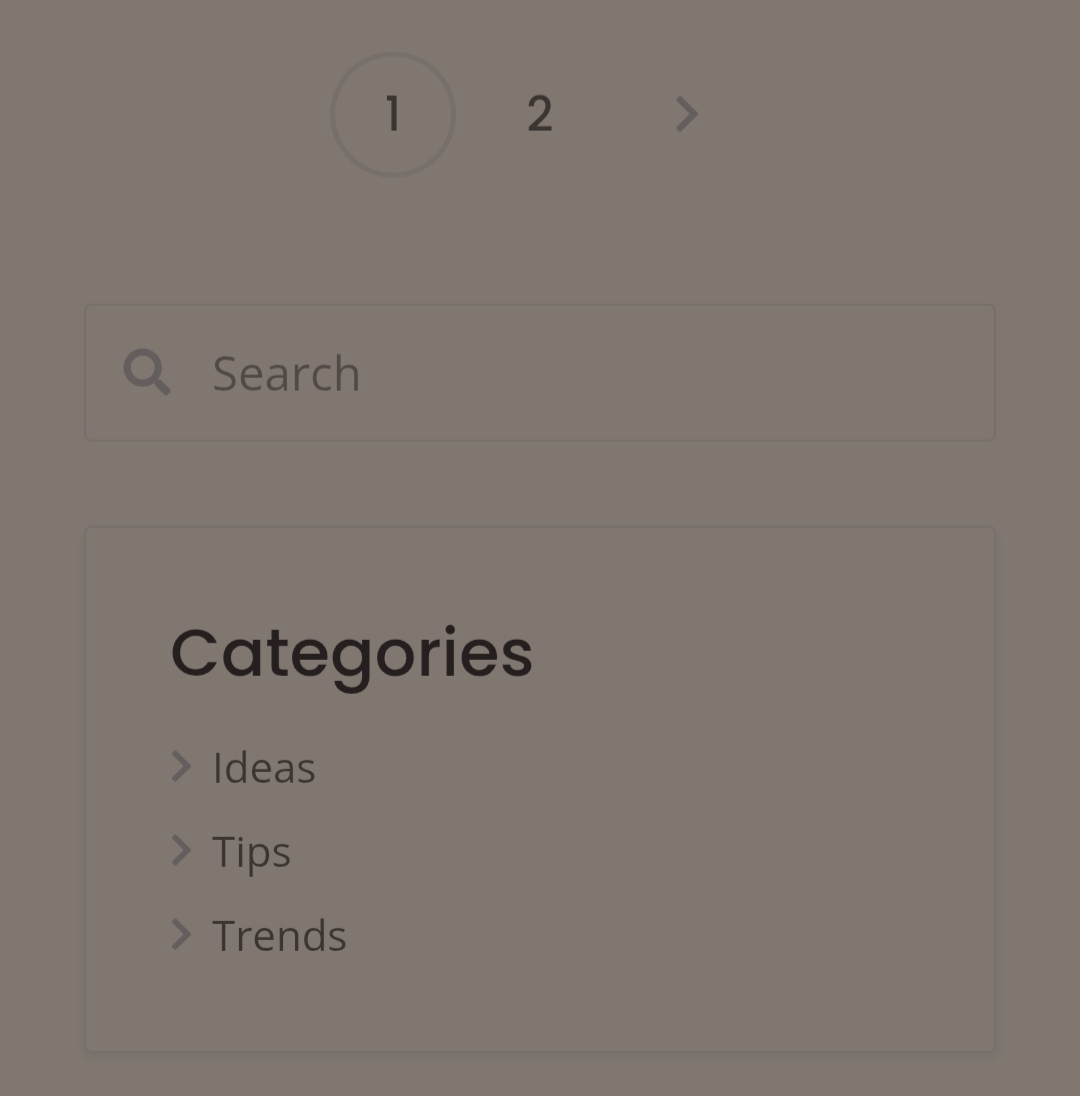
Please clarify if it’s the blog page, the same as on the demo? Blog – ListingHive You can also send a link to this page on your site, this would make checking CSS classes of the page and composing a code snippet easier.
Thanks
Sorry, I am using a localhost for development, so I’m not able to share the link, but it is the same as the demo.
Please try this PHP snippet:
add_filter('body_class', 'add_blog_page_class');
function add_blog_page_class($classes) {
    if (is_home() || is_post_type_archive('post') || (get_option('page_for_posts') && is_page(get_option('page_for_posts')))) {
        $classes[] = 'blog-page';
    }
    return $classes;
}
And then this CSS:
@media (max-width: 767px) {
    .blog-page .site-content,
    .blog-page .main-content-wrapper,
    .blog-page .content-sidebar-wrap {
        display: flex;
        flex-direction: column-reverse;
    }

    .blog-page .site-sidebar {
        order: -1;
    }
}
Hope this helps
This topic was automatically closed 30 days after the last reply. New replies are no longer allowed.