Hi @billiejobylund,
Firstly, your site is looking great - good job! 
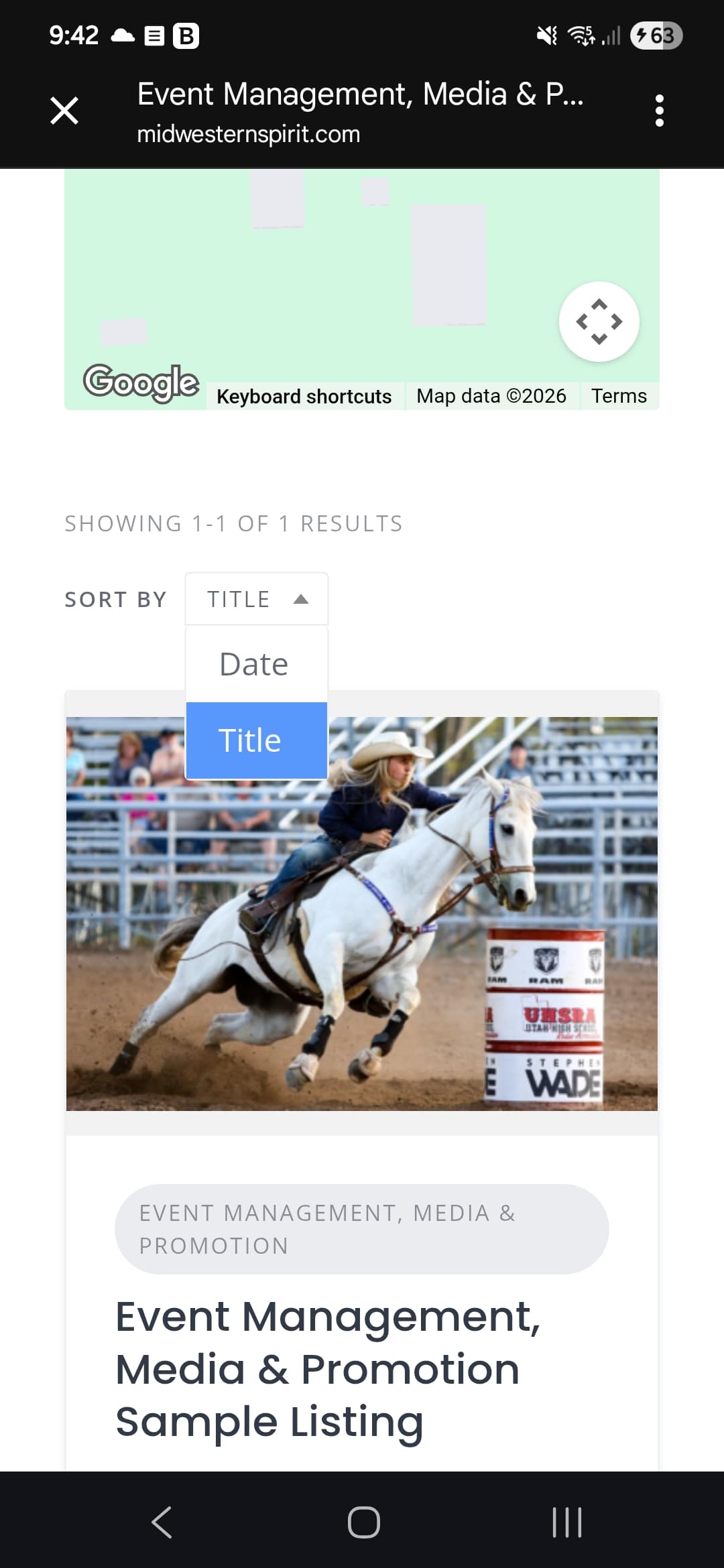
Re: ordering your events - sorry to point out the obvious, but I just want to confirm if you’ve seen the following ‘sort by’ option:
I’m not sure if this dropdown menu satisfies your needs, but, if not - You could create/edit an ‘Event date’ attribute and under the Search settings enable the 'Sortable - Display as sorting option’ checkbox. I believe doing so will add new ascending and descending options to the dropdown menu I highlighted above.
For hiding the events/listings that have expired, you can visit the associated listing via the backend of WordPress, and under the ‘Profile Settings’ section you’ll find an ‘Expiration date (optional)’ box which should meet your needs.
You can manage the expiration date of all listings in the HivePress settings tabs, but, I’m not certain how your site will/does operate, and, if you’ll be the only person creating listings.
Just to clarify; I’m not HivePress staff, but I hope this helps! 
Edit:
I haven’t tested this snippet, (provided by HivePress AI), but it could be useful:
Auto-Expire Listings Based on Custom Event Date
Based on the training data, here’s an example of how to auto-expire listings based on a custom event date attribute:
The PHP Snippet
add_action(
	'hivepress/v1/models/listing/update',
	'custom_update_expiration_date',
	10,
	2
);
function custom_update_expiration_date($listing_id){
	remove_action( 'hivepress/v1/models/listing/update', 'custom_update_expiration_date', 10, 2 );
	$listing = \HivePress\Models\Listing::query()->get_by_id($listing_id);
	if(!$listing){
		return;
	}
	$end_time = $listing->get_attribute_field_name();
	if(!$end_time){
		return;
	}
	$listing->set_expired_time(strtotime('+2 days', strtotime($end_time)))->save_expired_time();
}
How to Use It
- Replace attribute_field_name with your actual custom attribute field name (e.g., event_date or end_date )
- Adjust the +2 days part if you want listings to expire at a different time (e.g., +1 day to expire immediately after the event, or remove it entirely to expire on the exact date)
- Add this snippet to your site using a code snippets plugin
- Set it to “Run snippet everywhere” (not just front-end or admin)
What It Does
When a listing is created or updated, this snippet automatically sets the expiration time based on your custom date attribute, so listings will automatically move to Draft status and disappear from your site after the specified date.
Cheers,
Chris