Hi! I remember that Hivepress sites had updates that were recommended to install. I started working on my listingHive site again after MANY months, if not a year. Should I update anything? My website still works perfectly though.
We’re glad to hear you’ve decided to continue with HivePress.
You can view new updates in your WP Dashboard under Updates. Auto-updates can also be enabled for your convenience [please see the screenshot]. If no updates are showing, it means your version is already up to date.
Hi. My last update is pretty old. 1.2.6 instead of 1.2.11. Do you recommend to update it? I really hope that by updating it it won’t mess anything on my website, maybe being my last update too old it would be risky to update the theme version? : ( I have a function website with users so I wouldn’t want it to be destroyed because of an update…let me know!
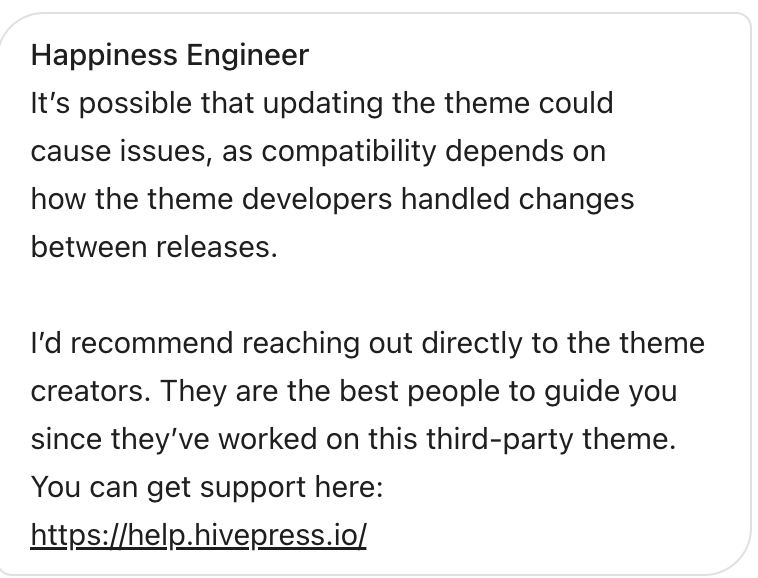
If you’re referring to the theme, it’s fine to update, as the theme contains only design elements and not core features, so there shouldn’t be any issues.
However, if your current HivePress plugin version is very old [you can check the second number in your version and the version available for update, if there’s a significant difference, it indicates a major release gap], please make a backup first before updating the plugin.
Updates for free products can be found in WordPress Dashboard > Updates. For premium products, you need to add your license key in WP Dashboard > HivePress > Settings > Integrations > HivePress Store. Once the key is added, updates for premium products will also appear.
If you mean ListingHive theme version (the latest is 1.2.11 ListingHive | WordPress Theme | WordPress.org) and not the HivePress plugin version, it’s ok to update because there were no major/breaking changes in the LisitngHive theme. In any case, I recommend enabling recurring backups for the website.