Please make sure you add these snippets using this doc: How to add custom code snippets - HivePress Help Center. Also, please disable third-party plugins and customizations (if there are any) and check if this issue persists. If you use a caching plugin, make sure that caching is disabled for logged-in users.
As I said, the snippets work fine in general, but for specific fields (which I mentioned) they do not. If there was a caching-related or plugin-related problem I would expect it to impact all fields and now just one or two.
For example, the first snippet works perfectly find when applied to the ‘price’ field, but not for the ‘quantity’ field.
P.S. Why is it that my license code isn’t giving my user avatar the star?
Sorry for the confusion. This issue may occur if these fields are not attributes, and they are added as fields on the form level. In this case you have to filter the form instead of attributes so there’s a different hook, for listings it’s hivepress/v1/models/listing, then you can change $listing['fields'] array inside it. You can also check the hivepress/v1/forms/listing_update hook.
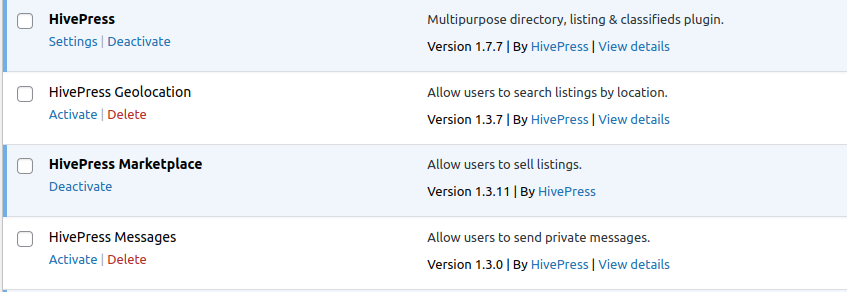
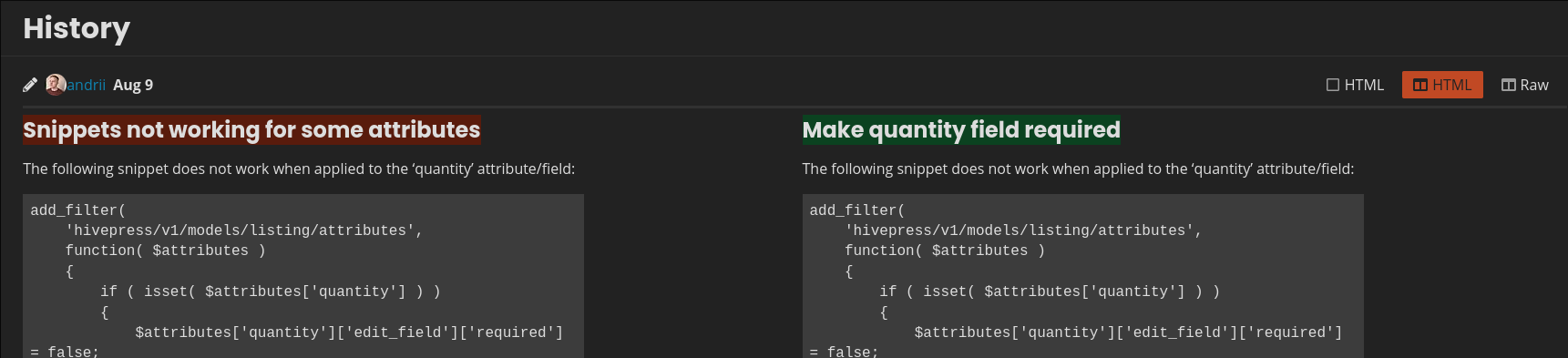
Please try the solution described here Quantity and purchase note required We tested it locally and it seems to work. If it doesn’t work make sure that it’s added correctly, you can also disable other HivePress extensions that may conflict with the quantity field just to check, e.g. Bookings if you have it installed. We tested this locally with HivePress and Marketplace only.
Thanks for reporting the support badge issue, I guess there’s something with the payment provider API, I’ll test this further.
Remember, I am trying to make the quantity field optional, not mandatory. The snippet you refer to is for making that field mandatory. Have you tested making the field optional?
Regarding the quantity field, you specified that you need to make it a required field, and now you have indicated that you need to make it optional. Note that this field is optional by default, so you don’t need any additional PHP snippets.
No I didn’t. You can see in my opening post that the snippet has ‘required’ set to ‘false’. If you are referring to the name of the thread - I created the thread with a different title than the one it has now - someone else changed it!
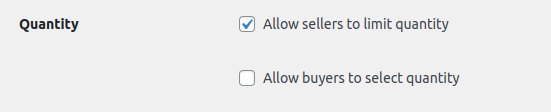
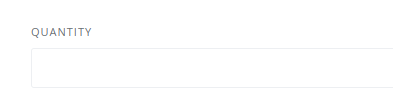
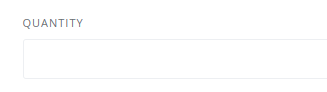
Furthermore, if I enable the ‘Allow sellers to limit quantity’ option (HivePress → Settings → Listings), the resulting ‘Quantity’ field is not optional:
That worked! Thanks!
Is it possible to limit the selection to only one extra?
There is no such feature as limit selection, you would need a custom implementation on the hivepress/v1/forms/listing_update/errors hook and check how many extras are trying to be saved and generate an error based on that.
Also, please note that while we try to provide coding-related guidance to help third-party developers and to prevent getting stuck when it comes to customizing our products, unfortunately, we can’t provide specific guidance along with ready-made code snippets; customization is beyond the support scope included with the purchase Support Policy | HivePress
that is so weird.
I also have this option enable …
… but for me the ‘Quantity’ field is not optional.
How is that possible?
Sorry if I wasn’t clear enough. Currently if the listing includes 3 extras, they appear on the listing as checkboxes, and the customer can select more than one extra.
I’m looking for a way to make it so that the customer can only select one extra. Maybe changing from checkboxes to radio buttons would do the trick?
I see. Please disable third-party plugins and customizations (if there are any) and check if this issue persists. If you use a caching plugin, make sure that caching is disabled for logged-in users. Please note that you need to disable all plugins except for HivePress extensions.
Yes, perhaps a radio button will help with this, but it will require a custom implementation using the hivepress/v1/forms/listing_buy hook.
We have checked this issue and it is caused by customizations. You had the ListingHive child theme activated, where these customizations were, and when the parent theme is enabled, everything works correctly.