When editing the membership email templates to be more useful I found the tokens don’t actual work as they should.
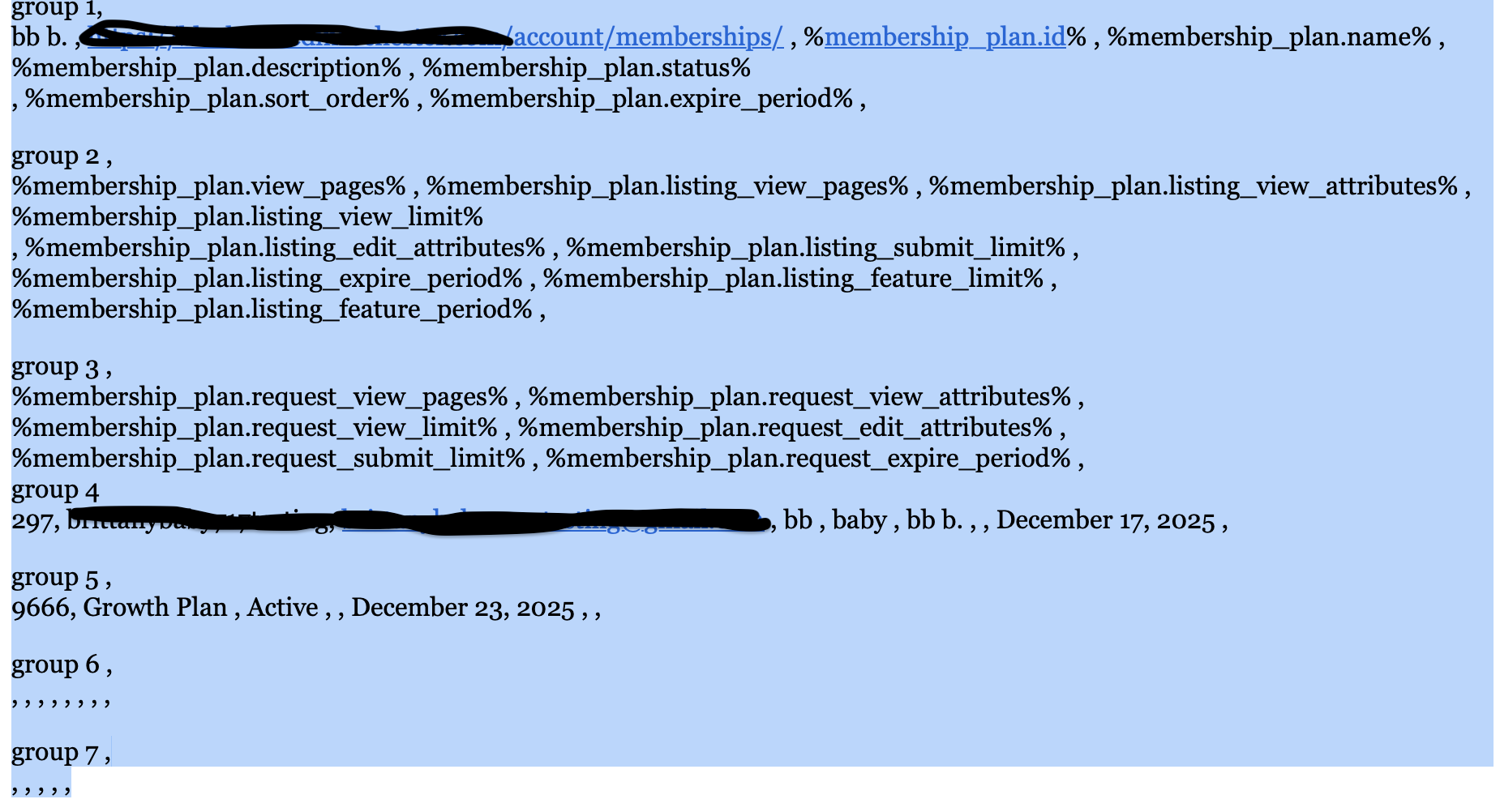
When used in the email they either show as text or don’t pull whats actually in the plan. This causes there to be empty spaces. I tested this numerous times and it doesn’t work.
Steps to reproduce
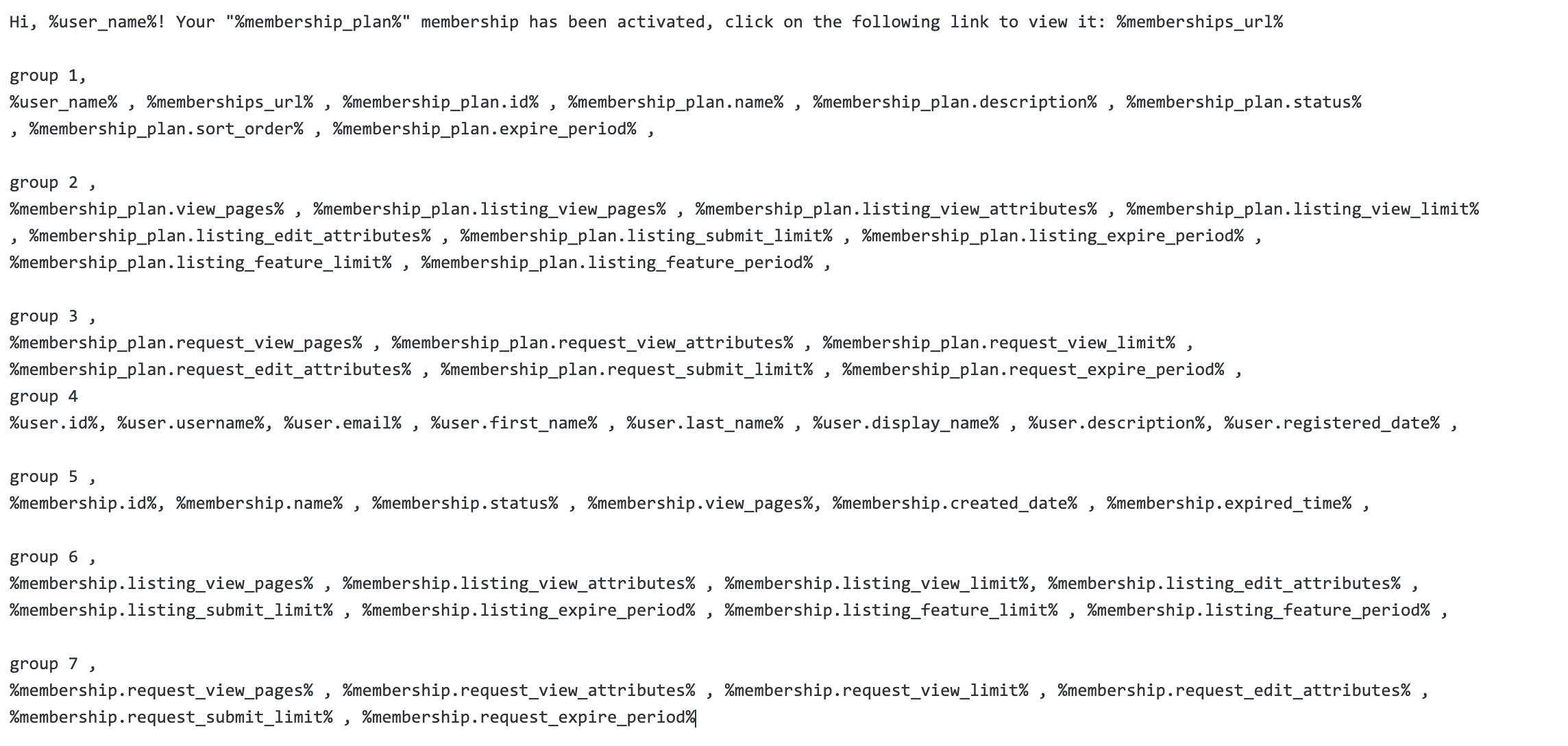
go to hivepress → emails → select membership activated → save then edit with tokens.
List the steps to reproduce the issue.
Actual result
The email either just shows the actual tokens or just spaces. however its also showing spaces for things that should be filled in.
Expected result
tokens in the email should work or be empty if the data isnt actually there.
Extra details
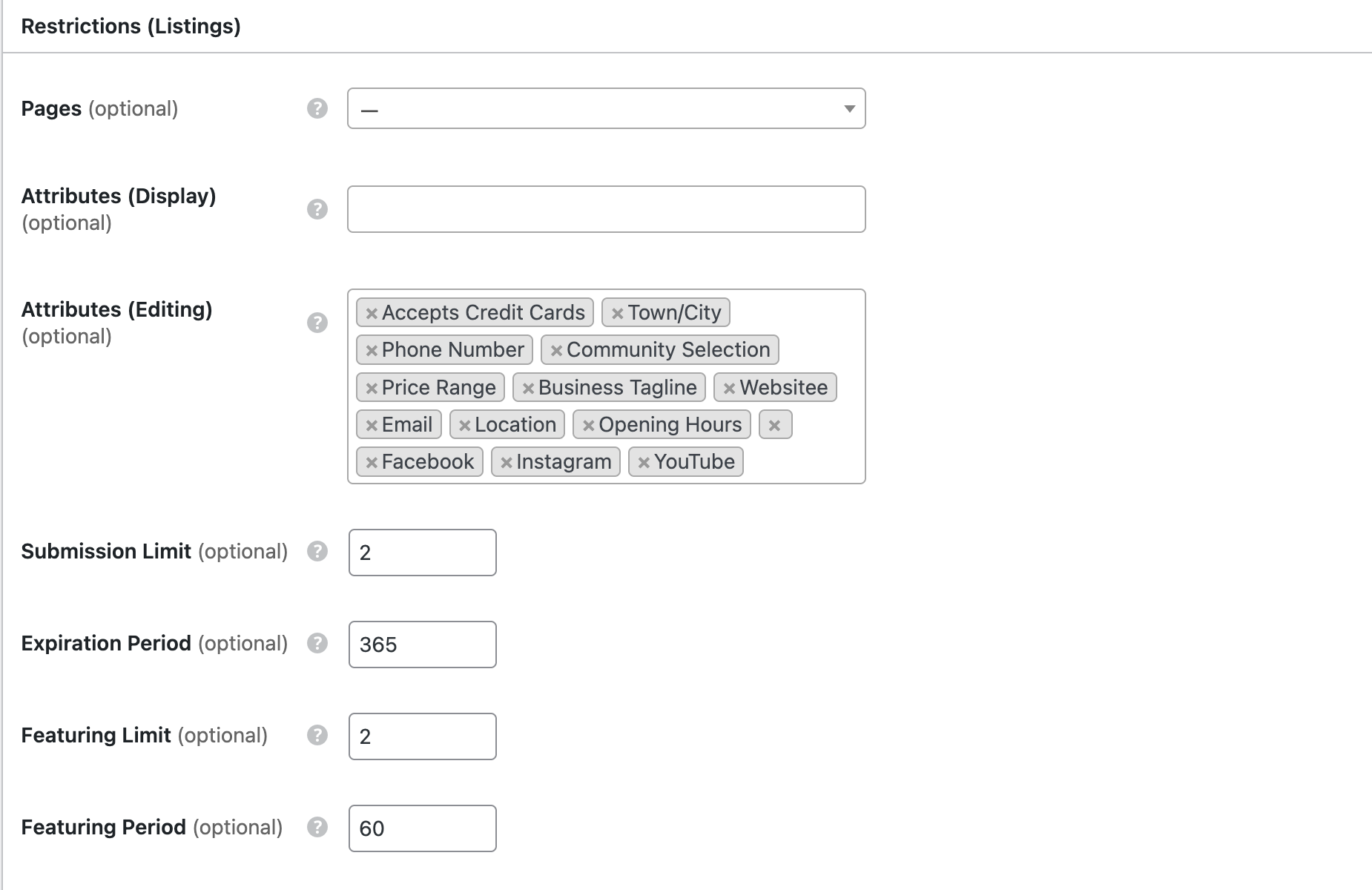
I’ve attached screenshots of the received email, the plan, and the email backend.
I’m sorry for the delay – this is a UI issue, so it was marked as low priority for now. There’s a token name conflict, so the email description lists token fields incorrectly – the %membership_plan% is a plain text token that just shows the plan name, it has no mentioned fields. If you need a separate plan token with fields, we’ll also add this token separately to the next Membership update. If it’s urgent, please try this temporary fix (it will work even after the update):
If you add this code snippet (for example, via the Code Snippets plugin), you can use the %plan% token using any of the fields currently listed as available for the %membership_plan% token. For example: %plan.id%, %plan.name%, %plan.description%.