Hi, I need help. When a user completes their listing, they must pay a fee through the plugin. I need to modify the page where payment plans are selected. I know the template can be modified, but it’s not enough. Could I modify the link so the user is redirected to a page where I already have a custom plan design?
Hi,
Could you please clarify what you mean by “not enough”? The template editor is the same as the standard WordPress page editor.
Are you trying to customize the design or layout of the membership plans? If so, you can create a custom landing page using the WordPress page editor and then assign it in HivePress > Settings > Memberships under the “Plans Page” option.
Sure, I understand it can be edited with the WordPress editor. But I’m interested in knowing if I can add a fully customized template created in Elementor.
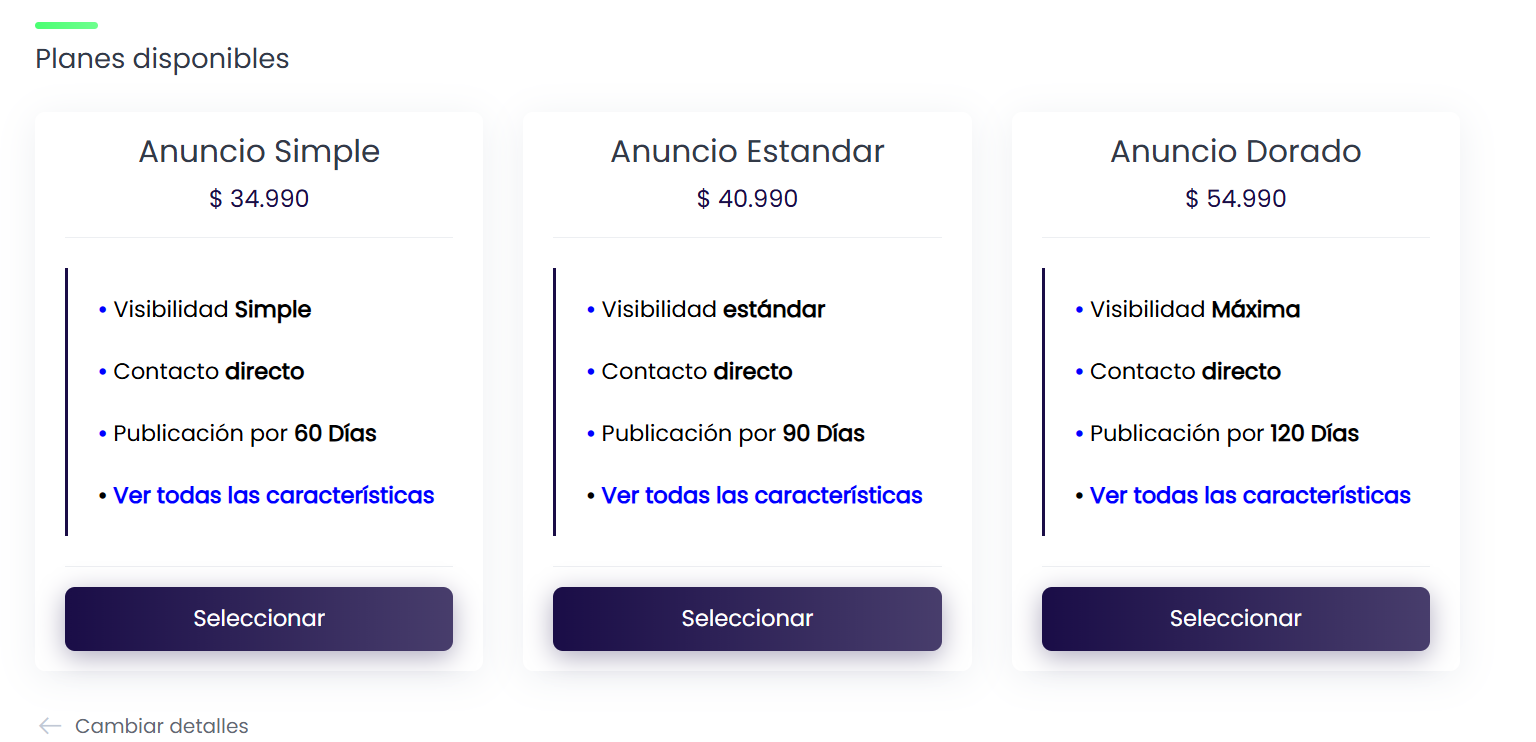
We don’t offer full integration with Elementor. Could you please clarify what exactly you’d like to customize on the screen? We’ll be glad to guide you.
As was mentioned earlier, you can add custom content above or below the plans by creating a page in WordPress > Pages and then selecting it in HivePress > Settings > Memberships as the plans page. You can also edit the content within individual plans by adjusting them directly in the Memberships plans.
This topic was automatically closed 30 days after the last reply. New replies are no longer allowed.