Hi.
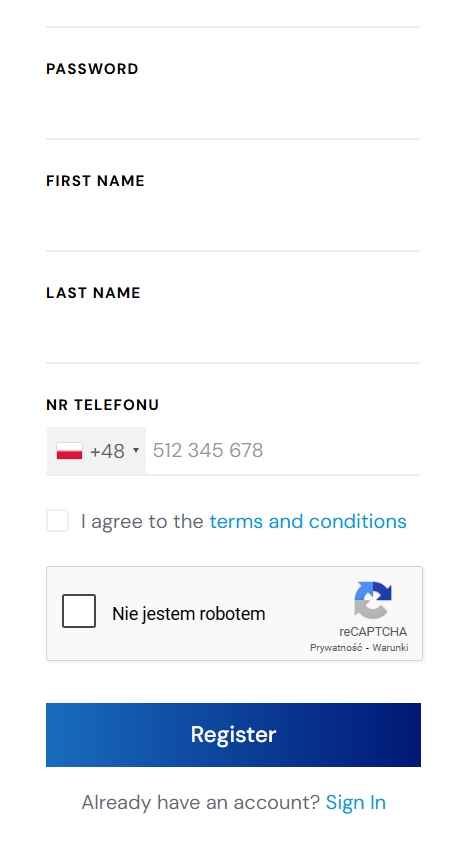
I,m using JobHive and I have many required attributes in my user registration form.
In the HivePress / Settings / Users section, I have the “Require email confirmation” option checked.
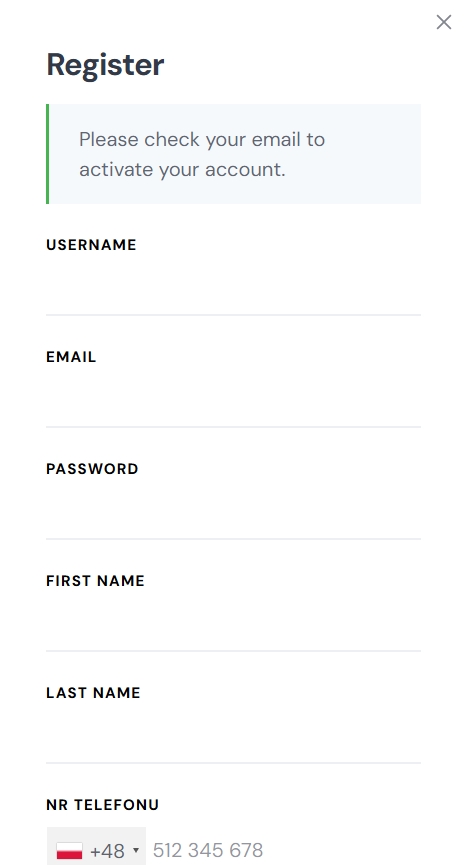
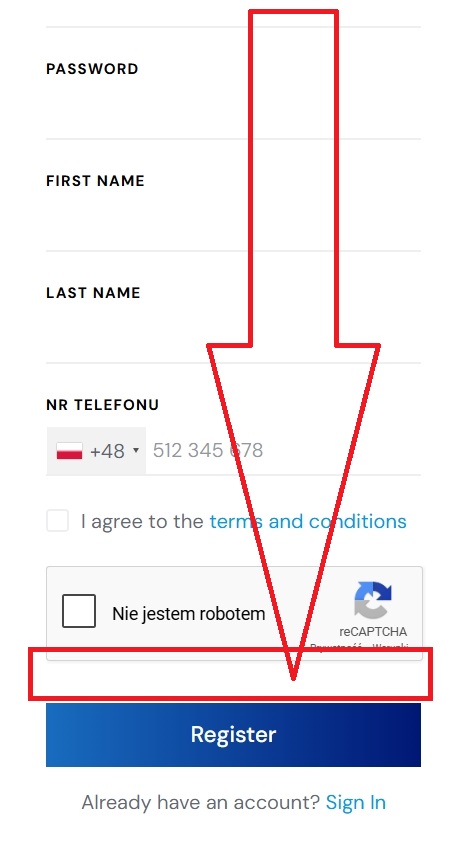
After registration, the user must confirm their email address, but they don’t see the “Please check your email to activate your account” message, as shown below:
There is no simple solution for changing the place of the notification, but a possible workaround can be to use the registration page instead of the modal. You can use this code snippet and change the trigger from #user_login_modal to #user_register_modal. You can also create a custom page in WordPress > Pages and add the User Registration Form block there. This will solve the issue since, when the form is placed inside a regular page, it automatically scrolls to the top if there’s an error or a success message.