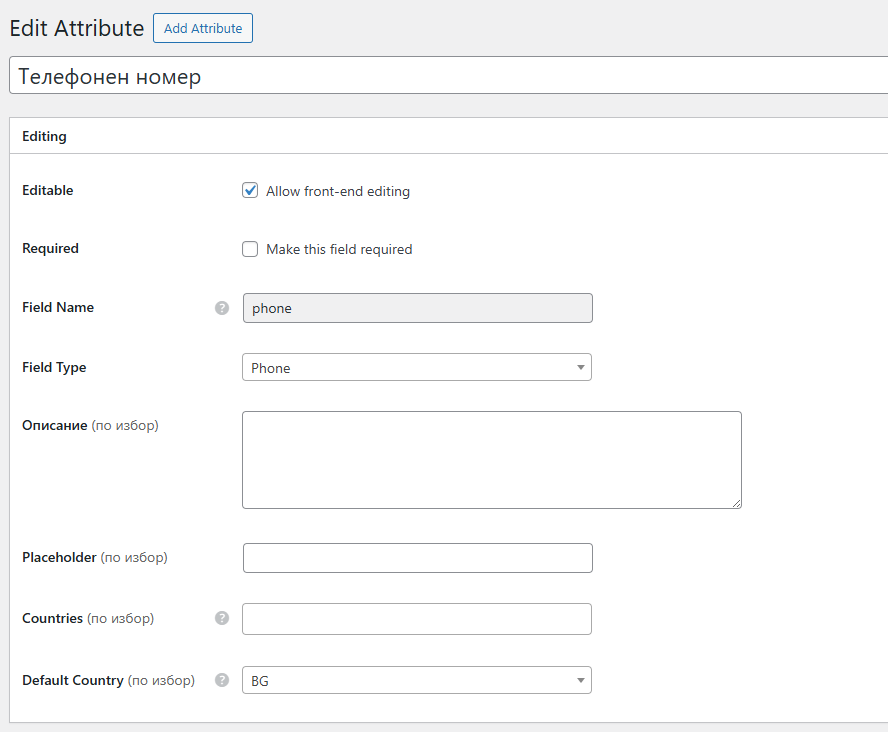
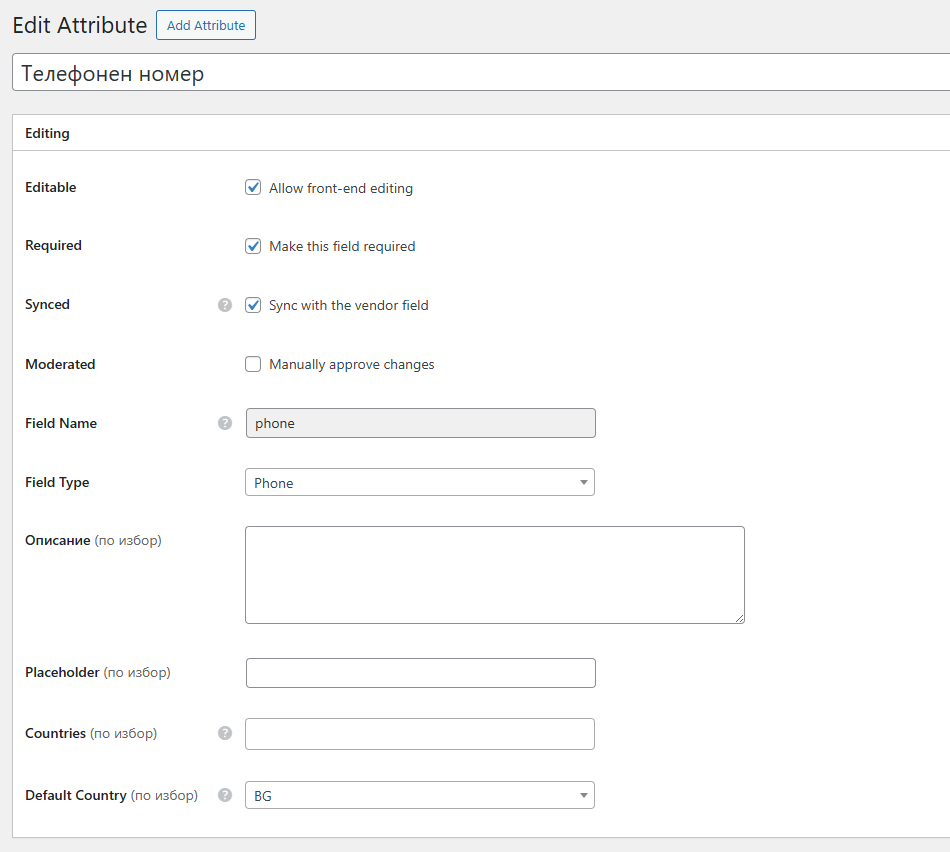
I have a phone number attribute in my listings, and I enabled the option “Sync with the vendor field”, so it should automatically use the phone number from the vendor profile.
However, when I publish a new listing, the phone number does not appear pre-filled in the listing and I have to enter it manually. Additionally, if I enter a new phone number in the listing, it does not sync back to the vendor profile.
I have confirmed that the vendor has a phone number set in their profile.
Thanks for reporting the issue. Please let me know if any of these attributes are category-specific, there’s a known bug with category-specific attributes. Also, please note that there’s no reverse syncing, this option syncs values from the vendor profile to listings, it was added for fields like Email, Location, Phone (for example) where vendors can update these for all of their listings by updating their profile once.
Thanks, the bug is confirmed, it occurs when the category is selected because after the form is refreshed, the phone field is not re-initialized properly and cleared. We’ll fix this in the next HivePress update, if it’s urgent I can provide some guidance on where the phone field is initialized if you’re familiar with coding – let me know.
Thanks for sharing the issue. The bug is confirmed, and we will try to release the fix in future updates. If it’s urgent and if you’re familiar with coding, we can provide general guidance on how to fix it.