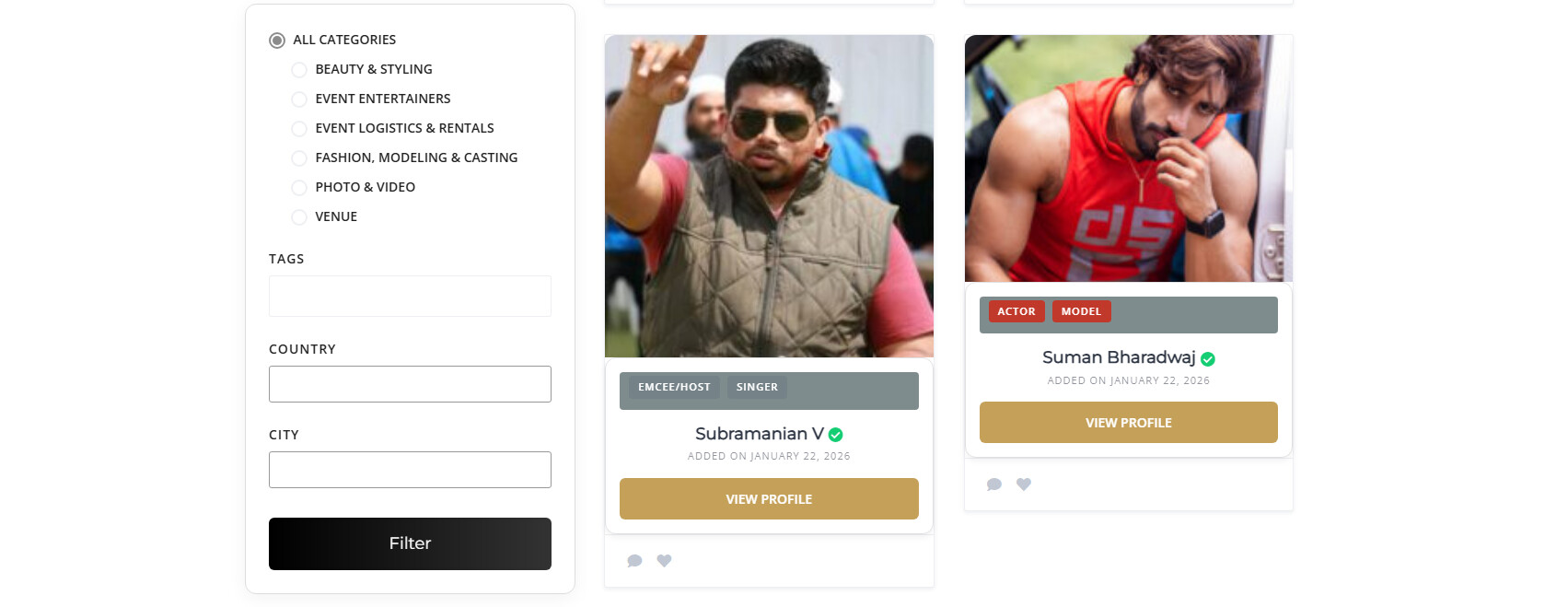
Listing with 1 image are shown as portraits and multiple images are cropped and made horizontal on view pages?
Hi,
The image size that gets displayed depends on the original image dimensions. If the image width is smaller than the “Landscape Large” size set in Settings > Media, WordPress will use the original image without resizing it.
Please also make sure there are no customizations affecting this behavior. Both the single listing image and the image slider use the same image size, which you can adjust in Settings > Media (look for “Landscape Small”).
Hope this helps.
This did not help. my photos are portraits but when i put multiple portraits is becomes a horizonatal slideshow
Could you please provide two example image URLs that we can test? Along with each, it would be very helpful if you could describe:
- Expected result: how the image should appear (e.g., portrait orientation fully visible).
- Actual result: how it is currently displaying (e.g., cropped to landscape).
It would also be useful if you could include a screenshot of your media settings. This way, we’ll be able to debug the issue properly and understand exactly where the settings or behavior might be causing the unexpected result. Without this, it’s hard for us to pinpoint what’s going wrong.
This topic was automatically closed 30 days after the last reply. New replies are no longer allowed.