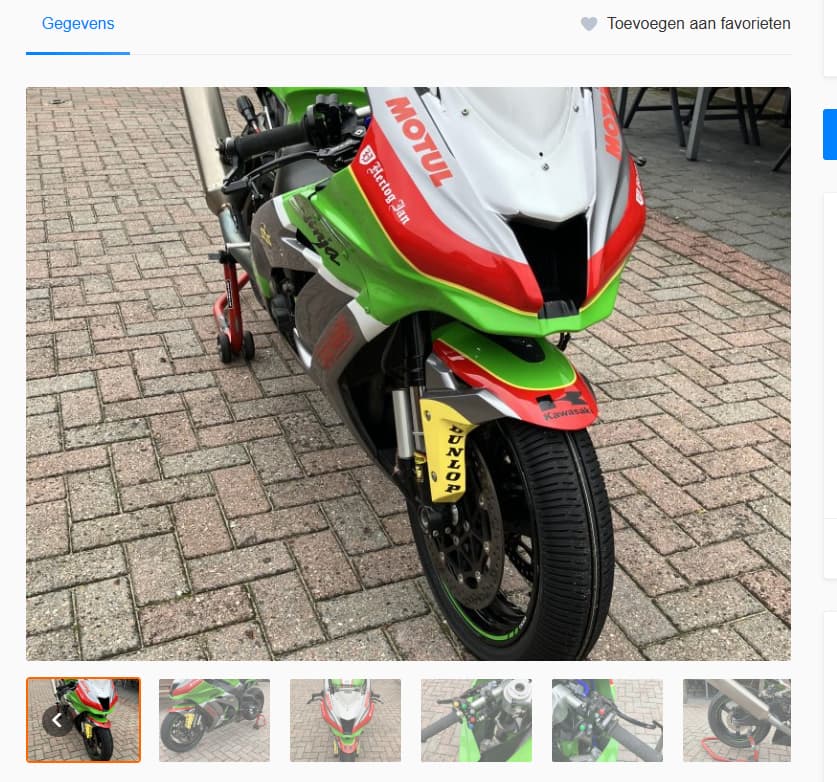
Hi, I have tried several approaches to rescale the images in the listings so they will fit better the images box. Now they are sometimes zoomed in and also profile pictures are too large to fit into the circle.
Has anyone succeeded by css or code to change the behaviour?
Image resizing and cropping are handled at the WordPress level. If you haven’t made any changes in the media settings, the default listing image size is 800x600. When you upload a portrait image (e.g., 800x1000), it will be cropped from the top and bottom to fit the 600px height. If the image is wider than the specified size, WordPress first resizes the width, adjusts the height proportionally, and then crops accordingly. The same principles apply to vendor images, which have a default size of 400x400. If the sides appear cropped, this means the uploaded image was in landscape orientation, it was resized to a height of 400px, and then the sides were cropped to create a square.
You can adjust these settings by going to WP > Settings > Media and then upload test images to see how your changes apply. Please note that you’ll need to re-upload existing images for the new settings to take effect.