I am working on Rental Hive. Now, I want to set up payout by Stripe Connect.
What I have done : follow the instruction, create my Stipe Connect Account, set up the Api, and allow people to request payout by Stripe.
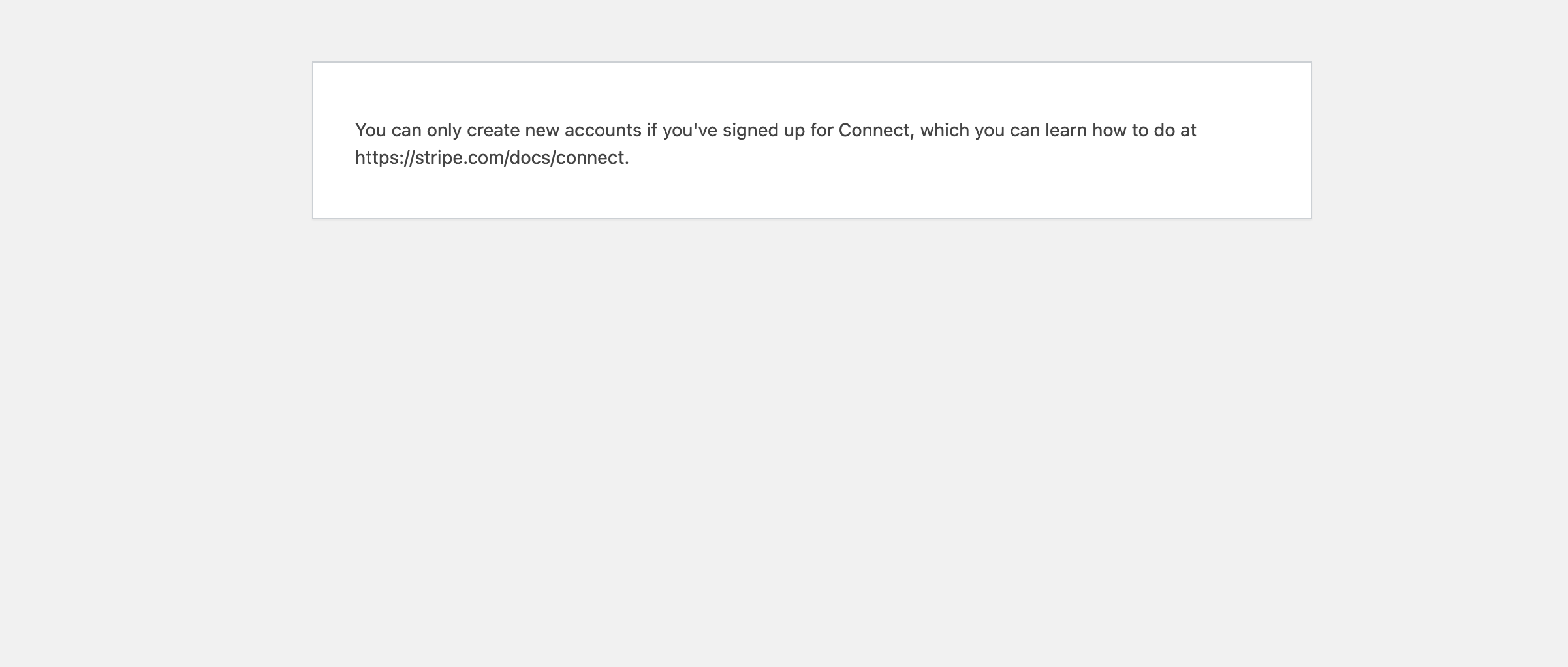
When a host click on “add a list” it redirect to a page to fill out information, at the end, there is the button that should redirect to adding informations for Stripe, but here is what happened :
Vendors have to create Stripe Express accounts and provide their account details in their dashboards (via theSet Up Stripe Payoutslink) . Once this setup is complete, all earnings from completed orders will be automatically processed. Please check this doc in more detail How to enable automated payouts - HivePress Help Center
Hello Thank for your answer,
Indeed this is impossible to vendors to set up their account as every time I click on the button “set up stripe payout” it redirects to this page
Please try switching to the Test Mode and make sure that the Stripe Connect is set up correctly, I found a few topics by the error message:
Please don’t forget to change the Stripe secret key in HivePress/Settings/Integrations after switching to Test Mode because the test and the live keys differ.