@kseniia — yep, that’s the exact rabbit hole I fell into 
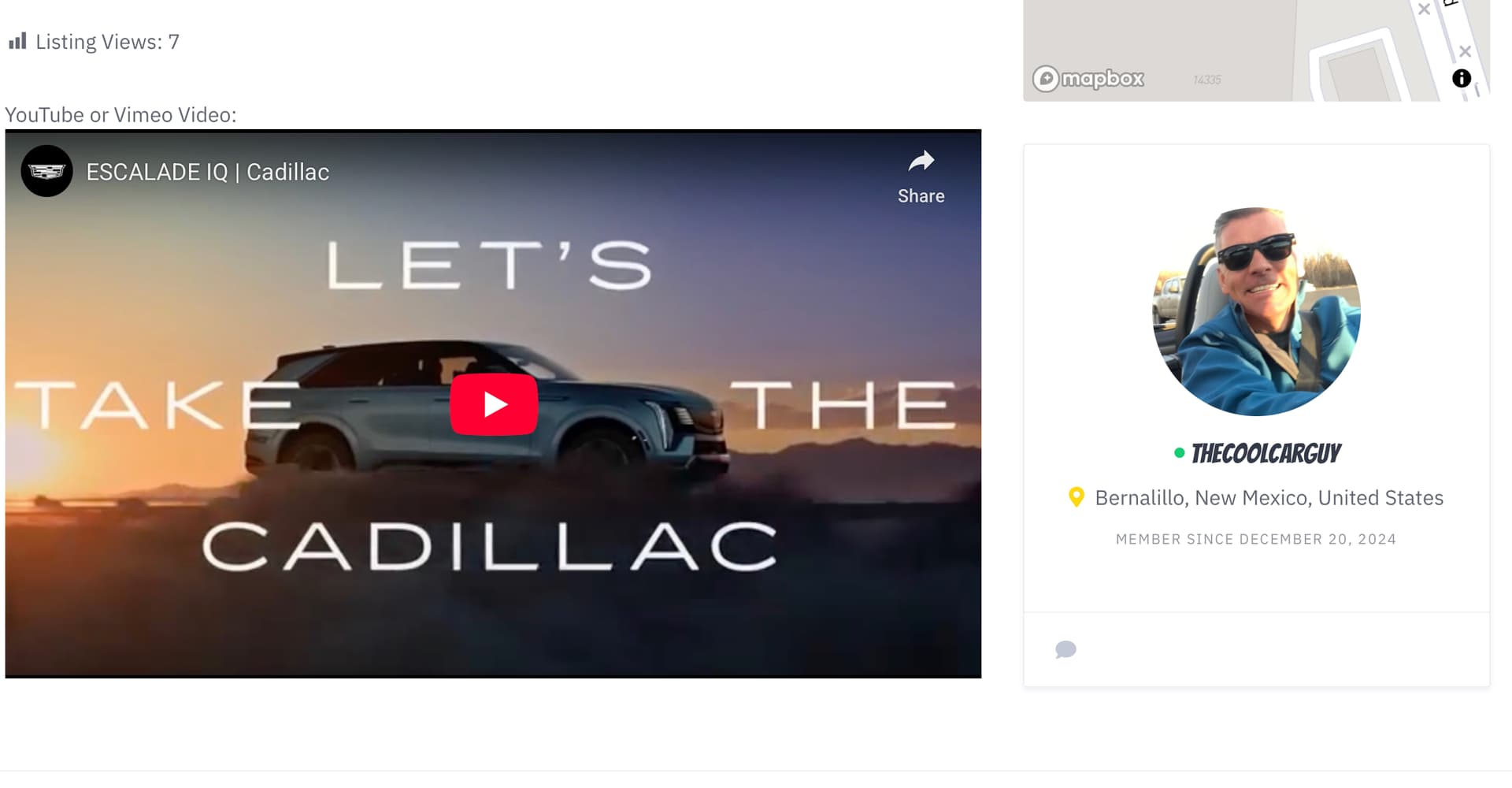
It sounds simple to drop a link into the Description field and let WordPress handle the embed, but once you introduce TinyMCE via a Code Snippet, things get messy fast. The embed tool inside TinyMCE doesn’t render responsively on mobile, and the Description field itself won’t resize properly unless you leave it as a plain text box — which defeats the purpose of adding formatting options for users.
Here’s the snippet I’ve been using to enable the WordPress toolbar:
add_filter( ‘hivepress/v1/models/listing/fields’, function( $fields ) {
if ( isset( $fields\[‘description’\] ) ) {
$fields\[‘description’\]\[‘html’\] = true;
$fields\[‘description’\]\[‘editor’\] = \[
‘teeny’         => true,
‘media_buttons’ => false,
‘quicktags’     => true,
‘wpautop’       => true,
\];
$fields\[‘description’\]\[‘sanitize’\] = ‘wp_kses_post’;
}
return $fields;
}, 1000 );
- Add it to the form
So it appears in the front-end submission form and gets saved:
add_action( ‘wp_enqueue_scripts’, function () {
wp_enqueue_script( ‘jquery’ );
$js = <<<JS
(function($){
function syncEditors(){
if ( typeof tinyMCE !== ‘undefined’ && tinyMCE ) {
if (typeof tinyMCE.triggerSave === ‘function’) {
tinyMCE.triggerSave();
} else if (window.wp && wp.editor && typeof wp.editor.updateTextArea === ‘function’) {
wp.editor.updateTextArea();
}
}
}
$(document).on(‘submit’, ‘.hp-form form’, function(){ syncEditors(); });
$(document).on(‘click’, ‘.hp-form button\[type=“submit”\], .hp-form input\[type=“submit”\]’, function(){ syncEditors(); });
})(jQuery);
JS;
wp_add_inline_script( ‘jquery’, $js, ‘after’ );
});
So yeah — if you’re using TinyMCE, embedding a video via the Description field looks like it should work, but it won’t behave on mobile without extra CSS or JS. Definitely not plug-and-play.
Appreciate the extra tip about the embedded attribute type though — I was able to get it working with the TextArea and %video% without issue. Now I’m onto the next challenge: supporting longer descriptions. Ideally, I want listings to look like this one: The EV Revolution That’s Still Stuck in Traffic.
One thing to note: the Description field isn’t a HivePress attribute — it’s part of the theme’s core listing model, so you can’t customize it like other fields in the admin panel. If you add a custom TextArea attribute, HivePress gives you the option to “Allow for HTML editing,” but that checkbox doesn’t exist for the Description field. That’s why I had to use a Code Snippet to enable TinyMCE and allow users to format their descriptions.
On one of my other sites (haven’t tested them all yet, but it seems consistent), if the character count goes beyond a certain threshold — still trying to nail down the exact number — hitting Submit creates a “phantom draft.” The listing vanishes from the backend, photos get uploaded, but the post itself disappears into limbo. I suspect it’s tied to the TinyMCE integration and how the Description field is parsed.
Right now, I’m working on a character counter and warning system to prevent users from falling into that endless loop of failed submissions. I think it’s related to the difference between the “text field” and “text area” types, but I haven’t confirmed that yet. All I know is: once you cross about ~4,000 characters, things start breaking. MySQL’s TEXT field can technically handle up to 65,535 characters, but something in the stack isn’t playing nice. Still digging.