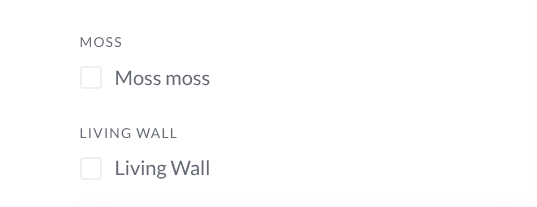
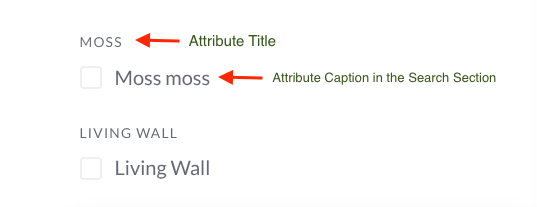
These are vendor attributes - I will have a list of 20+ to filter by. What can I do so that it does not say the word twice for each check-box? The ‘moss moss’ was me trying to figure out which back-end field this was. Is the upper word that is UPPER CASE the attribute title? Obviously I need this?
Hi,
If you need another name for the checkbox itself, please use the caption field.
You could also consider grouping them into a single attribute. If you have around 20 checkboxes, you can use one checkboxes-type attribute and create multiple options within it so everything stays organized in one place.
Please let me know if you need further assistance.
Great - thank you so much, I assumed checkboxes would be a solution but couldn’t figure out how to set them up at first. Now I see the ‘options’ addition screen. Thank you for the quick reply!!
1 Like
Is there a way to re-order how the attributes show up in the filter block?
Yes, you can set the order for each attribute in the order field on the right sidebar [please see the screenshot]. You can also define the order of the attribute options in the option itself.
Hope this helps.